

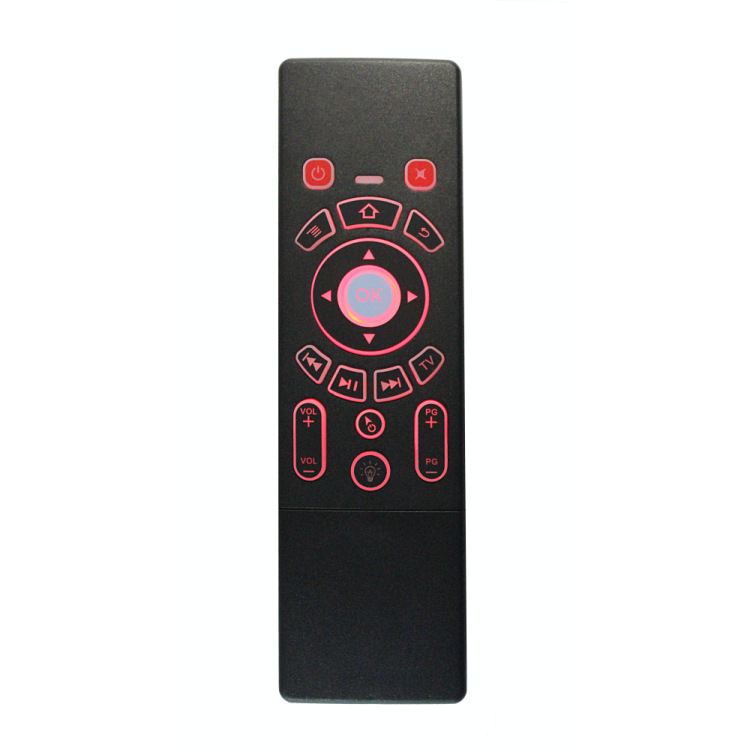
Hot sale Factory Remote Control Key Fob - T6C – Doty
Hot sale Factory Remote Control Key Fob - T6C – Doty Detail:
Instructions:
1. Pairing
1) Turn on the remote control, press the TV button and the OK button at the same time, the blue LED light will flash very fast, which means the remote control enters the pairing mode.
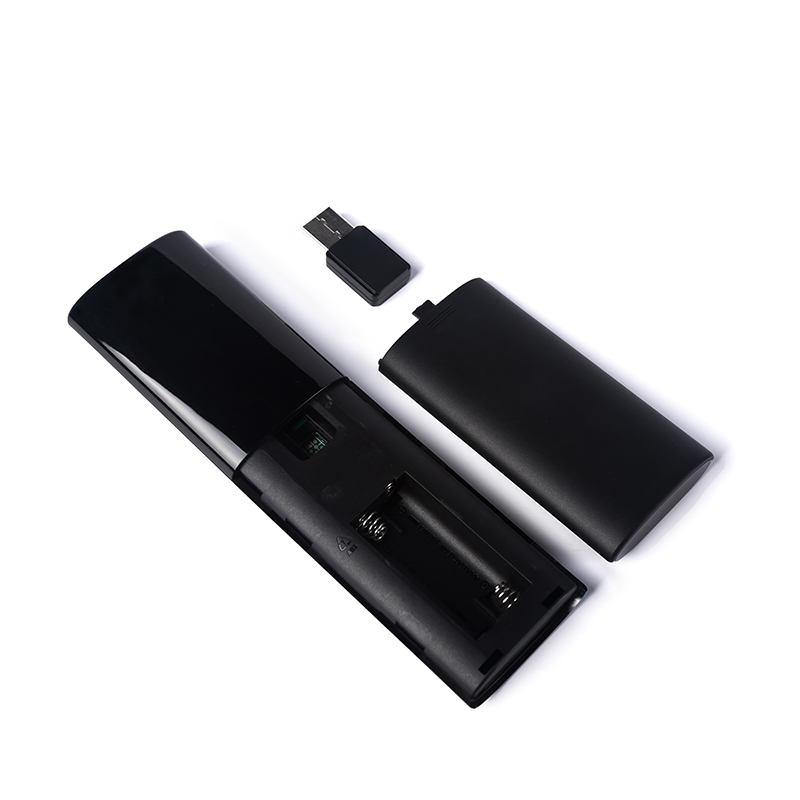
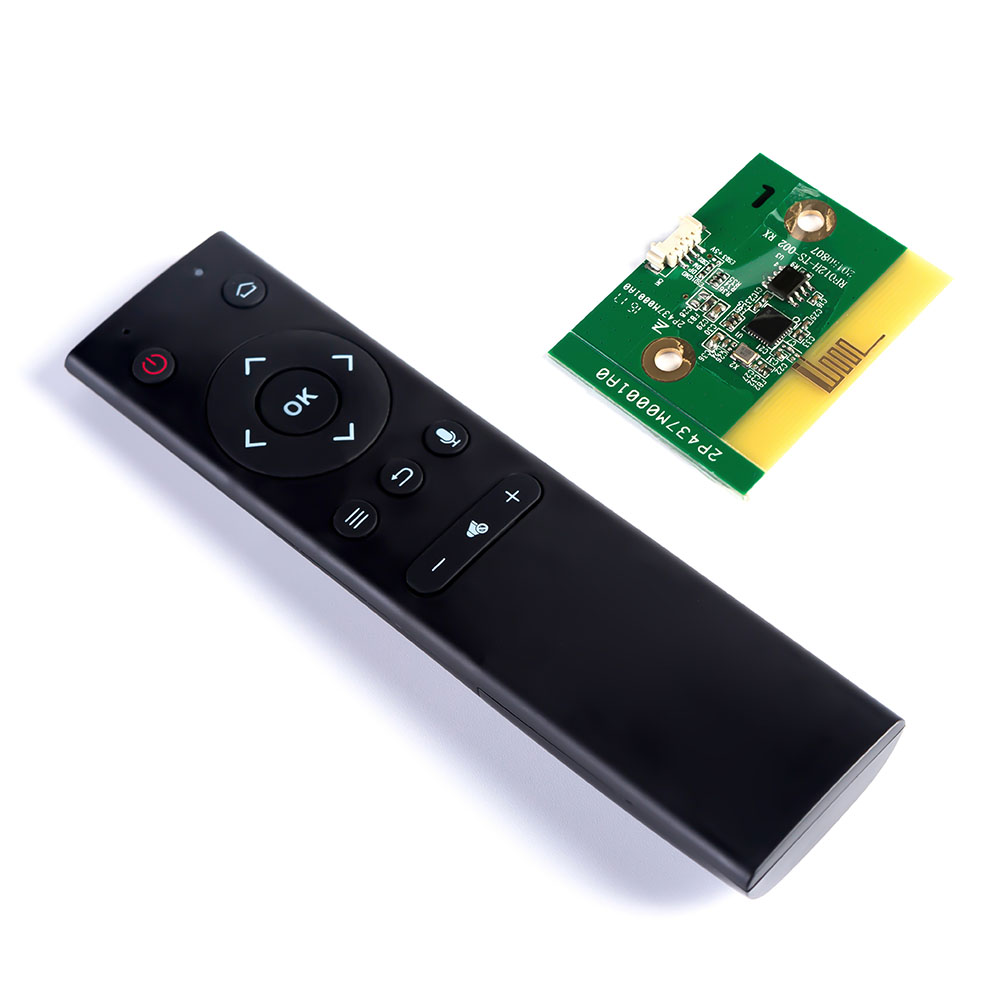
2) Plug the USB receiver into other devices (smart TV, TV box, MINI PC, etc.) and wait for about 3 seconds. The blue LED light will stop flashing, which means the pairing is successful.
2. Function keys
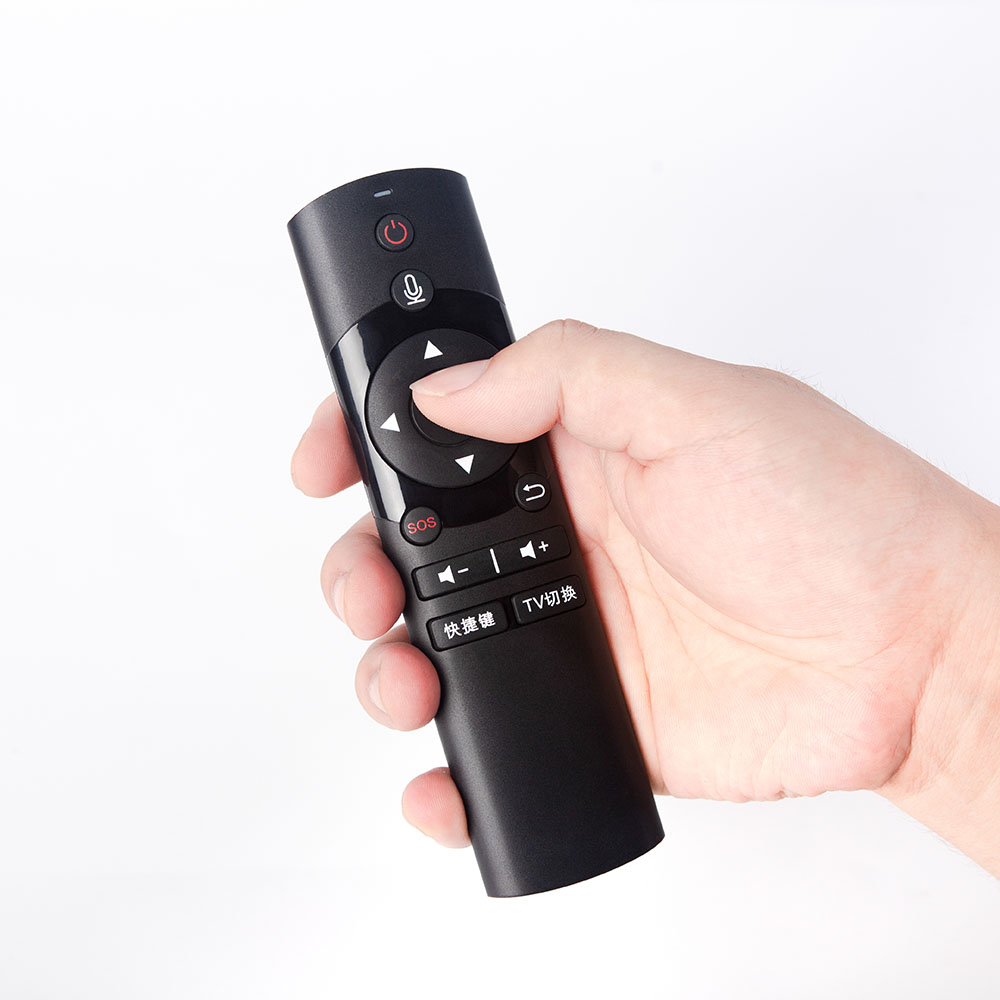
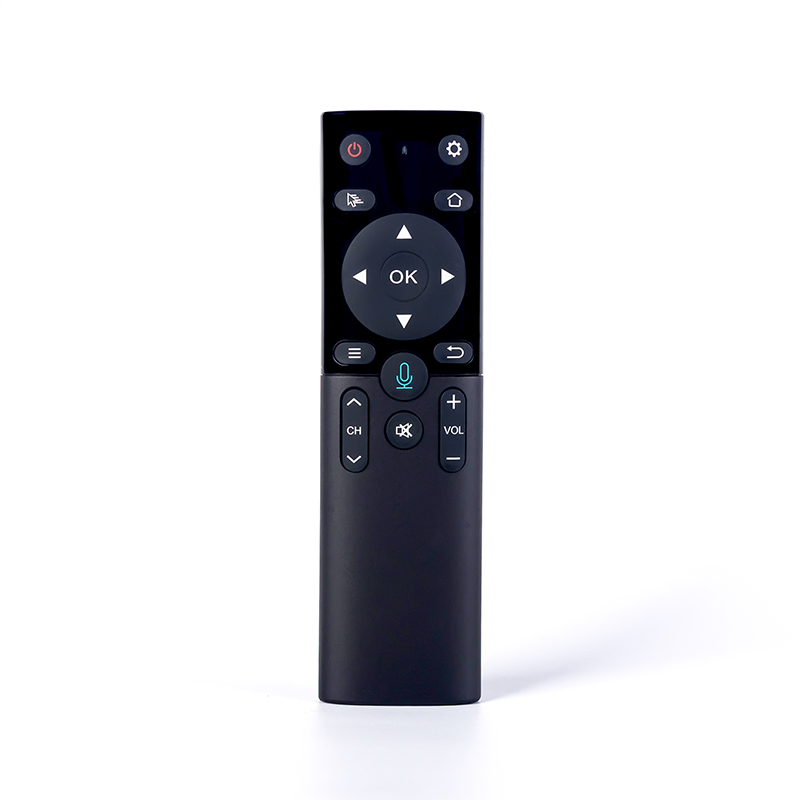
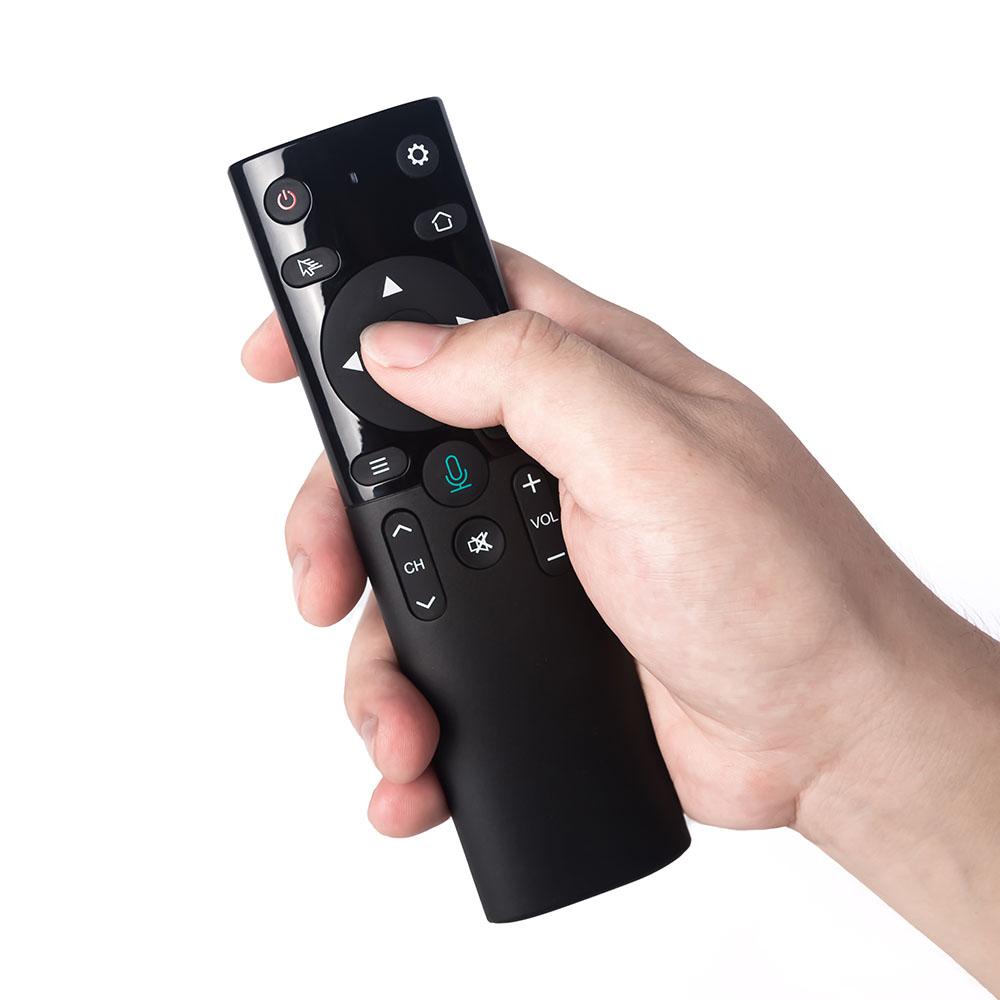
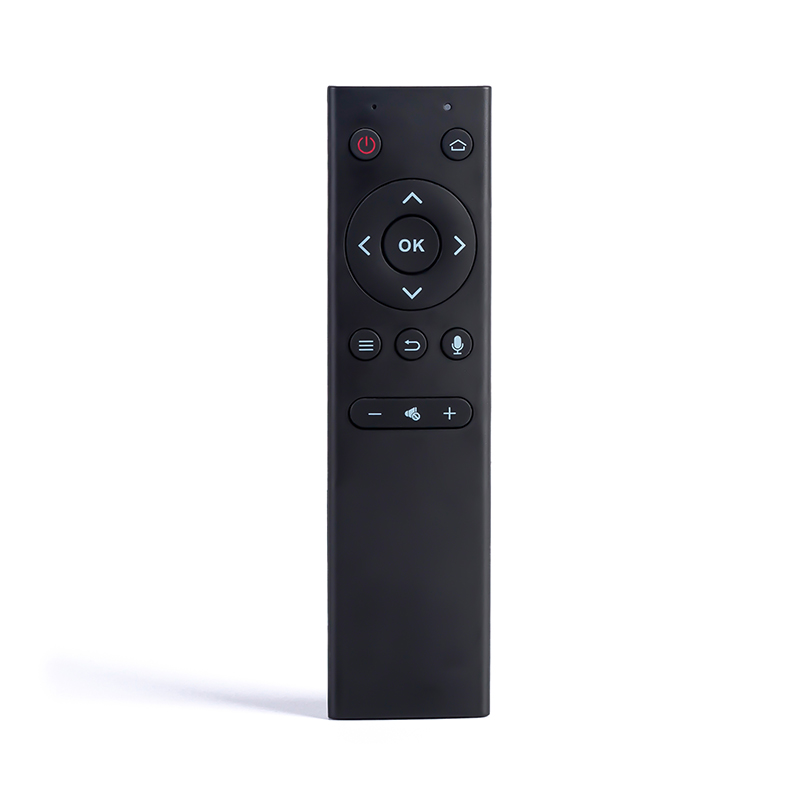
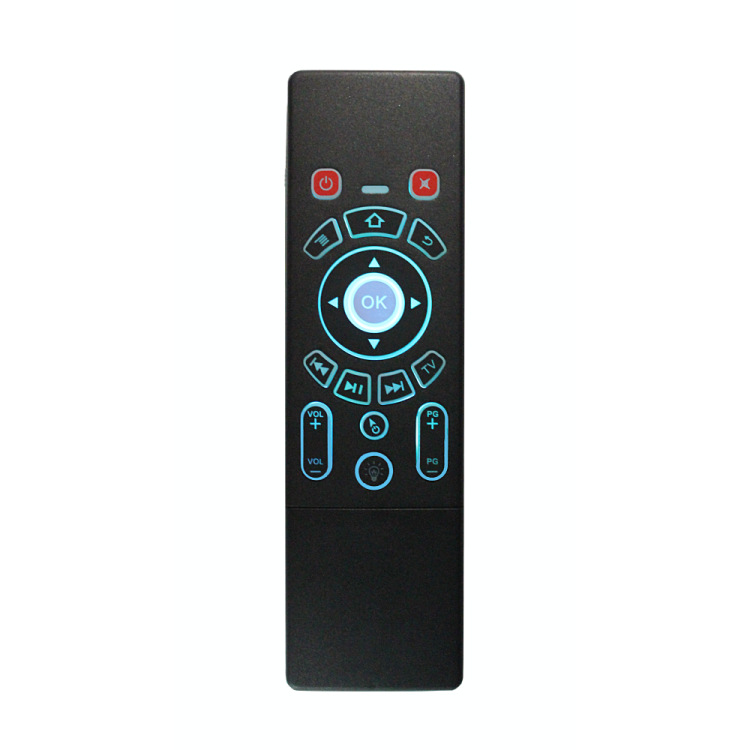
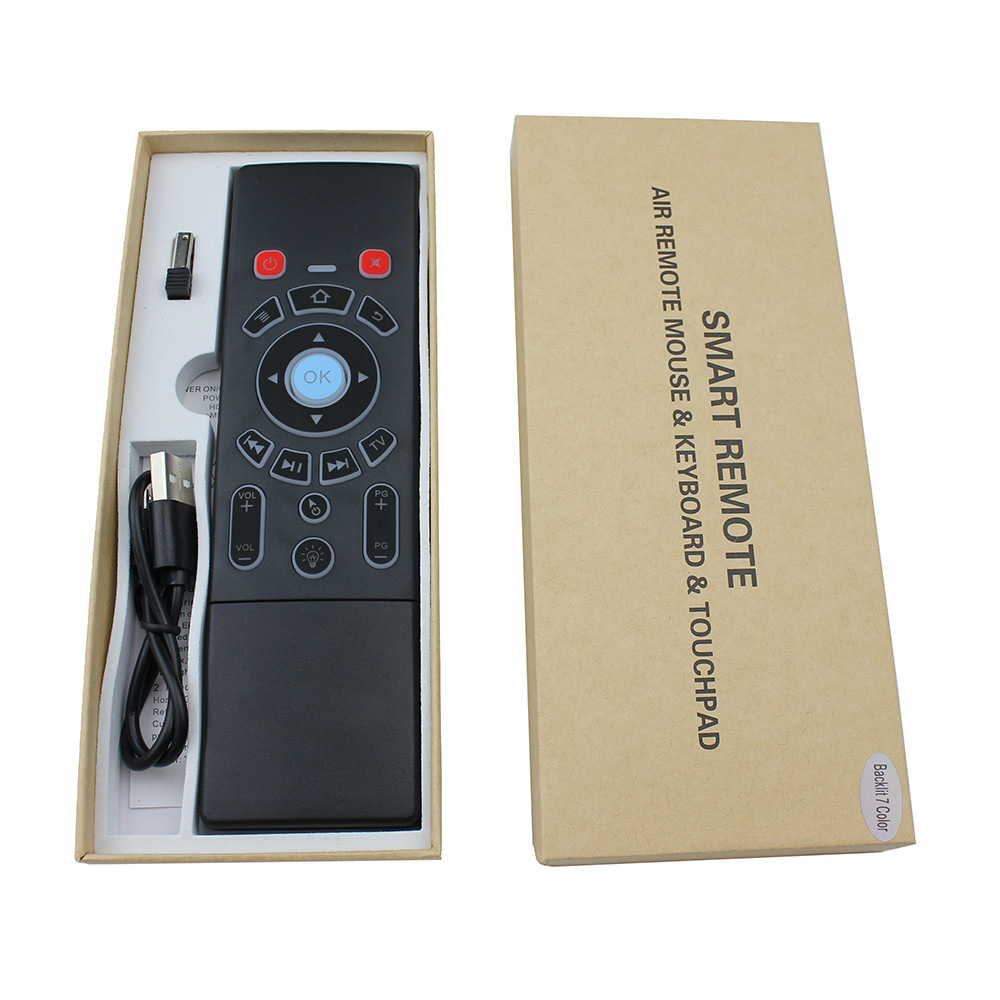
Homepage: return to the main menu;
Back: return to the previous screen;
Cursor lock: short press to lock the wireless mouse, another press to unlock
Browser: Open the browser
Power: Turn off the android TV box (use the learning function)
Working status:
1. After connecting the USB receiver, the LED light will light up when any button is pressed, and go out after release
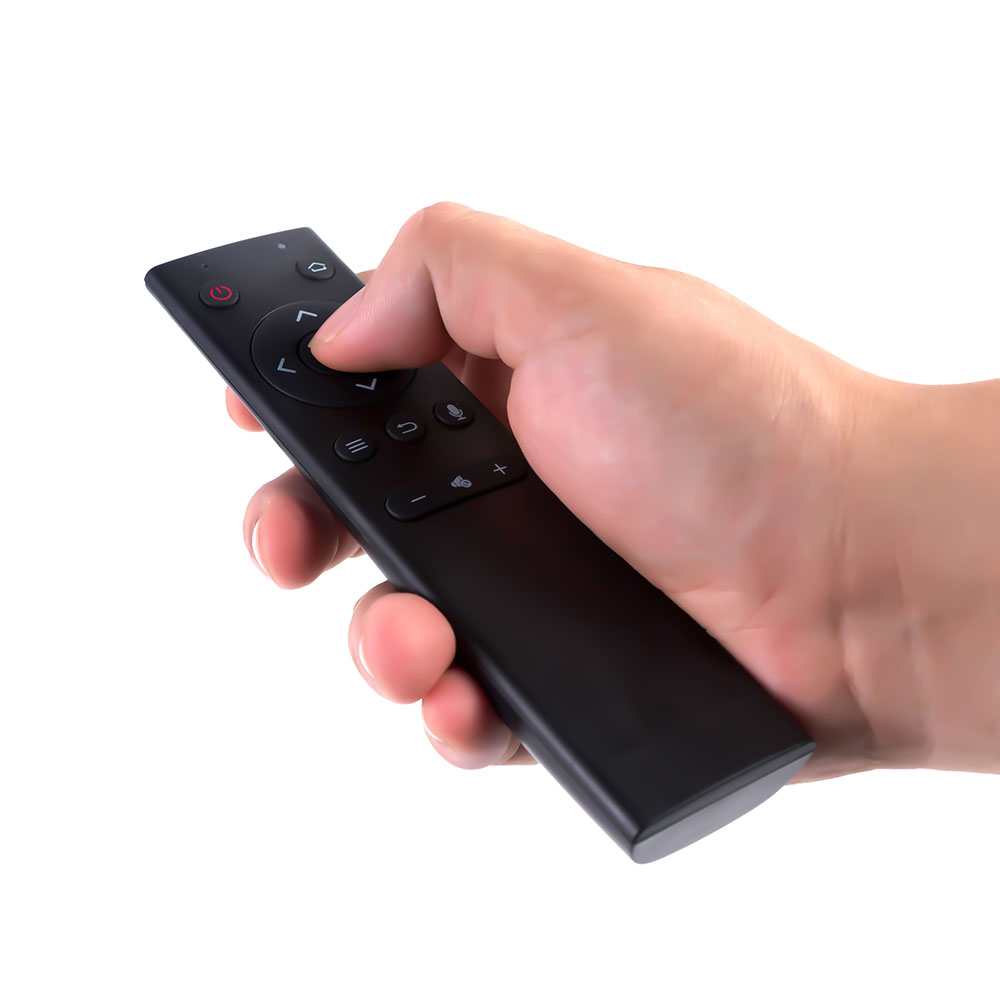
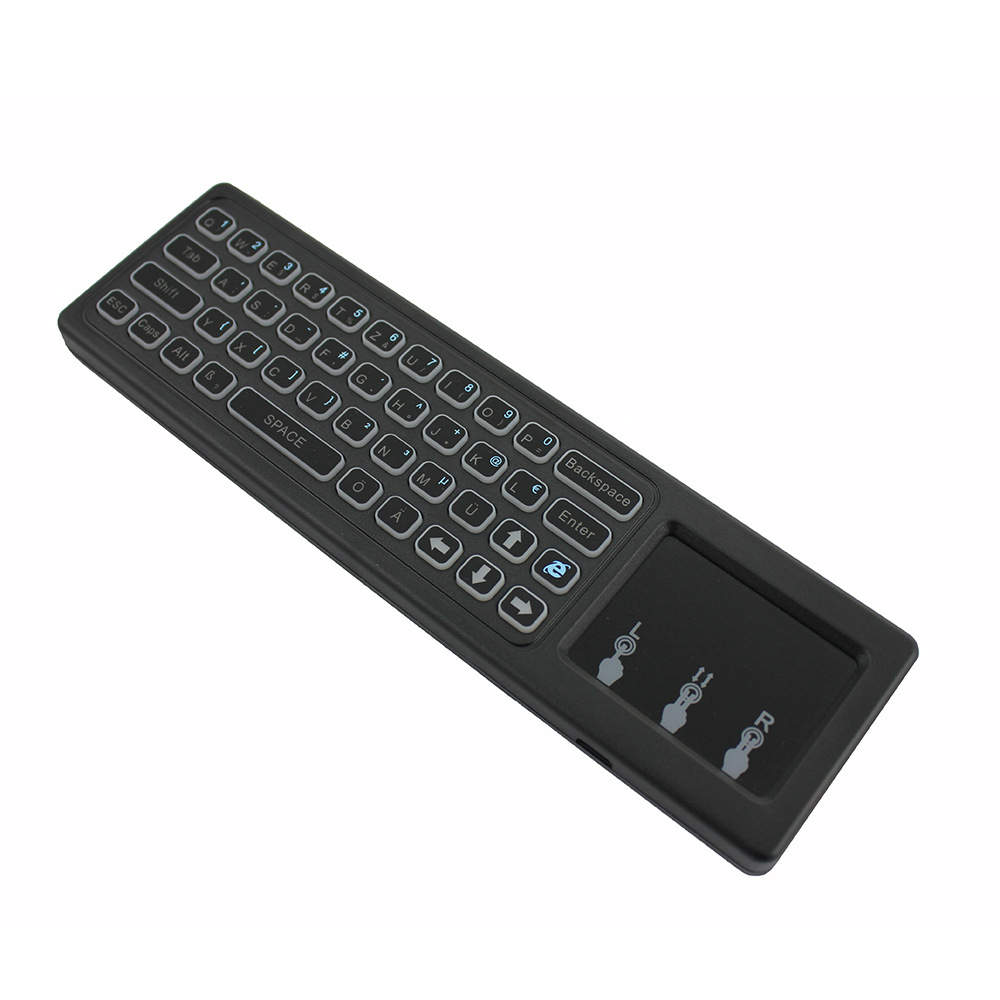
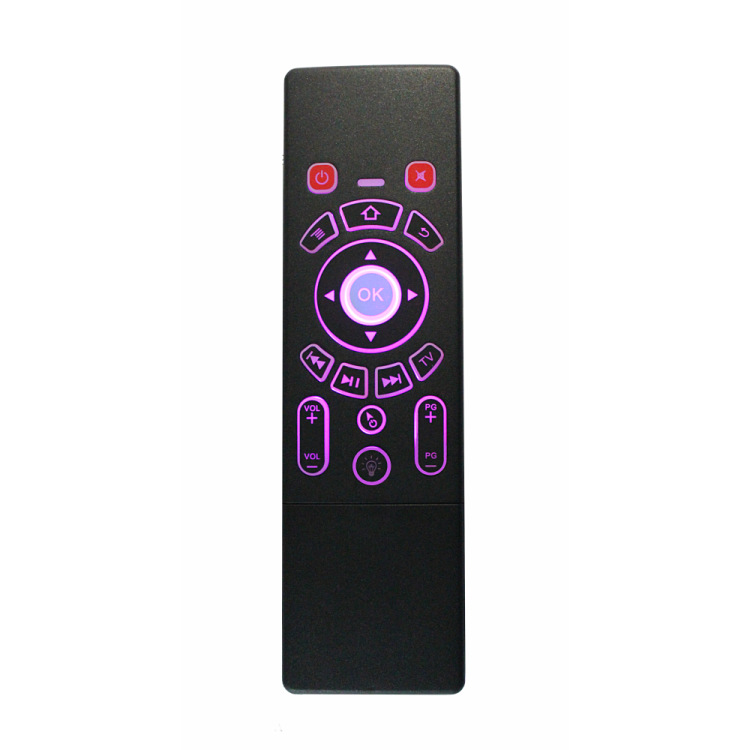
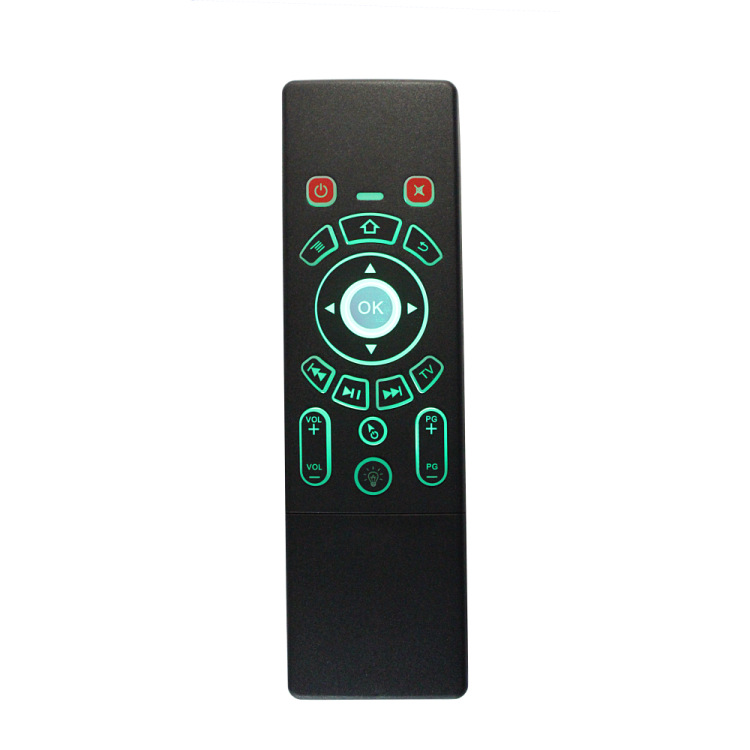
2. The front is Air Mouse mode, and the back is keyboard and touch panel.
3. Infrared learning (only the power button has the learning function)
1) Press and hold TV and keep the unit’s red LED light flashing quickly. The red light is on for 1 second and then flashes slowly.
2) Point the infrared remote control at the smart remote control, and then press the power button (or any other button). The red light is on.
3) Press the power button on the smart remote control, the red LED light flashes slowly. Learning is successful.
4) Press TV to exit the infrared learning mode.
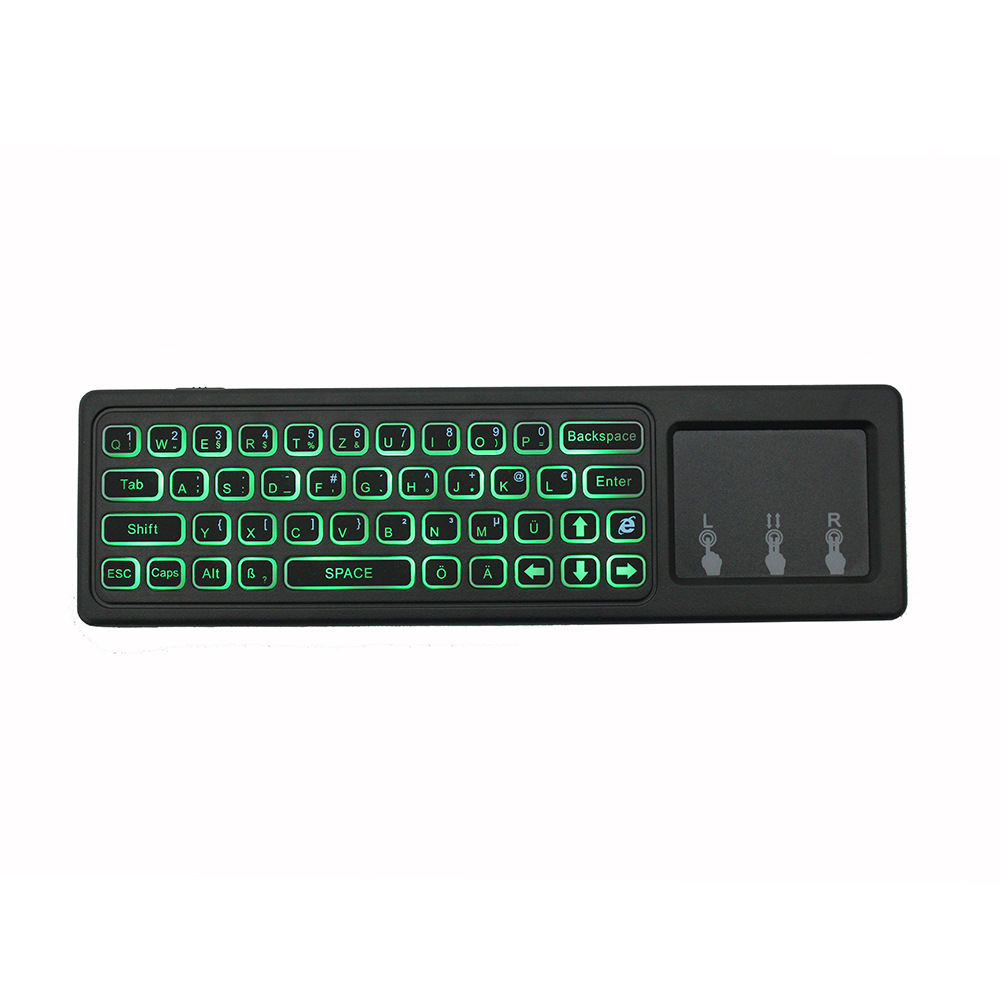
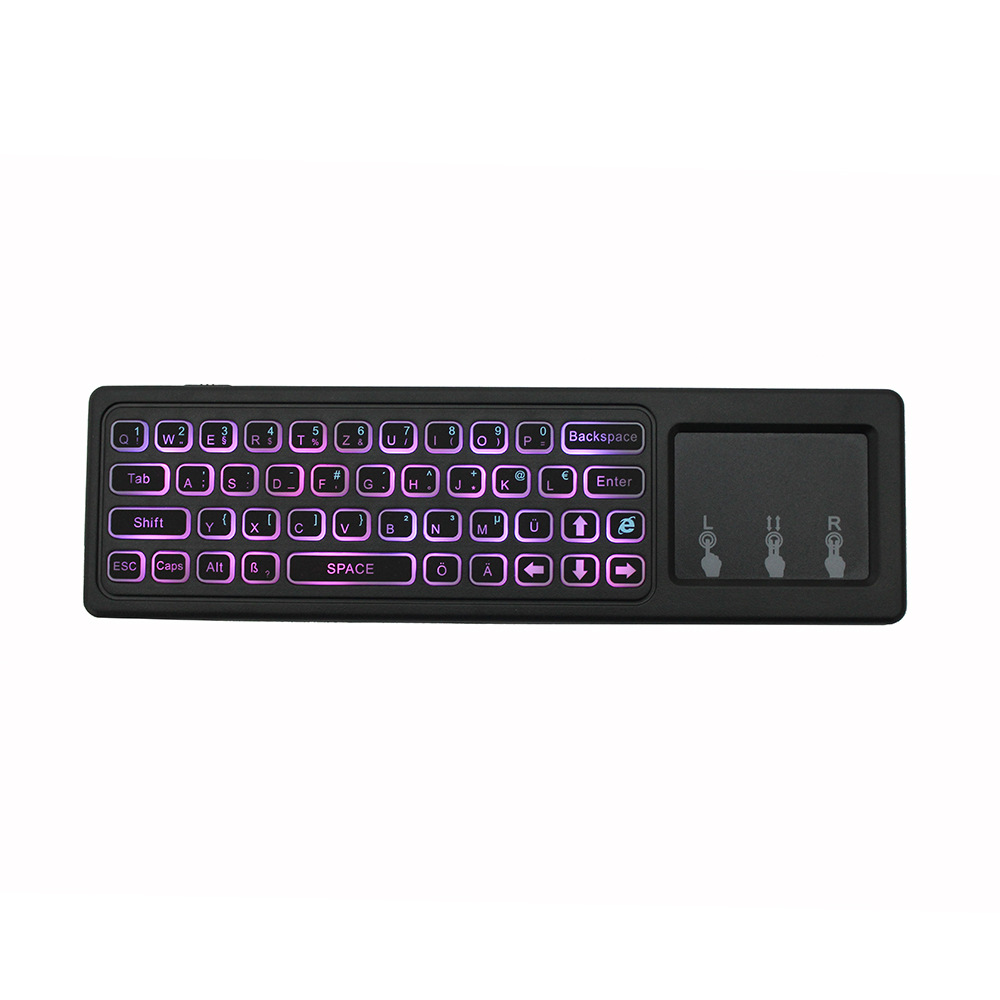
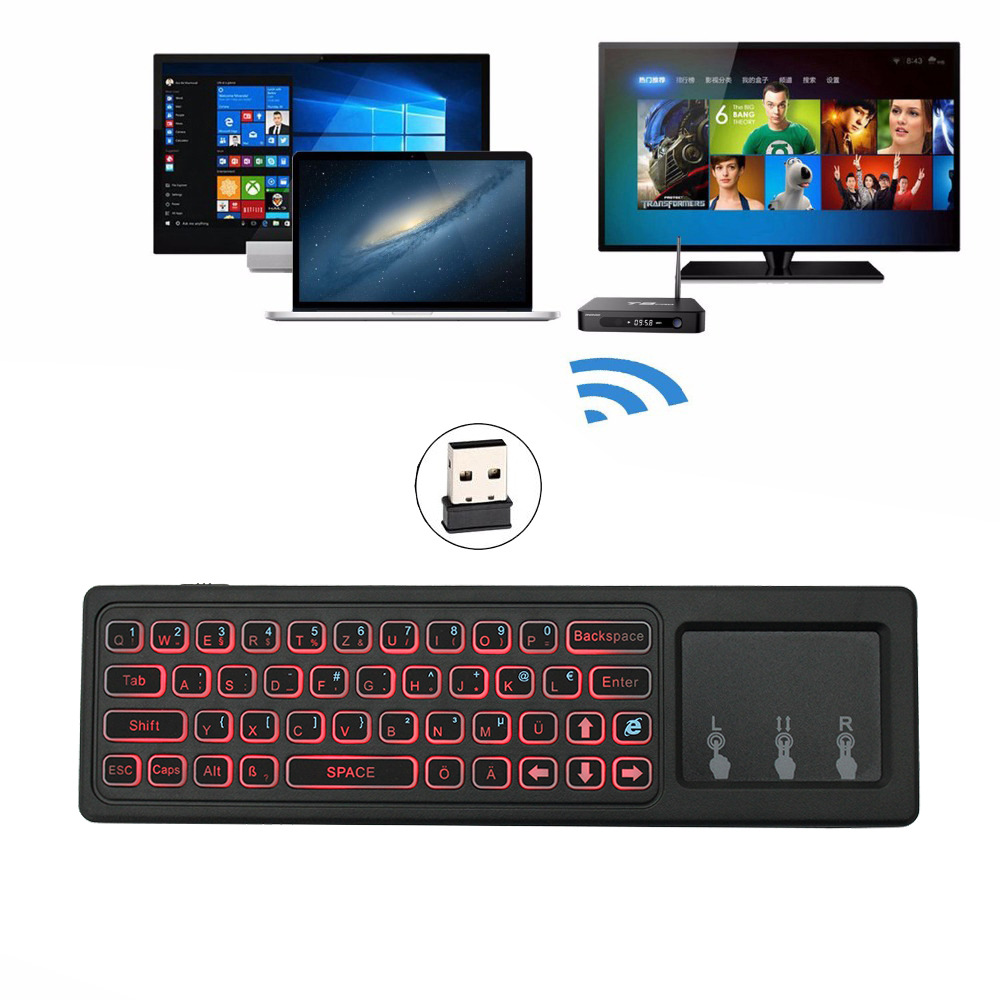
The keyboard has 43 buttons and a touch panel.
1) Backspsce: delete the previous character
2) Uppercase: uppercase lock
3) ENTER: Confirm operation
4) Space: Space bar
5) ALT: Switch between numbers and special characters
Product specifications
1) Transmission and control: 2.4G radio frequency wireless radio frequency technology
2) Sensor: 3-Gyro + 3-Gsensor
3) Number of keyboards: 63
4) Touch screen: multi-touch
5) Remote control distance: ≥10m
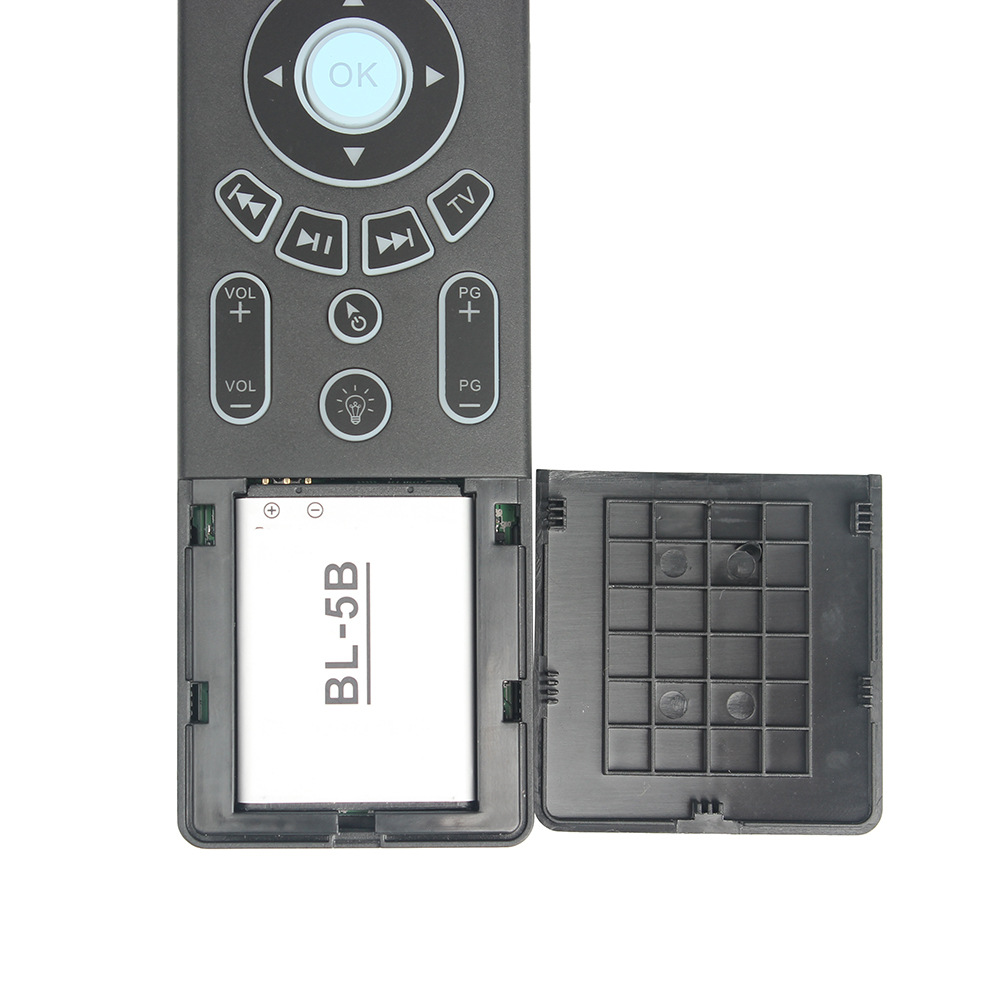
6) Battery type: rechargeable lithium battery
7) Working power consumption: about 20mA under working condition
8) Weight: 130g
FAQ
1. Why does the product not work normally?
First, check whether the power switch is turned on. Secondly, check whether the USB receiver is properly plugged into the PC or other Android devices. Third, check whether the battery has enough power.
2. Can the cursor speed be changed?
Press “home” and “Vol +” or “home” and “Vol-” to adjust the cursor speed
3. Can the touch panal speed be changed?
Press “home” and “page +” or “home” and “page-” to adjust the speed of the touch screen
4. How to switch between Air Mouse and Touch Panel?
The front is Air Mouse mode, and the back is the keyboard and touch panel. No need to press any buttons.
Remark:
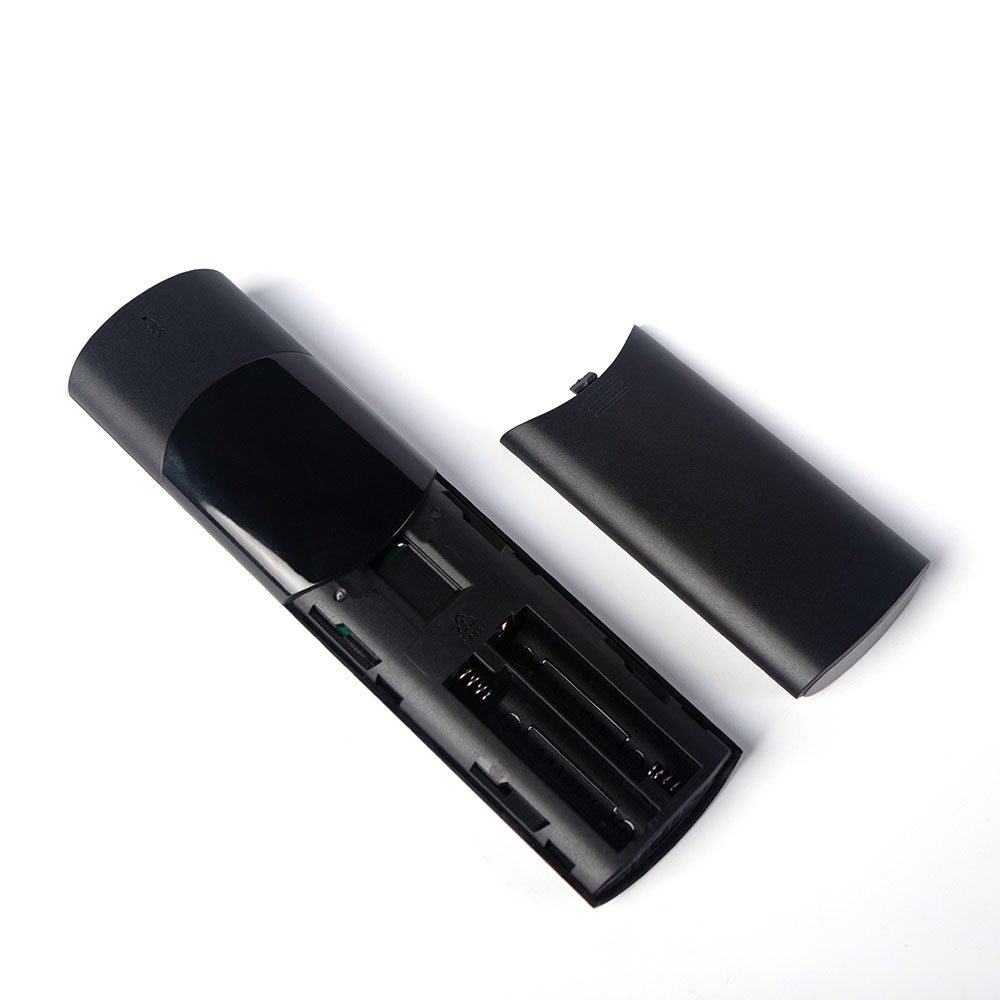
1) Turn off the remote control before inserting the batteries.
2) When the touch screen enters the standby mode, the user needs to press other keys to wake up.
3) To display the indicator light, the user needs to turn on the remote control while charging. If not, no indicator light will light up, but charging will not be affected.
4) Restore factory settings: press OK + Back for 3 seconds
009b
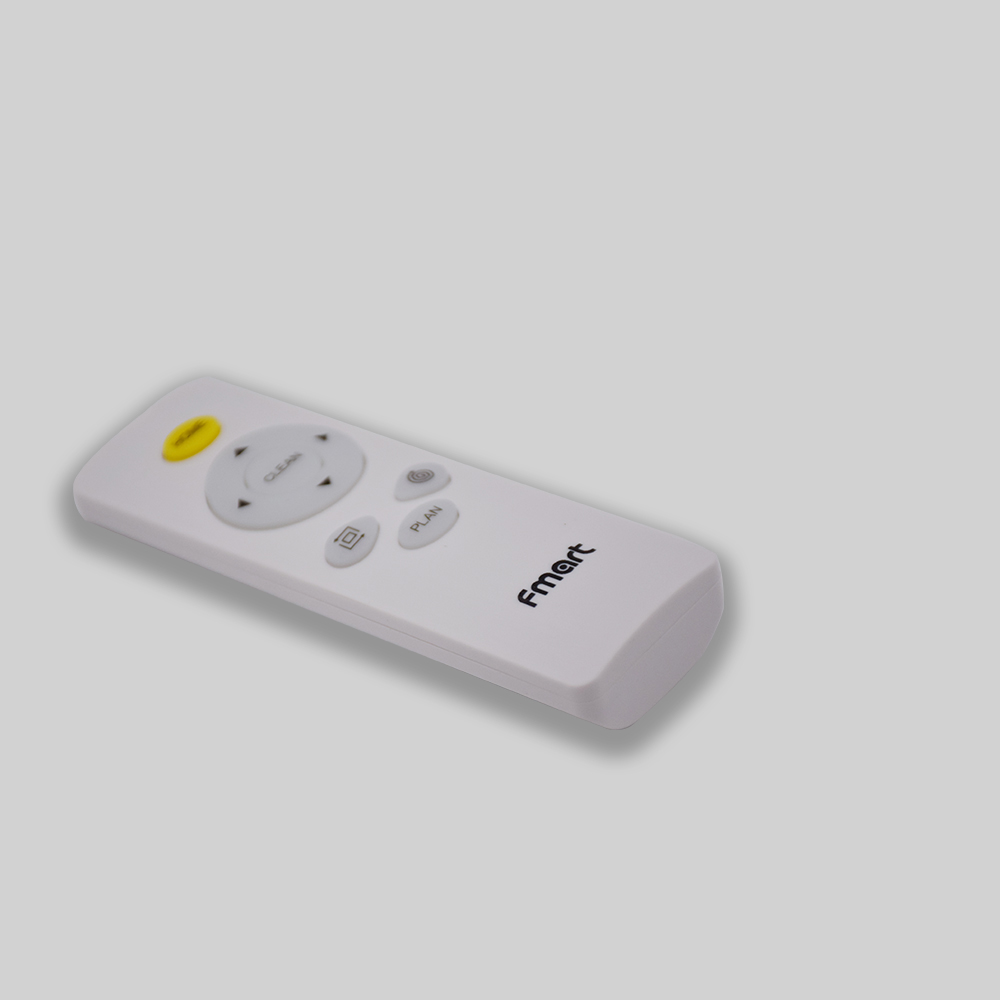
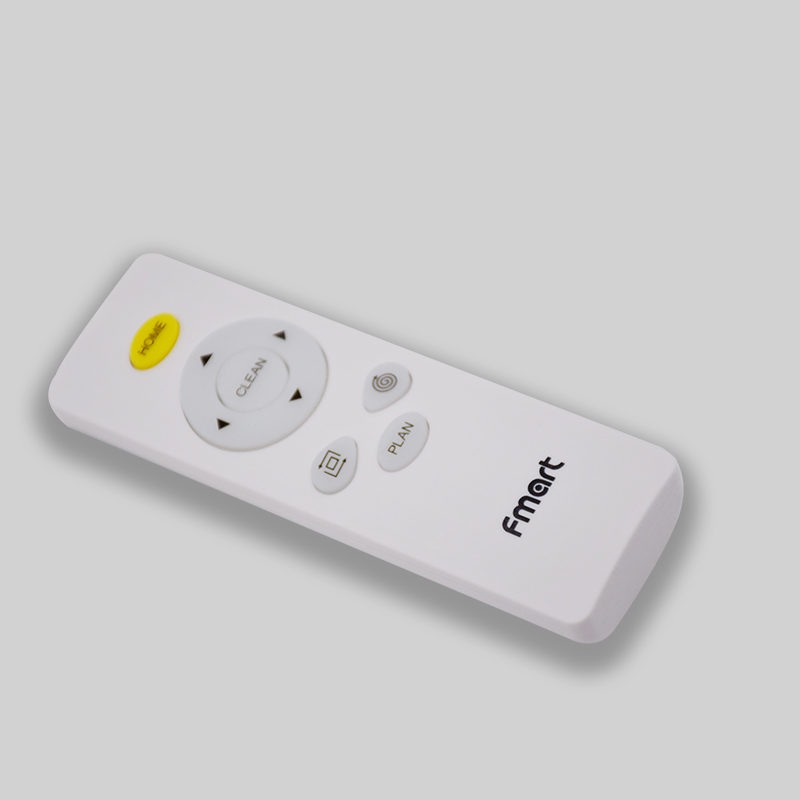
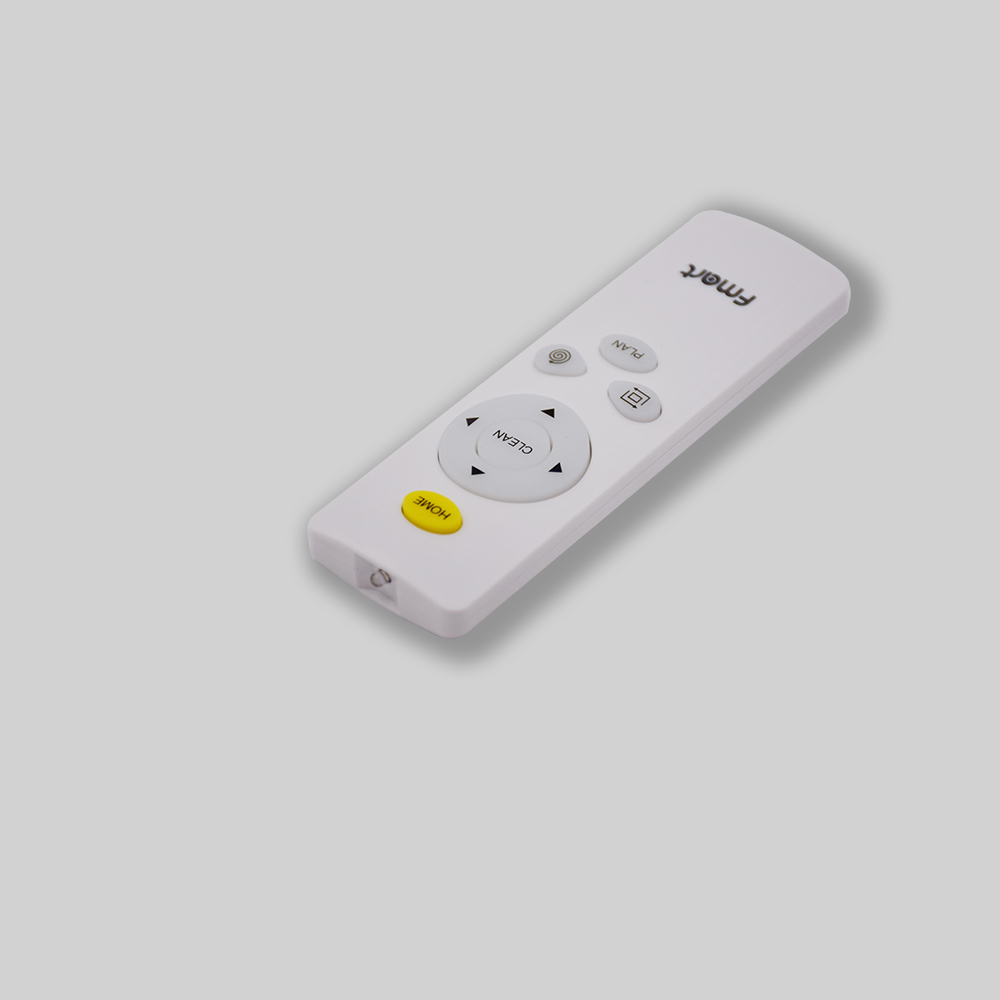
9931
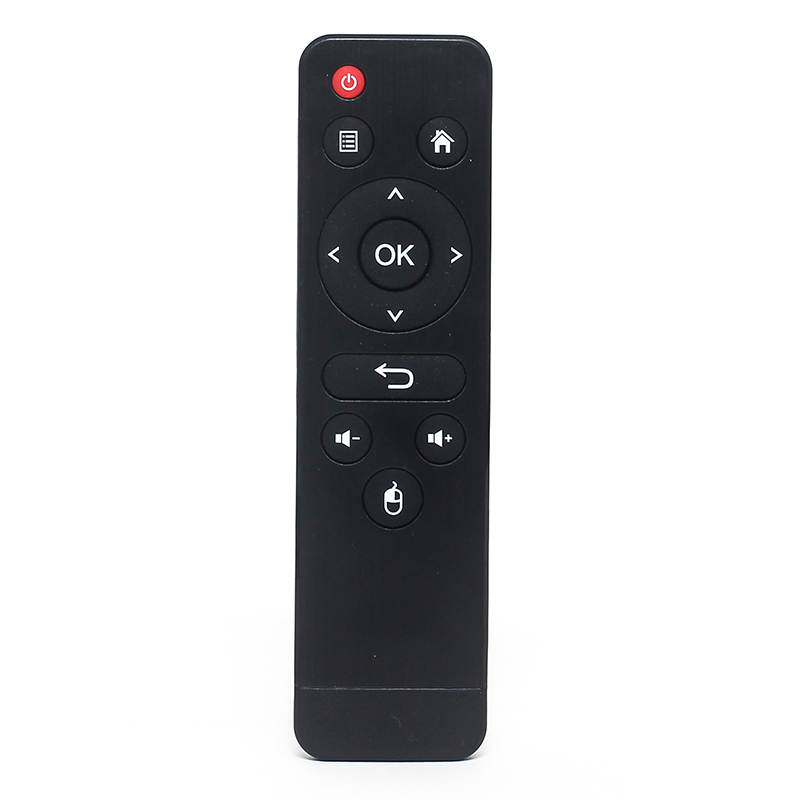
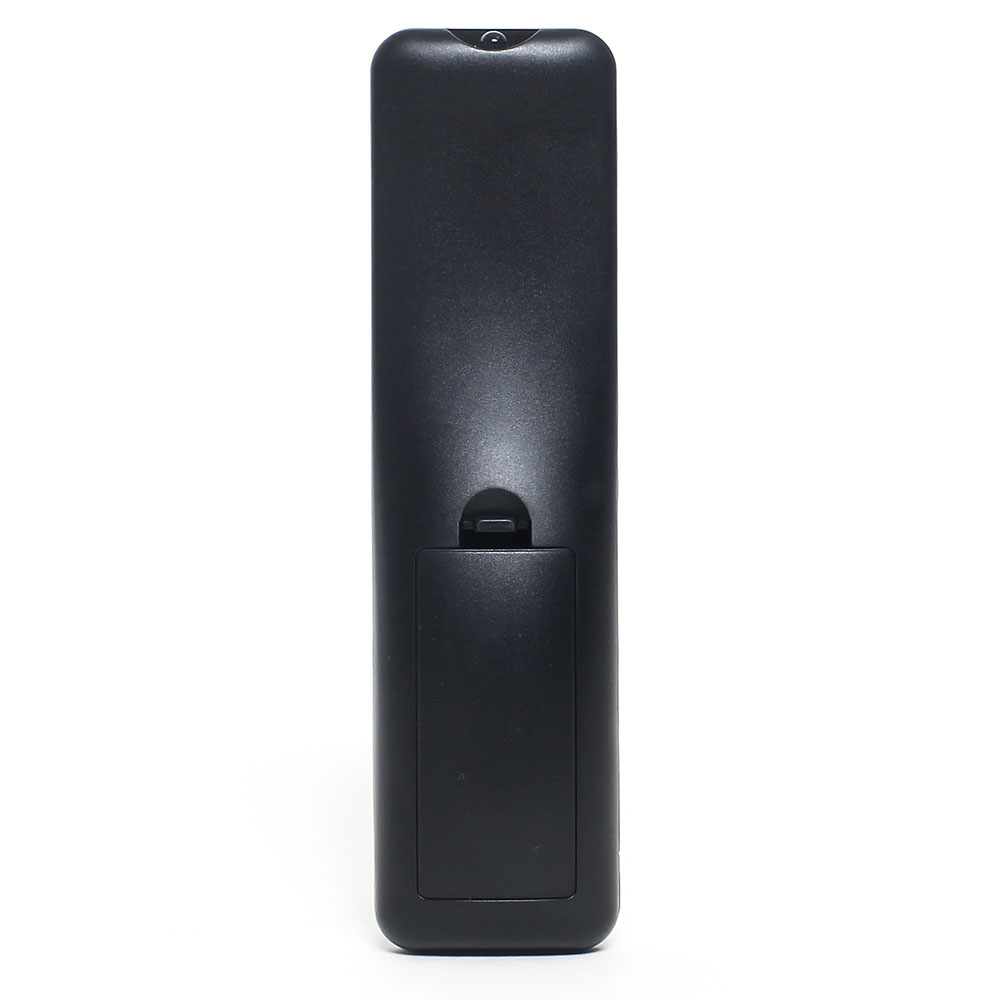
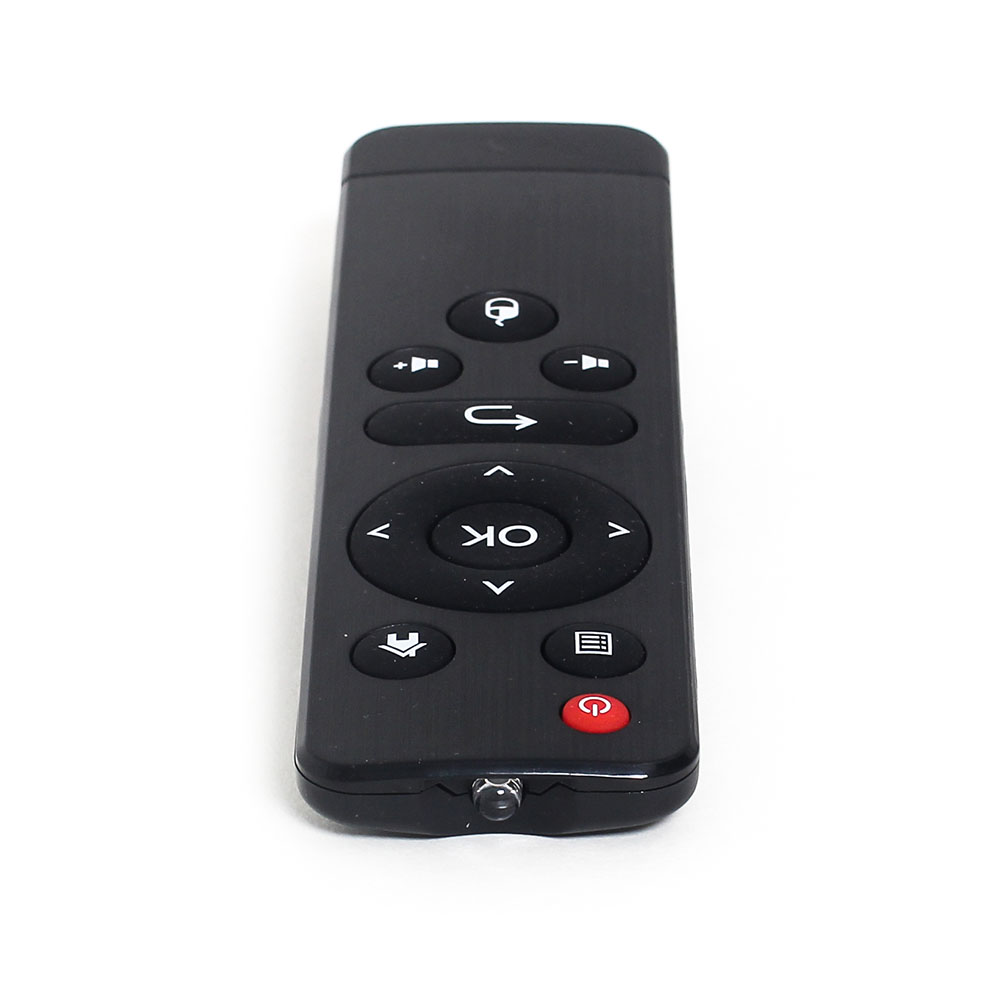
DT013B
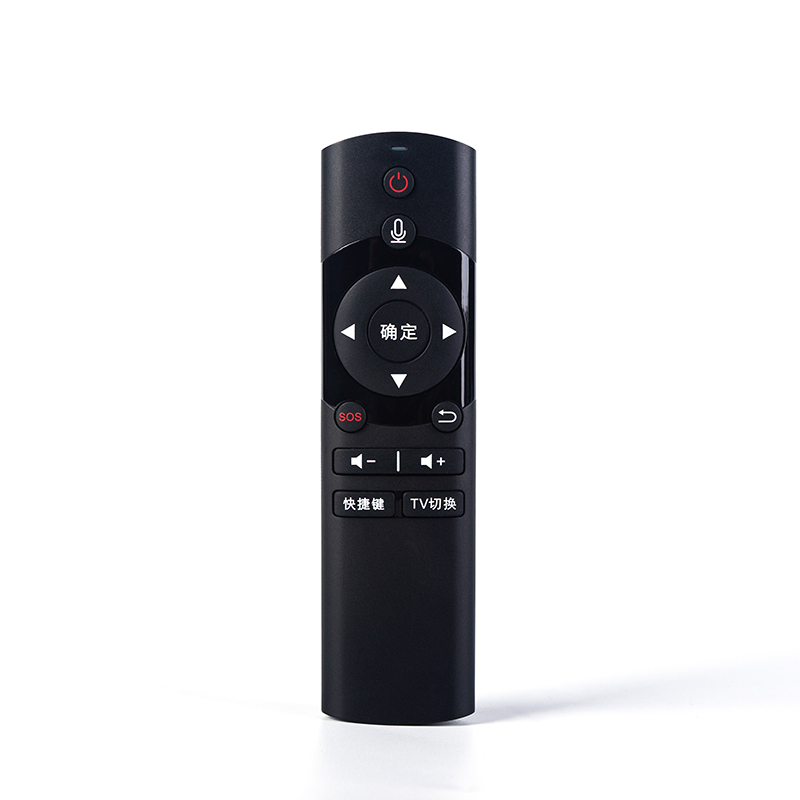
DT017A
DT-2092
Product detail pictures:
Related Product Guide:
We've numerous great employees customers excellent at promoting, QC, and working with kinds of troublesome difficulty inside the generation method for Hot sale Factory Remote Control Key Fob - T6C – Doty , The product will supply to all over the world, such as: Los Angeles, Tunisia, New Zealand, Our products are sold to the Middle East, Southeast Asia, Africa, Europe, America and other regions, and are favorably appraised by clients. To benefit from our strong OEM/ODM capabilities and considerate services, please contact us today. We will sincerely create and share success with all clients.
 By Janet from Poland - 2018.12.28 15:18
High production efficiency and good product quality, fast delivery and completed after-sale protection, a right choice, a best choice.
By Meredith from Holland - 2017.12.31 14:53
-
China Wholesale Arduino Clone Ir Remote Priceli...
-
China Wholesale Rf Remote Control Ir Suppliers ...
-
China Wholesale Wifi Ir Universal Remote Manufa...
-
China Wholesale Mini 433mhz Remote Control Supp...
-
China Wholesale Bluetooth Music Remote Factorie...
-
China Wholesale Ir Remote Kit Factories - IR l...


