


China Wholesale Universal Bluetooth Tv Remote Pricelist - Bluetooth remote control with google assistant – Doty
China Wholesale Universal Bluetooth Tv Remote Pricelist - Bluetooth remote control with google assistant – Doty Detail:
Power
AAA1.5V*2
RC’s function
Pairing operation
A Steps:
| Pairing | Press and hold the “HOME+BACK” buttons, the indicator light turns on once and then goes out, 3 seconds later the indicator light flashes slowly, waiting for pairing with TV box |
| Paired successfully | The indicator light is always on for 3s, and the pairing mode is exited, then the indicator light is off |
| Pairing failed | Automatically exit the pairing mode after 60 seconds |
| Paired device name | “BT048D-STB” |
B. Pairing requirements:
When the remote control pluged the 2*AAA battery, press and hold the “HOME” + “BACK” buttons at the same time for 3 seconds, the indicator light flashes quickly, and then release the buttons to enter the pairing mode; the pairing is successful, the LED is off; If the pairing is failed, and it will automatically exit pairing mode after 60 seconds, then the indicator light is off
C. Other requirements:
After the remote control and the TV box successfully complete the Bluetooth pairing: when the remote control is powered off, the Bluetooth pairing information will not be lost, and the connection can be automatically restored after the remote control is disconnected.
The automatic recovery connection time is ≤5S
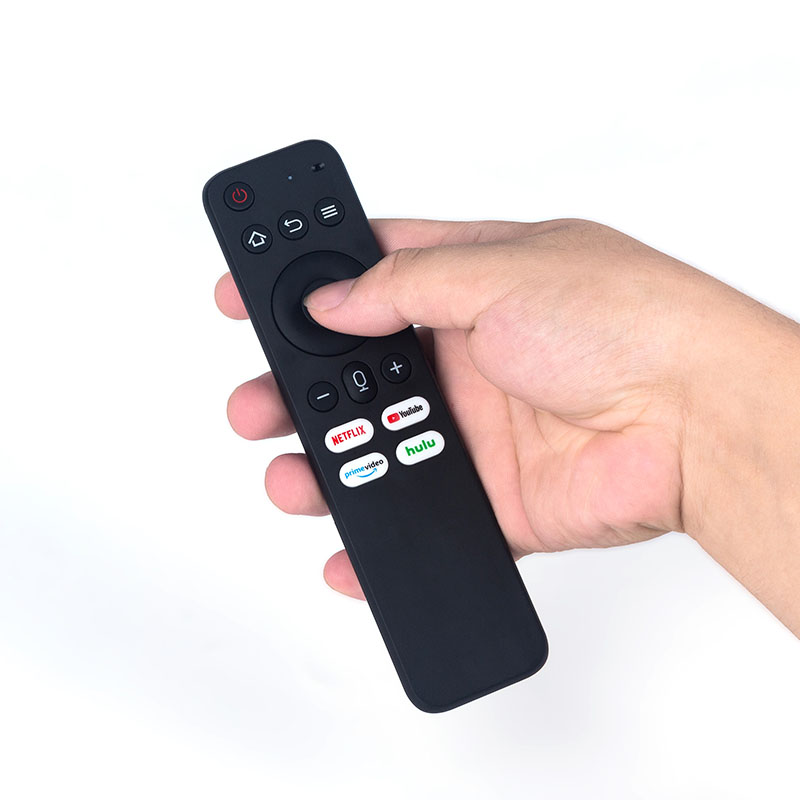
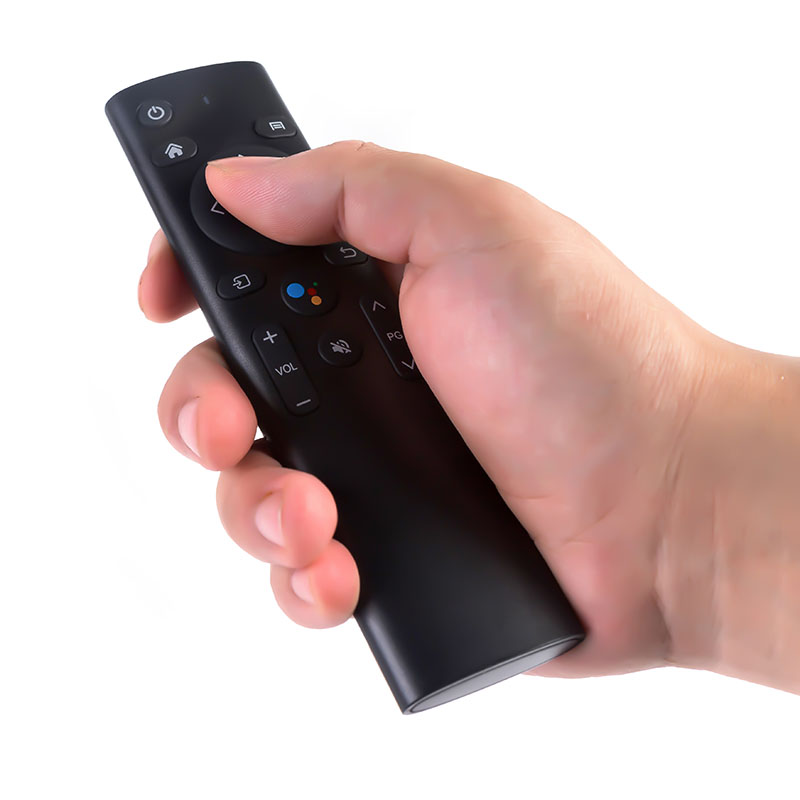
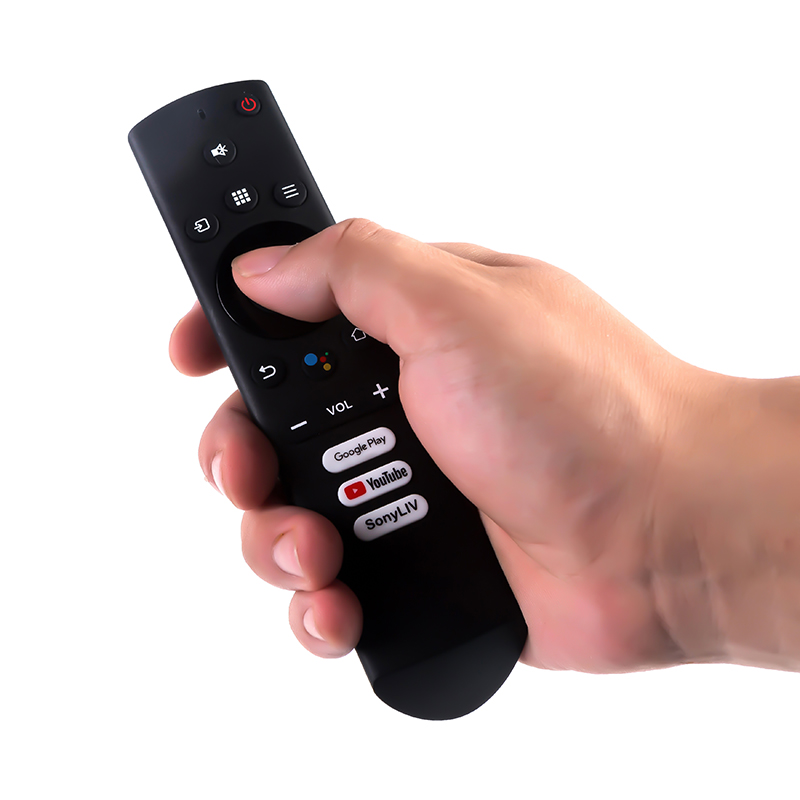
Sleep mode and wake up
A. When the remote control is connected to the tv box normally, it immediately enters standby (light sleep) without any operation.
B. When the remote control is not connected to the tv box (unpaired or out of communication range), it will enter standby (deep sleep) within 10 seconds without any operation.
C. In sleep mode, press any key to wake up.
D. In light sleep mode, press the button to wake up and respond to the tv box at the same time.
Low battery details
A. When Vbat<=2.4V, the remote control is in low power state; when the button is released in low power state, the indicator light flashes 5 times quickly to prompt;
B. B.Vbat<=2.2V, the remote control turns off the MCU, and it is prohibited to continue the remote control use;
Learning operations
Learning operations: The following steps use the blue power button of the STB remote control to learn the power button of the TV remote control as an example to illustrate the learning function of the STB. Specific steps are as follows:
1.Press the Setting button(MUTE button) of the STB remote control for about 3 seconds and then release it until the indicator light keeps on.
It means that the STB remote control has entered the learning mode.
2.Press the Blue “power” button of the set-top box remote control for 1 second, the indicator light starts to flash, indicating that the set-top box remote control can receive signals.
3. Align the infrared emitters of the two remote controls (within 3cm), and press the power button of the TV remote control for 3 seconds.
If the indicator light of the set-top box remote control flashes 3 times quickly and remains on, it means the learning is successful.
If the indicator light of the remote control of the set-top box does not flash 3 times quickly, it means the learning step has failed. Please repeat steps 2-3
4. Repeat steps 2-3 to learn the other three keys.
5. After the learning steps are successful, press the set button(MUTE button) to save the function codes and exit the learning mode.
And the learned buttons can operate the TV normally.
Product detail pictures:


Related Product Guide:
The organization keeps for the procedure concept "scientific administration, superior quality and effectiveness primacy, shopper supreme for China Wholesale Universal Bluetooth Tv Remote Pricelist - Bluetooth remote control with google assistant – Doty , The product will supply to all over the world, such as: Bolivia, Iraq, Iran, Each year, many of our customers would visit our company and achieve great business advancements working with us. We sincerely welcome you to visit us at any time and together we will prevail to a greater success in the hair industry.
 By Rosalind from Peru - 2017.11.12 12:31
The factory technical staff gave us a lot of good advice in the cooperation process, this is very good, we are very grateful.
By Christina from Vancouver - 2017.07.07 13:00
-

China Wholesale Ir Rf Remote Control Manufactur...
-

China Wholesale Rf Smart Remote Factories - IR...
-
China Wholesale Infrared Remote Control Receive...
-

China Wholesale Ir Remote Controller Learning S...
-

China Wholesale Remote Control Wireless 433mhz ...
-

China Wholesale Rf Remote Control Ir Pricelist ...


