


China Wholesale Tv Remote Controls Custom Pricelist - 2.4GAir Mouse & Wireless Presenter User Manual – Doty
China Wholesale Tv Remote Controls Custom Pricelist - 2.4GAir Mouse & Wireless Presenter User Manual – Doty Detail:
I. Introduction
1. This remote is an universal remote controller. It’s normal that a few keys might not be applicable to some of the devices because of different codes by different manufacturers.
2. The remote is not compatible with Amazon Fire TV and Fire TV Stick, or some Samsung, LG, Sony smart TV.
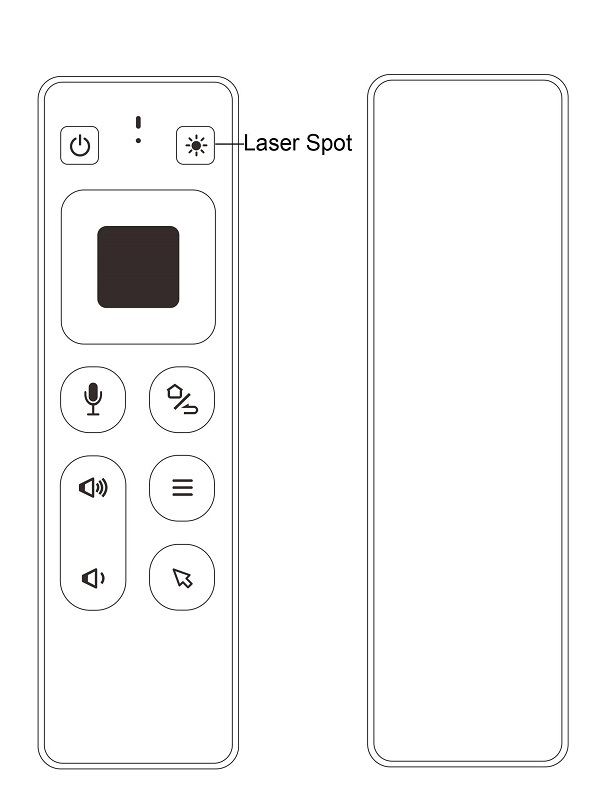
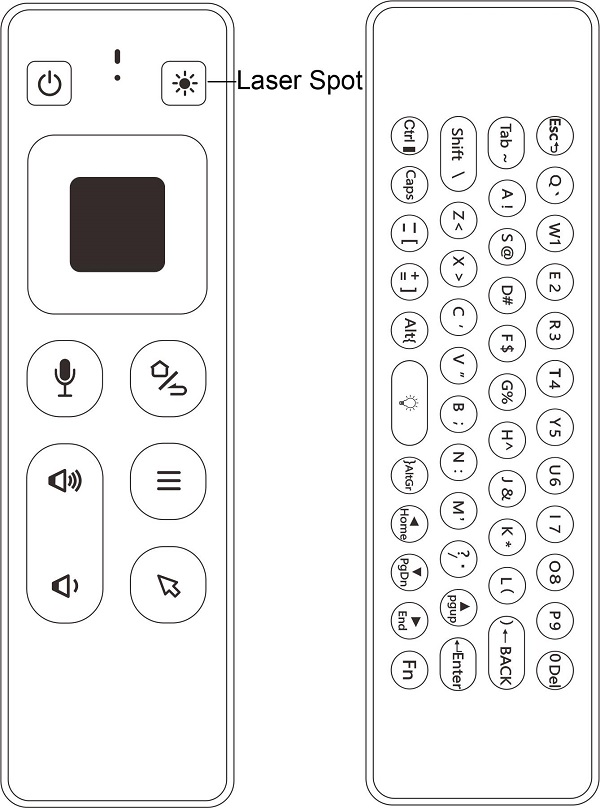
3. There are two versions: without keyboard & with keyboard.
II. Operating
1. Pairing
It has been paired by default. Remote will work after plug the USB dongle into the USB port. Test by moving remote to see if cursor is moving. If not, and the LED indicator is flashing slowly, means USB dongle didn’t pair with the remote, check below 2 steps to repair.
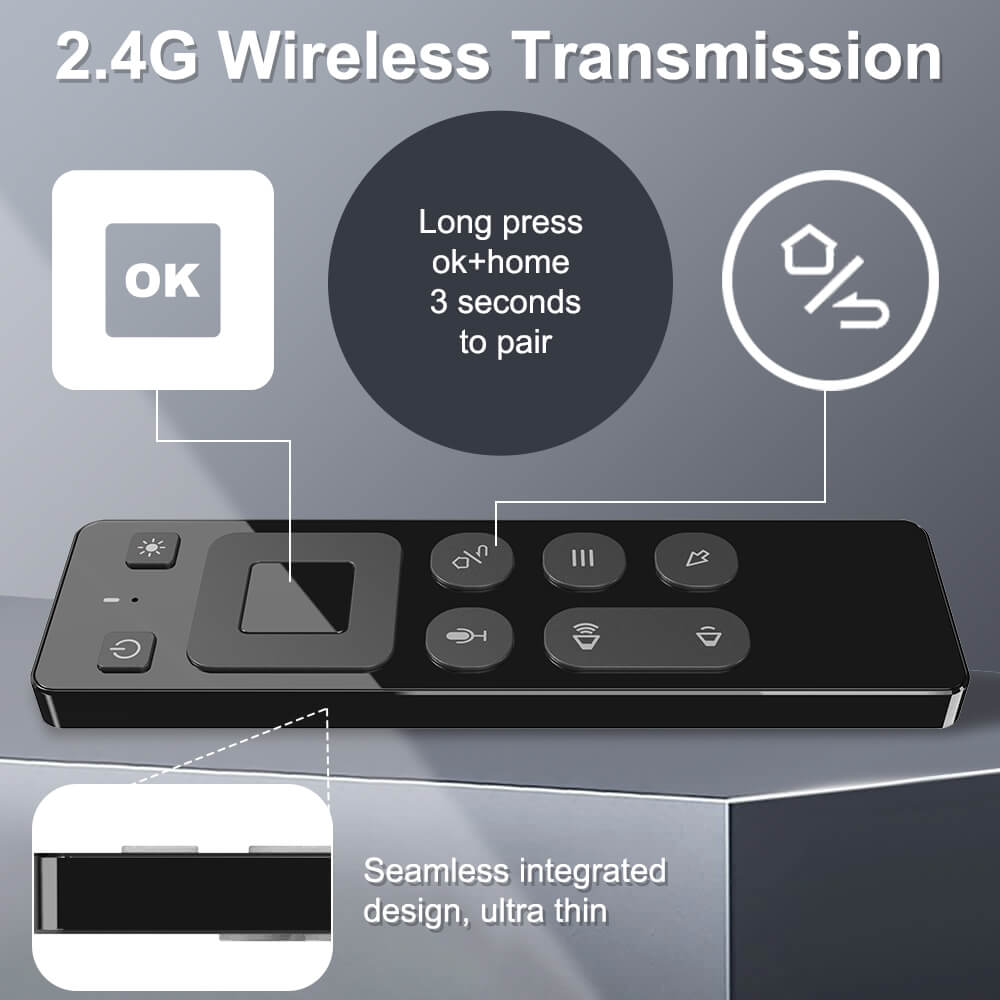
1) Long Press “OK” + “HOME” buttons for 3 seconds, LED indicator will flash fast, which means the remote entered into pairing mode. Then release the buttons.
2) Plug the USB dongle into the USB port, and wait about 3 seconds. LED indicator will stop flashing, means pairing succeed.
2. Cursor lock
1) Press Cursor button to lock or unlock cursor.
2) While cursor unlocked, OK is left click function, Return is right click function. While cursor locked, OK is ENTER function, Return is RETURN function.
3. Adjusting cursor speed
1) Press “OK” + “Vol+” to increase the cursor speed.
2) Press “OK” + “Vol-” to decrease the cursor speed.
4. Button functions
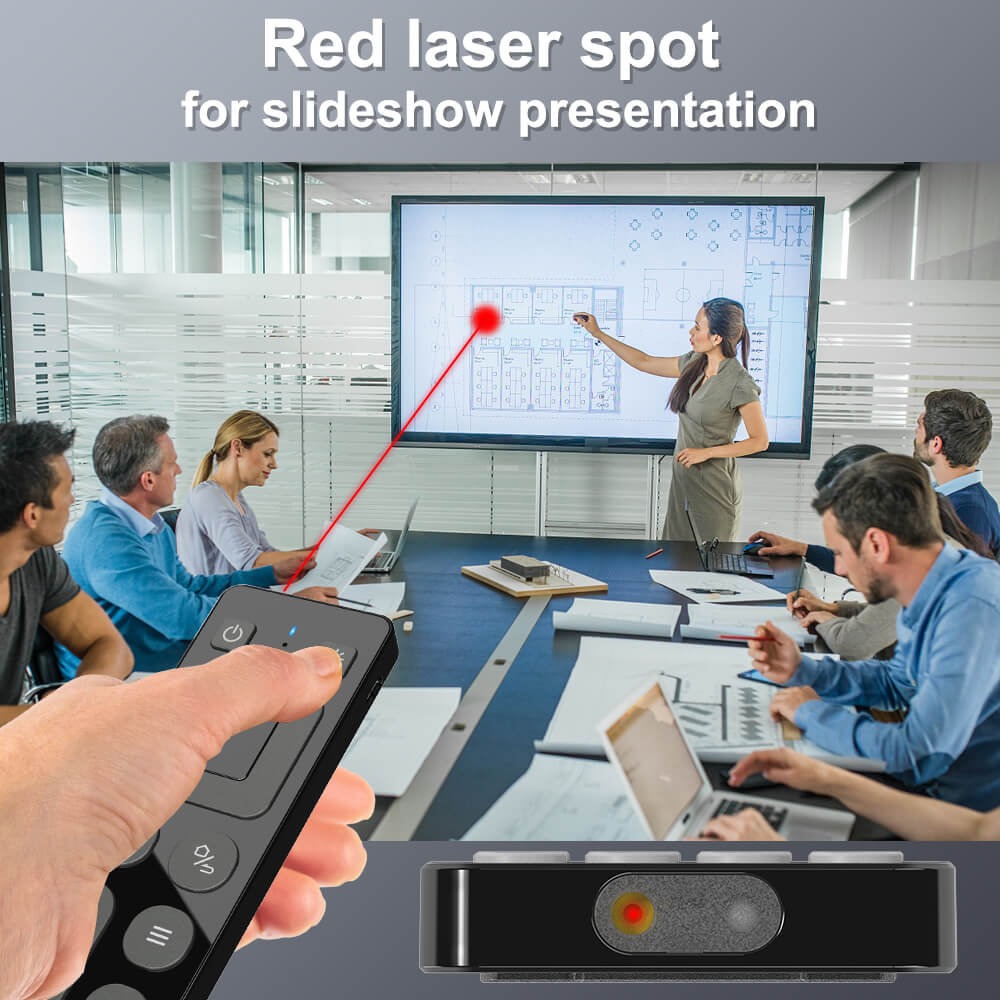
●Laser switch:
Long press – turn on laser spot
Release – turn off laser spot
●Home/Return:
Short press – Return
Long press – Home
●Menu:
Short press – Menu
Long press – Black screen(Black screen is only available in full screen mode for PPT presentation)
●Left key:
Short Press – Left
Long press – Previous track
●OK:
Short Press – OK
Long press – Pause/Play
●Right key:
Short Press – Right
Long press – Next track
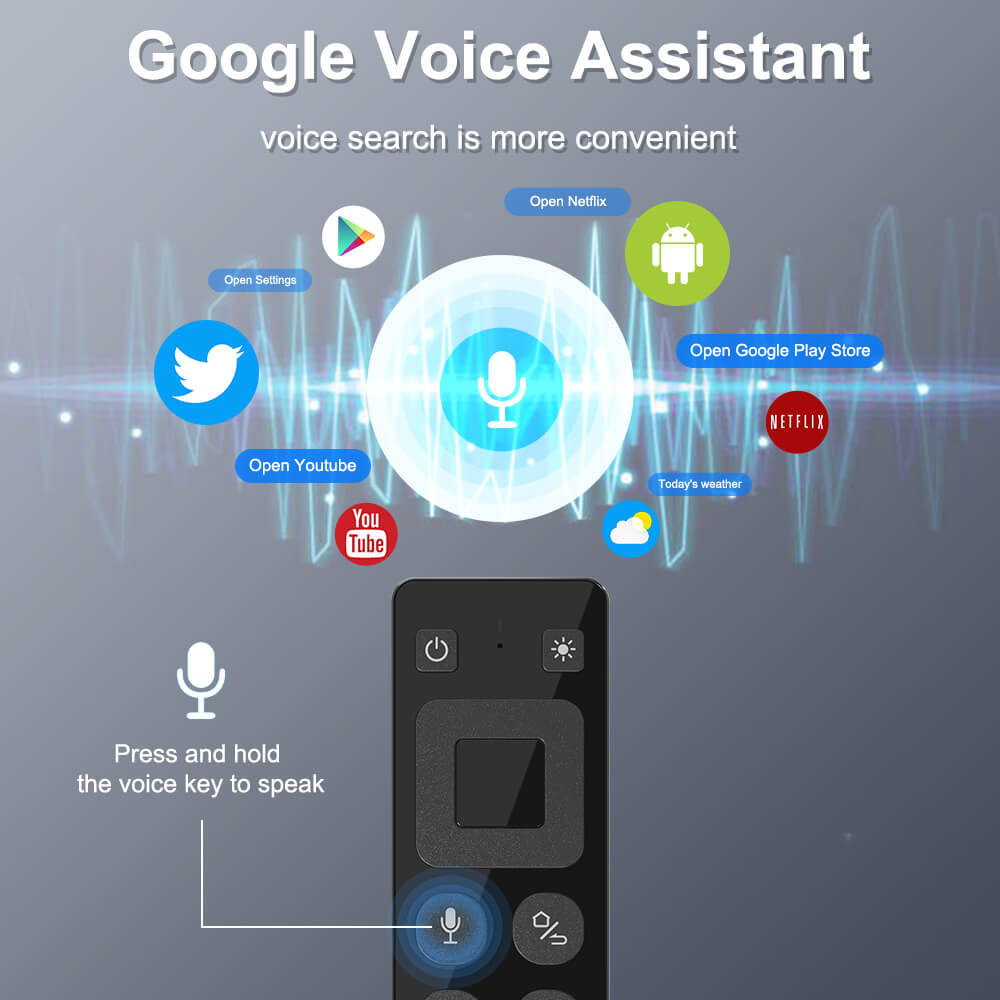
●Microphone
Long press – turn on Microphone
Release – turn off Microphone.
5. Keyboard(optional)
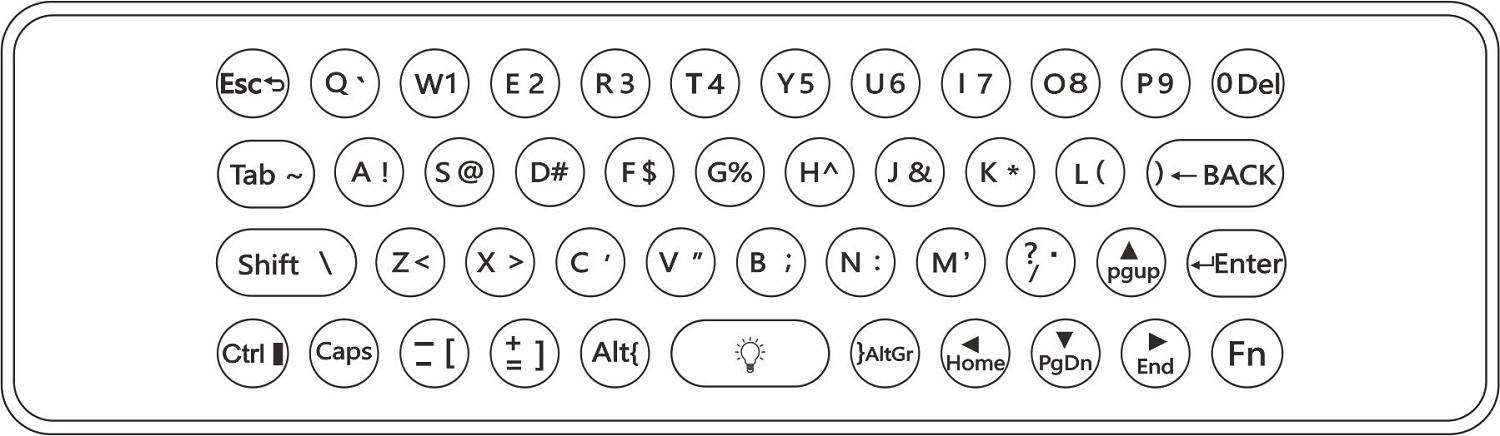
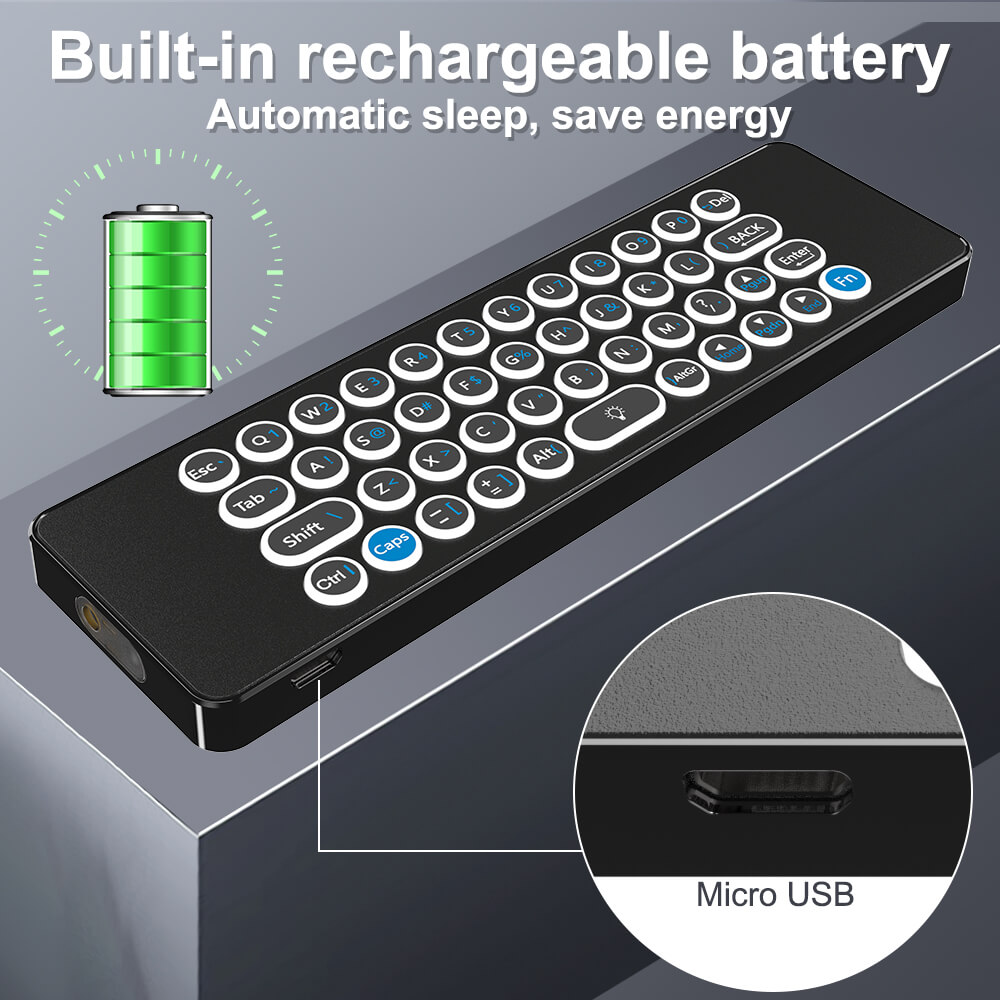
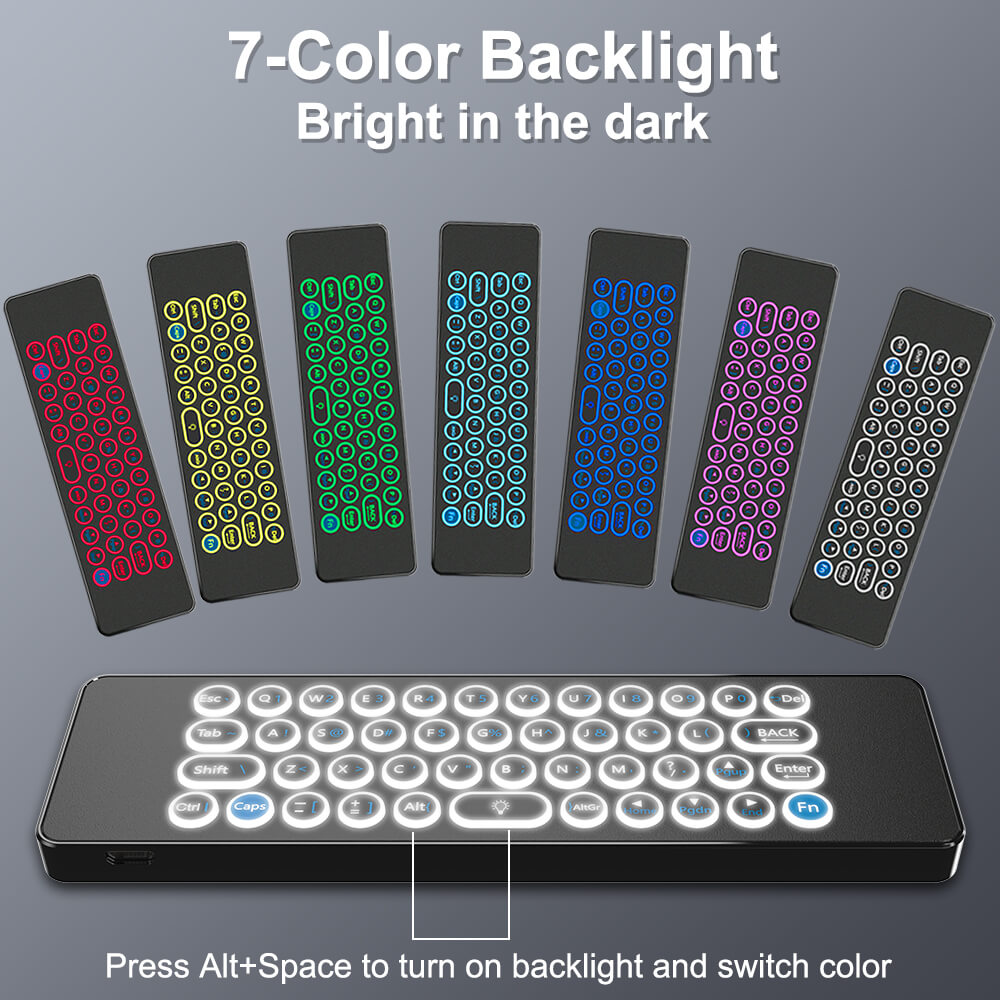
The keyboard has 45 keys as shown above.
●BACK: Delete previous character
●Del: Delete next character
●CAPS: Will capitalize the typed characters
●Alt+SPACE: press once to turn on backlight, press again to switch the color
●Fn: Press once to input numbers and characters(blue). Press again to input the letters(white)
●Caps: Press once to input uppercase letters. Press again to input lowercase letters
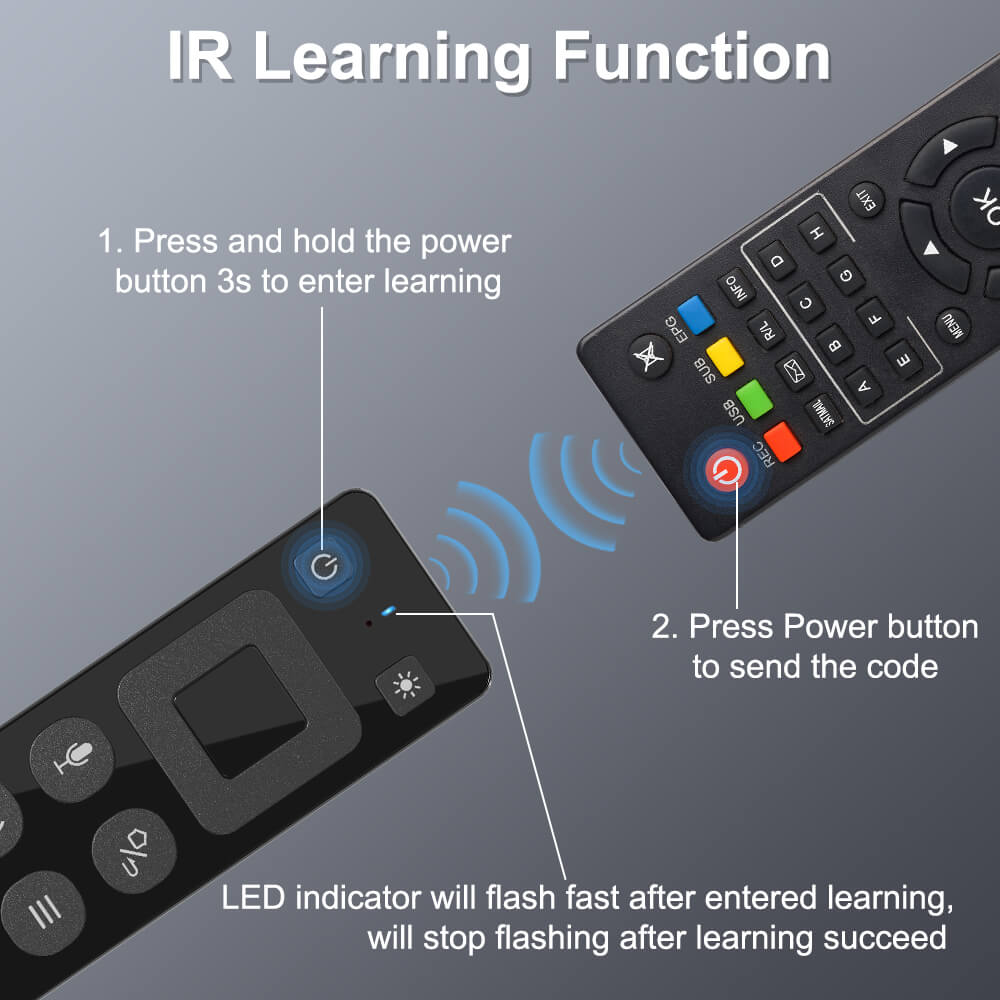
6. IR learning steps
1) Press POWER button on the smart remote for 3 seconds, and hold until LED indicator flash fast, then release the button. LED indicator will flash slowly. Means smart remote entered into IR learning mode.
2) Point the IR remote to the smart remote head by head, and press power button on the IR remote. The LED indicator on the smart remote will flash fast for 3 seconds, then flash slowly. Means learning succeed.
Notes:
●Power or TV(if exist) button could learn the code from other IR remotes.
●The IR remote need to support NEC protocol.
●After learning succeed, the button only send IR code.
7. Standby mode
The remote will enter into standby mode after no operation for 20 seconds. Press any button to activate it.
8. Static calibration
When the cursor drifts, static calibration compensation is required.
Put the remote on a flat table, it will be calibrated automatically.
9. Factory reset
Press OK+ Menu to reset the remote to factory settings.
III. Specifications
1) Transmission and Control: 2.4G RF wireless radio-frequency technology
2) Sensor: 3-Gyro + 3-Gsensor
3) Key numbers: 13+45 keys
4) Remote control distance: ≈10m
5) Battery type: 250mAh/3.7V lithium battery
6) Charging port: Micro USB
7) Power consumption: About 30mA in the work condition
8) Dimension:
152x44x9.9mm(no keyboard)
152x44x10.5mm(with keyboard)
9) Weight: 51g(no keyboard)
57g(with keyboard)
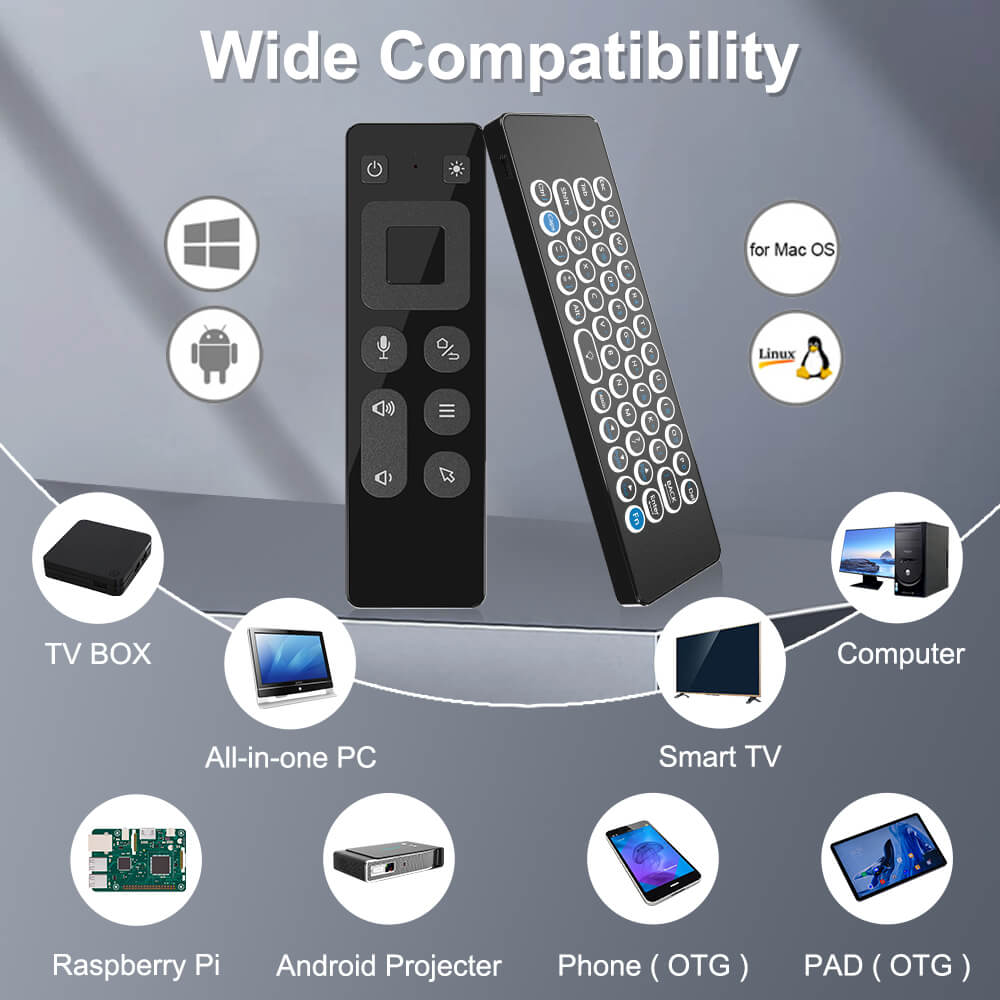
10) Supported OS: Windows, Android, Mac OS, Linux
11) Package: Remote x 1, USB dongle x 1, User Manual x 1
IV. Safety Warning
1. Be warned that laser spot should never under any circumstances be
directed into people and animal’s eyes.
2. This product is not a toy and should not to be used by anyone under 18.
3. It is illegal to direct the laser spot at any flying objects, moving vehicles
and any public or private structures.
4. The laser spot can be dangerous if not used properly.
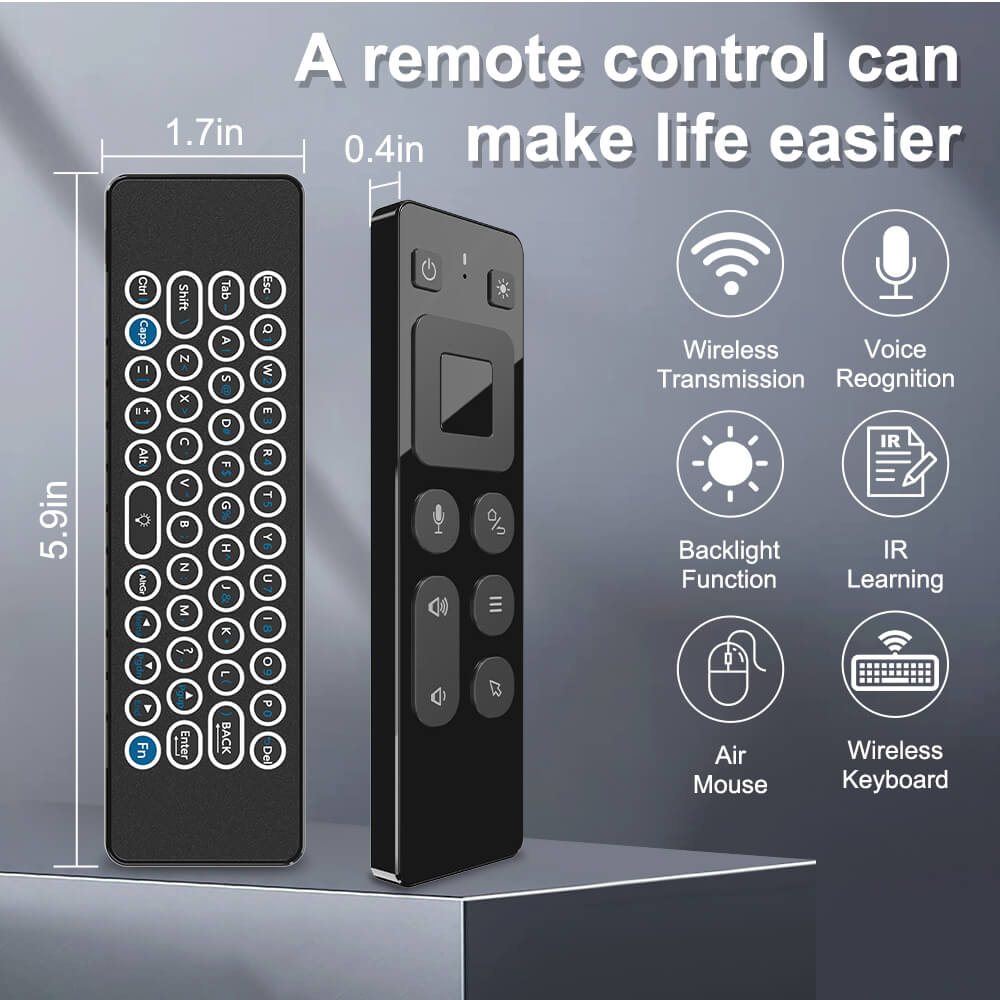
Product detail pictures:


Related Product Guide:
Using a complete scientific top quality management program, great high-quality and fantastic religion, we win great track record and occupied this area for China Wholesale Tv Remote Controls Custom Pricelist - 2.4GAir Mouse & Wireless Presenter User Manual – Doty , The product will supply to all over the world, such as: Qatar, Porto, Bahrain, Our products are very popular in the word, like South American, Africa, Asia and so on. Companies to "create first-class products" as the goal, and strive to deliver customers with high quality solutions, present high-quality after-sales service and technical support, and customer mutual benefit, create a better career and future!
 By Ella from Guatemala - 2017.11.29 11:09
The company can think what our think, the urgency of urgency to act in the interests of our position, can be said this is a responsible company, we had a happy cooperation!
By Carey from Surabaya - 2017.08.28 16:02
-

China Wholesale Wii Remote Pc Bluetooth Priceli...
-

China Wholesale Remote Control Ir Learning Quot...
-

China Wholesale Control Wireless Remote Supplie...
-

China Wholesale Controller Custom Manufacturers...
-
China Wholesale Rf Air Mouse Remote Control For...
-

China Wholesale Bluetooth Remote Control Tv Quo...


