

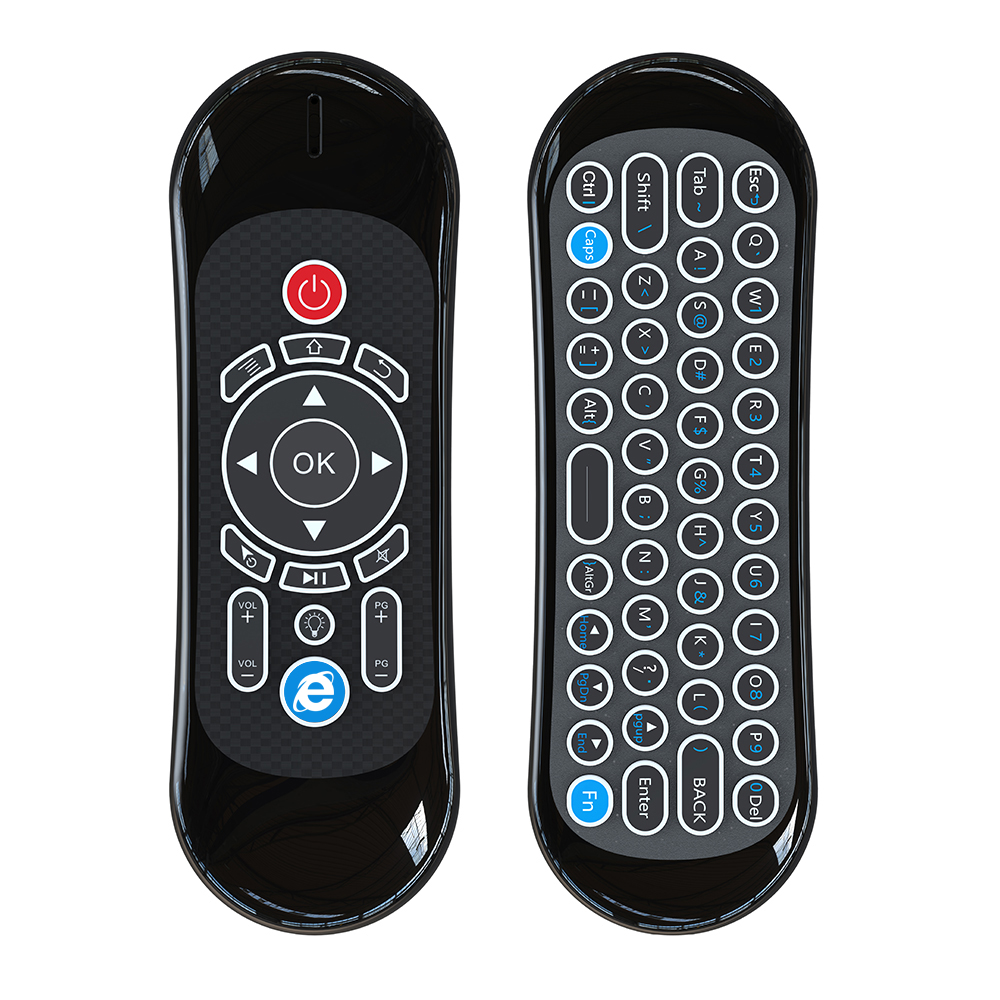
China Wholesale Smart Ir Remote Control Pricelist - 2.4G Smart Remote User Manual – Doty
China Wholesale Smart Ir Remote Control Pricelist - 2.4G Smart Remote User Manual – Doty Detail:
Ⅰ.Introduction
This remote is an universal remote control-
ler. It’s normal that a few keys might not be applicable to some of the devices because of different codes by different manufactur- ers, such as Amazon Fire TV and Fire TV Stick, or some Samsung, LG, Sony smart TV.
Ⅱ.Operating
1.How to Use
1)Plug the USB dongle into the USB port, smart remote will be connected with the device automatically.
2)In case of disconnection, short press OK+HOME, LED will flash fast. Then plug the USB dongle into the USB port, LED will stop flashing, which means pairing succeed.
2.Cursor lock
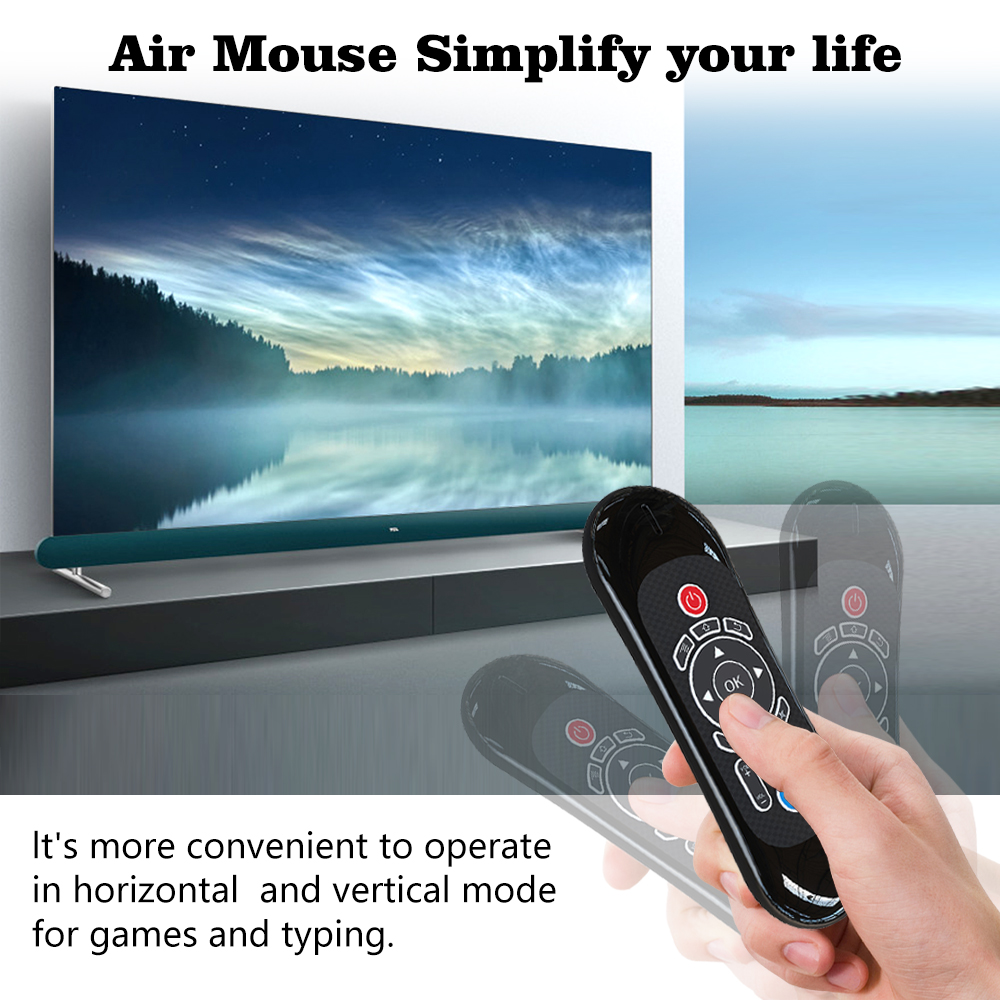
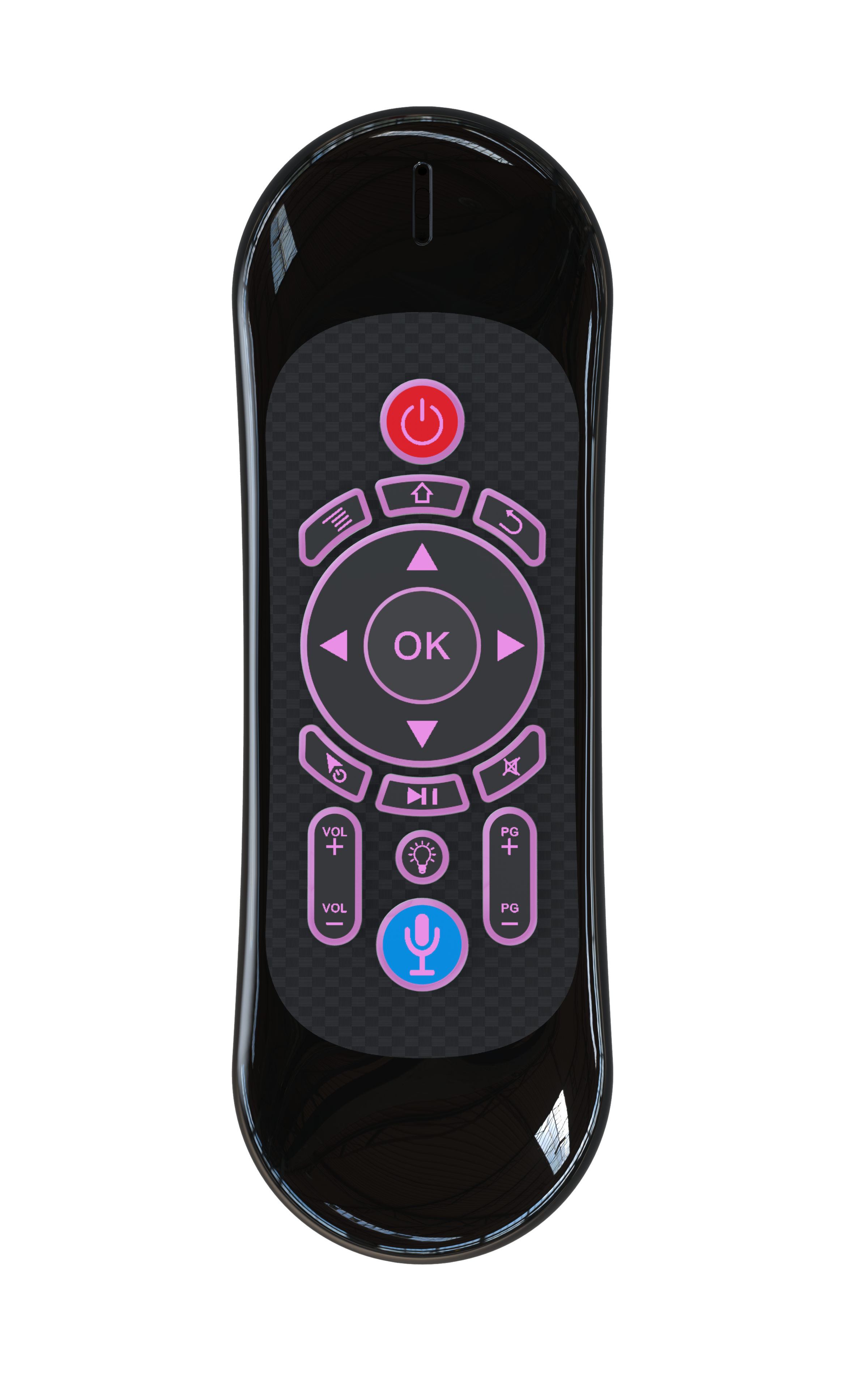
1)Press Cursor button to lock or unlock cursor.
2)While cursor unlocked, OK is left click function, Return is right click function. While cursor locked, OK is ENTER function, Return is RETURN function.
3.Adjust Air Mouse cursor speed
There are 3 grades for the speed, and it is in middle by default.
1)Short press ”HOME” and ”VOL+” to increase the cursor speed.
2)Short press ”HOME” and ”VOL-” to decrease the cursor speed.
4.Standby mode
The remote will enter into standby mode after no operation for 5 seconds. Press any button to activate it.
5.Factory reset
Short press OK+RETURN to reset the remote to factory setting.
6.Function Keys
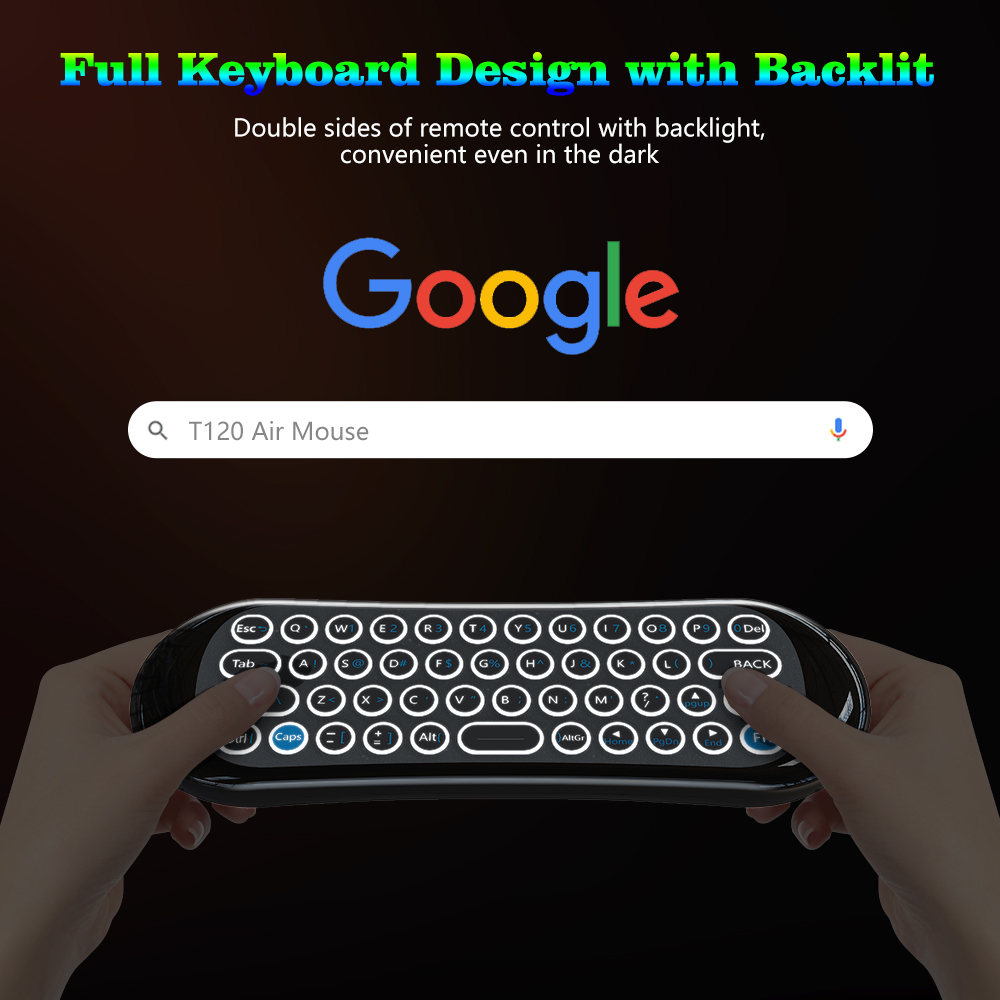
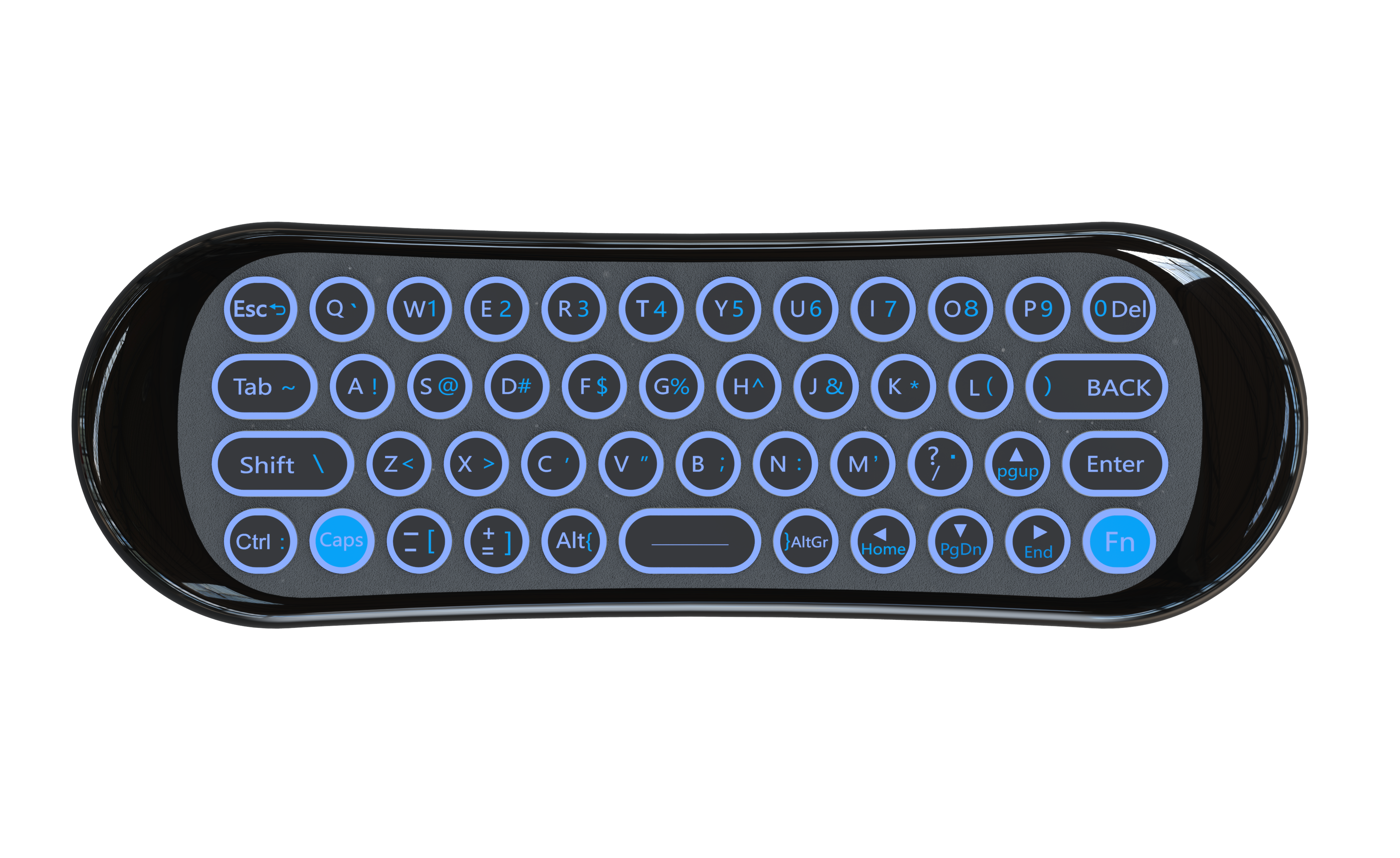
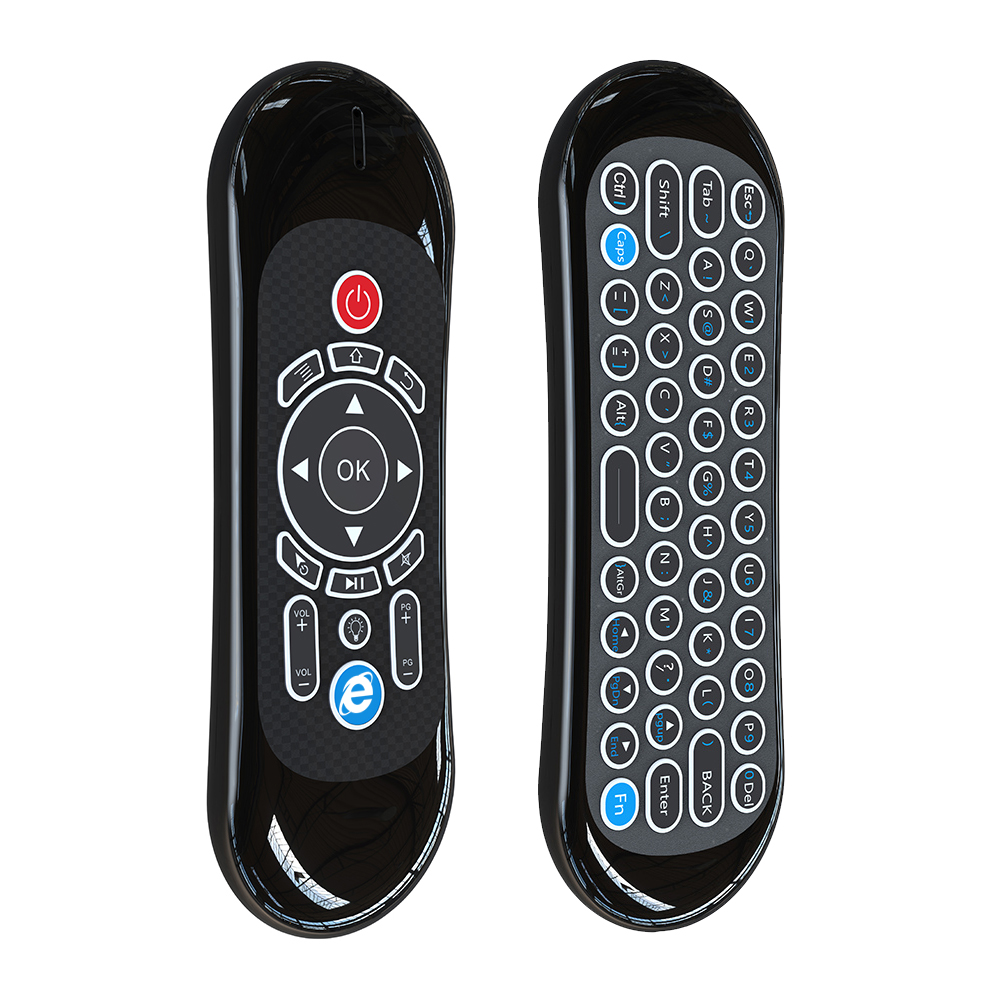
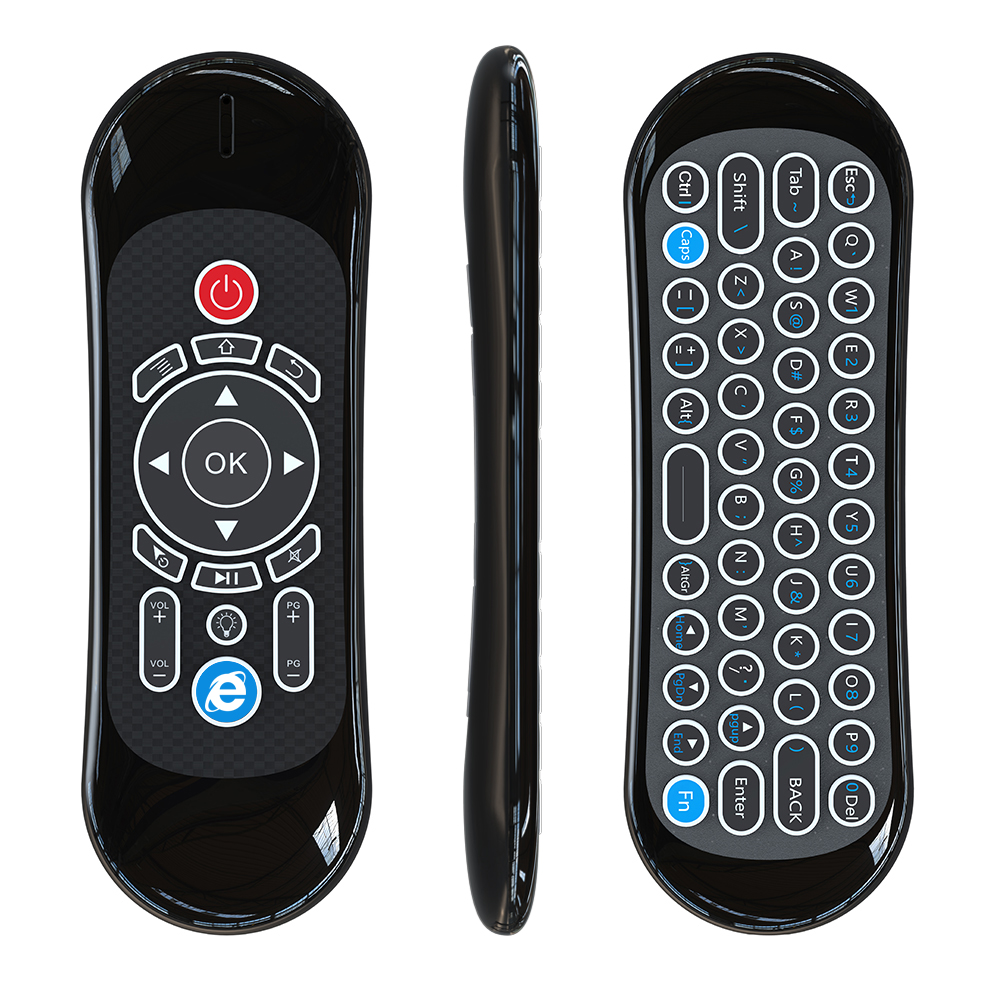
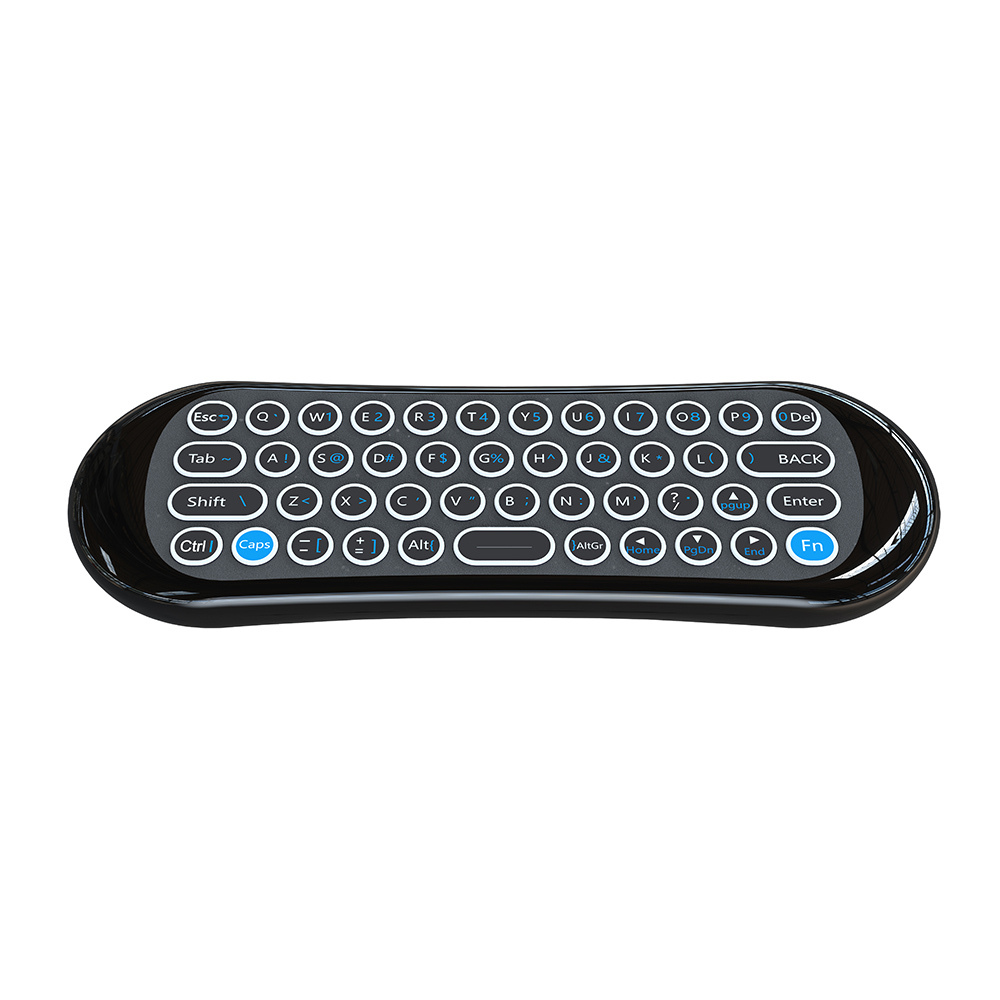
Fn: After press Fn button, LED turns on.
Input numbers and characters
Caps: After press Caps button, LED turns on. Will capitalize the typed characters
7.Microphone(optional)
1)Not all the devices could use Micro-phone. It will require the APP support voice input, like Google assistant app.
2)Press Mic button and hold to turn on Microphone, release to turn off Micro- phone.
8.Backlight(optional)
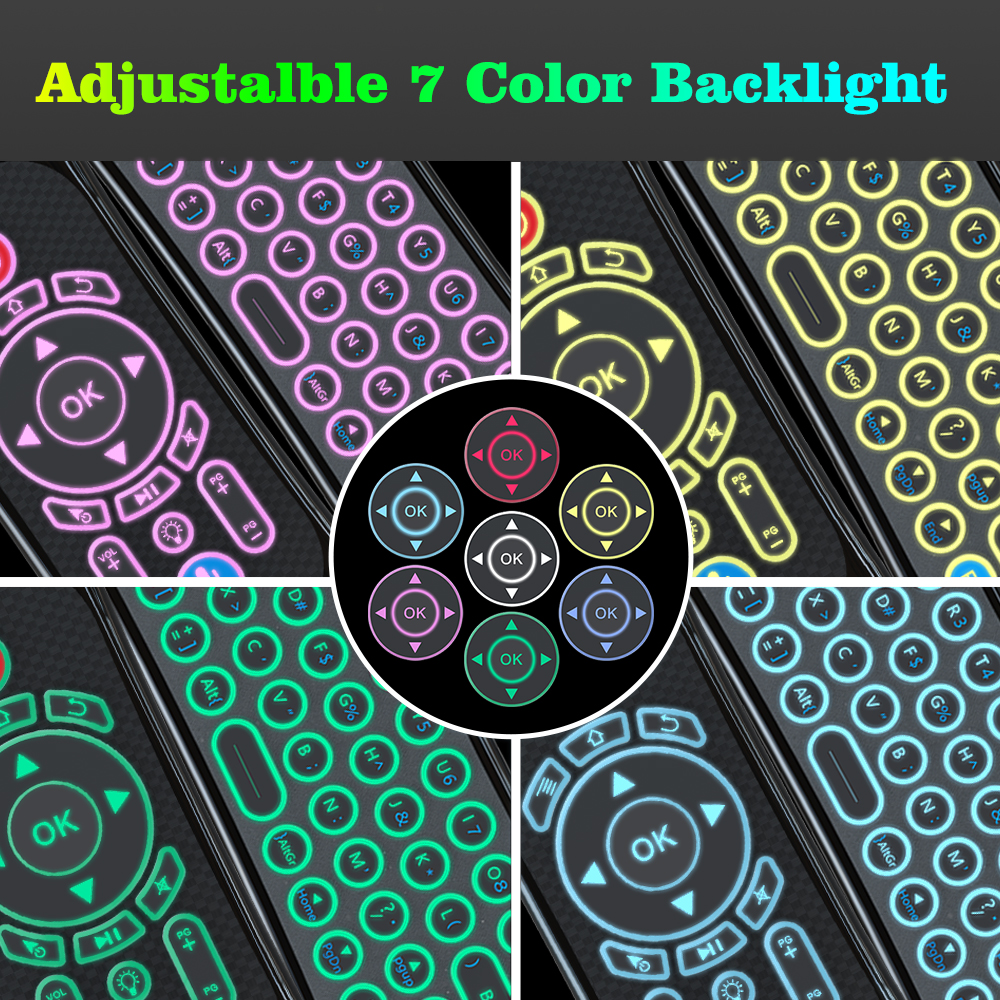
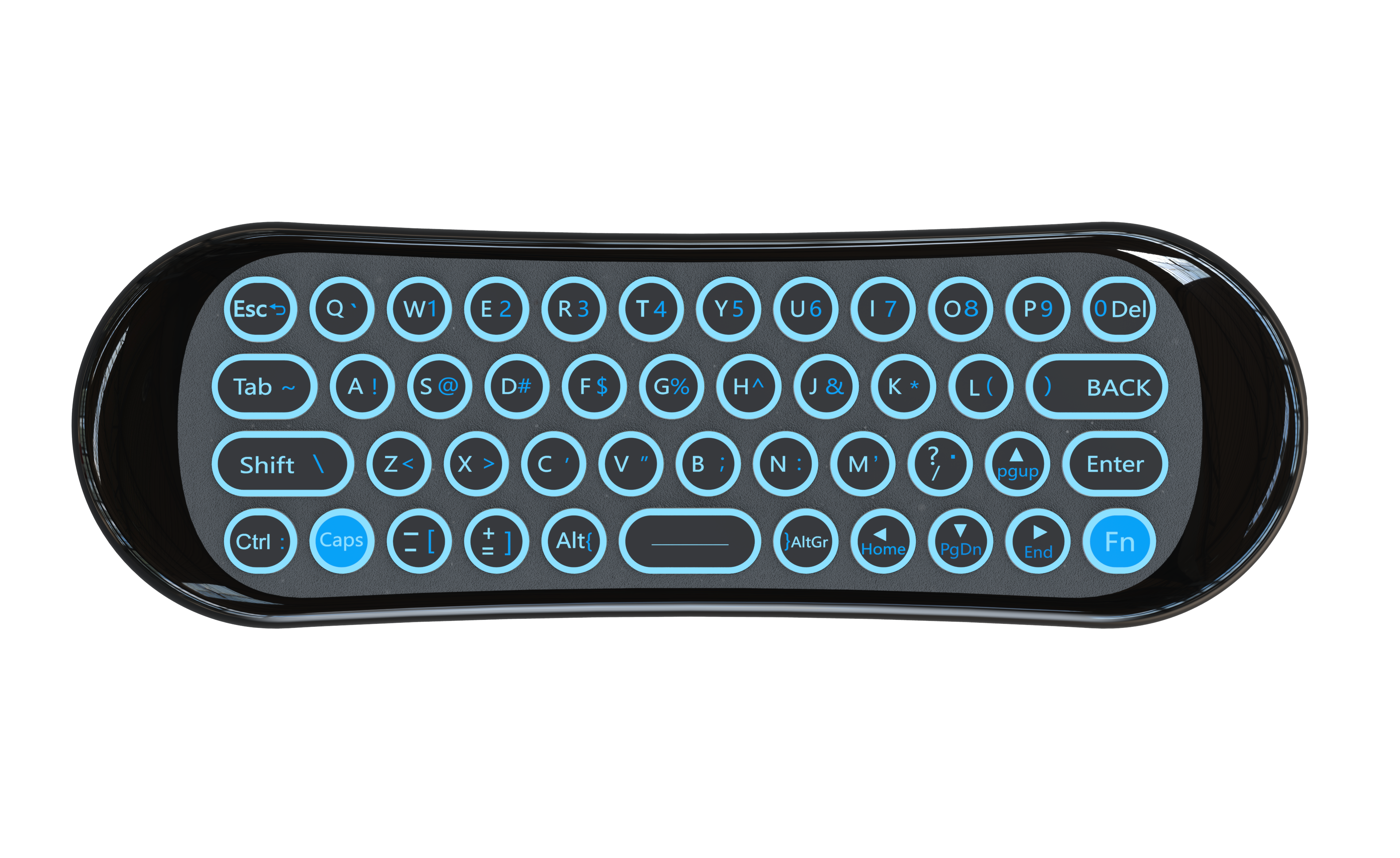
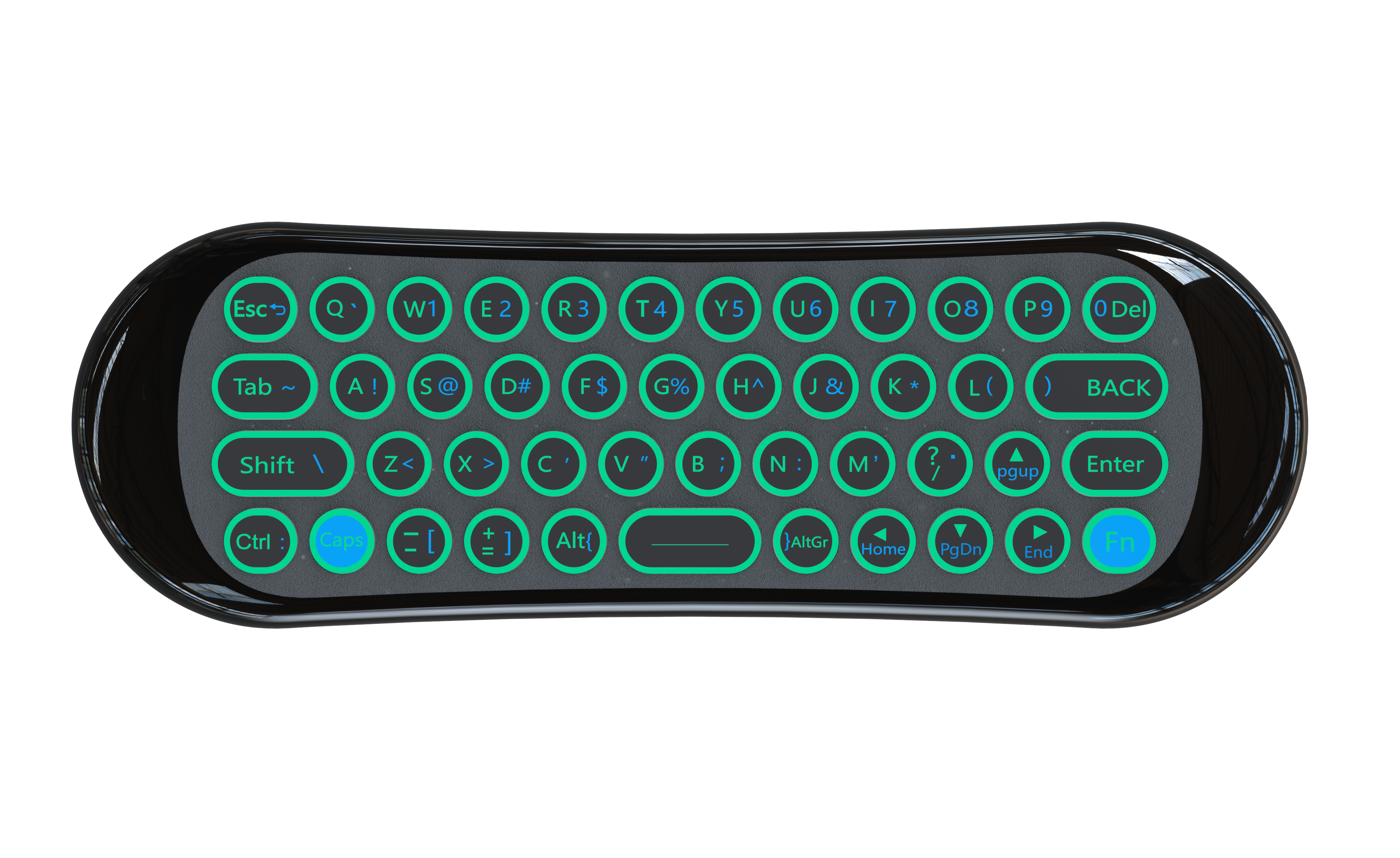
Press the backlight button to turn on/off backlight or change color.
9.Hot Keys(optional)
Support one-key access to Google Play,Netflix, Youtube.
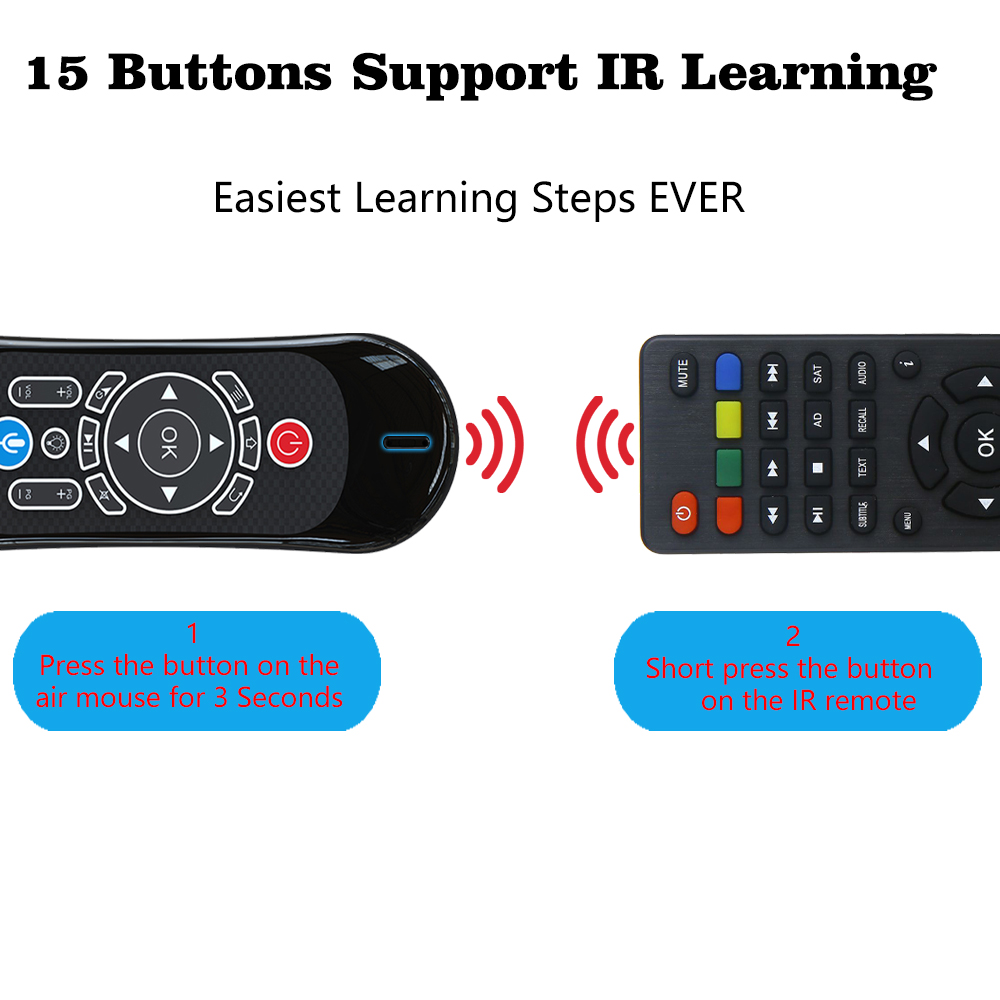
III.IR learning steps(taking Power button as example)
1.Press POWER button on the smart
remote for 3 seconds, and hold unit red LED indicator flash fast, then release the button. Red indicator will stay on for 1 second, then flash slowly. Means smart remote entered into IR learning mode.
2.Point the IR remote to the smart remote head by head, and press any button on the IR remote. The red indicator on the smart remote will flash fast for 3 seconds, then flash slowly. Means learning succeed.
3.Repeat above two steps for other buttons.
Notes:
●There are 15 buttons could be used as learning buttons, except Voice/IE, Cursor and Backlight button.
●The IR remote need to support NEC protocol.
●After learning succeed, the button only send IR code.
IV.Specifications
1)Transmission and Control: 2.4G RF wireless
2)Sensor: 3-Gyro + 3-Gsensor
3)Remote control distance: about 10m
4)Battery type: Built-in rechargeable battery
5)Power consumption: about 10mA in the work condition
6)Microphone power consumption: about 20mA
7)Product Size: 155x50x12mm
8)Product Weight: 66g
9)Supported OS: Windows, Android, Mac OS, Linux, etc.
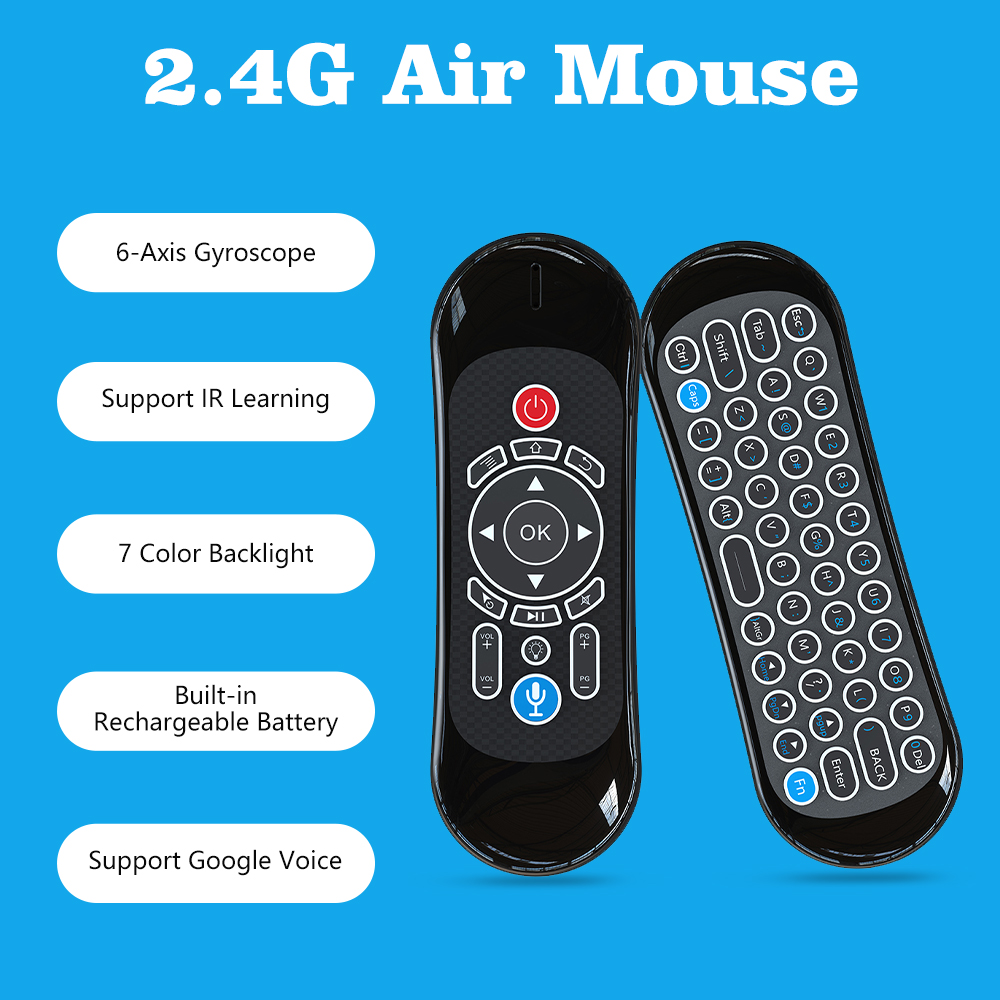
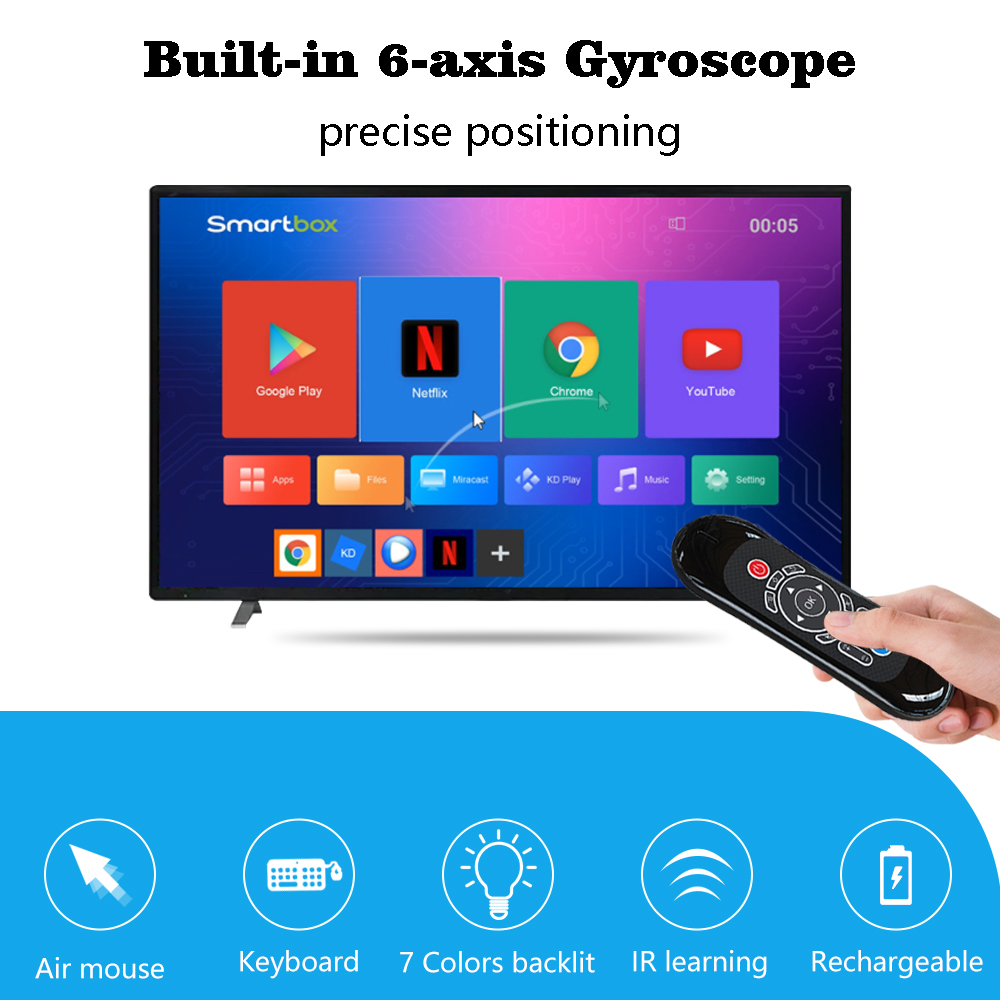
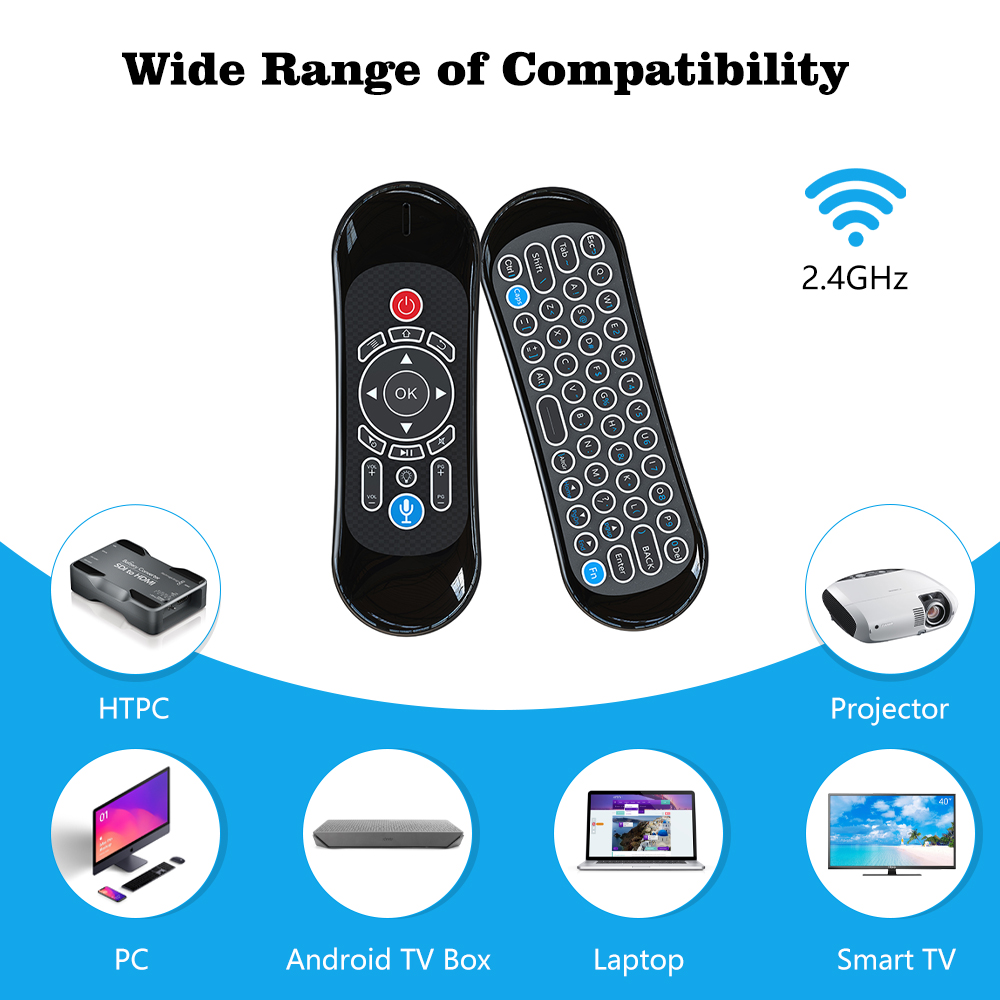
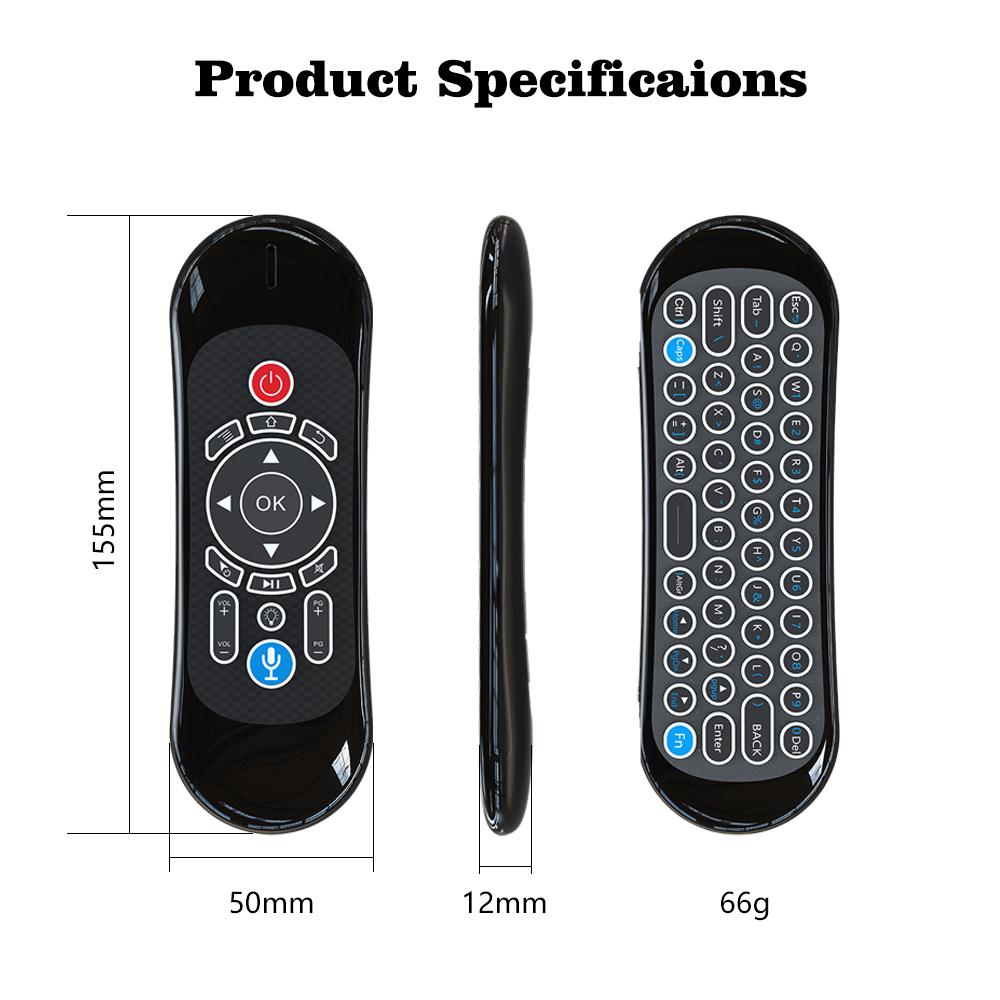
T120-M
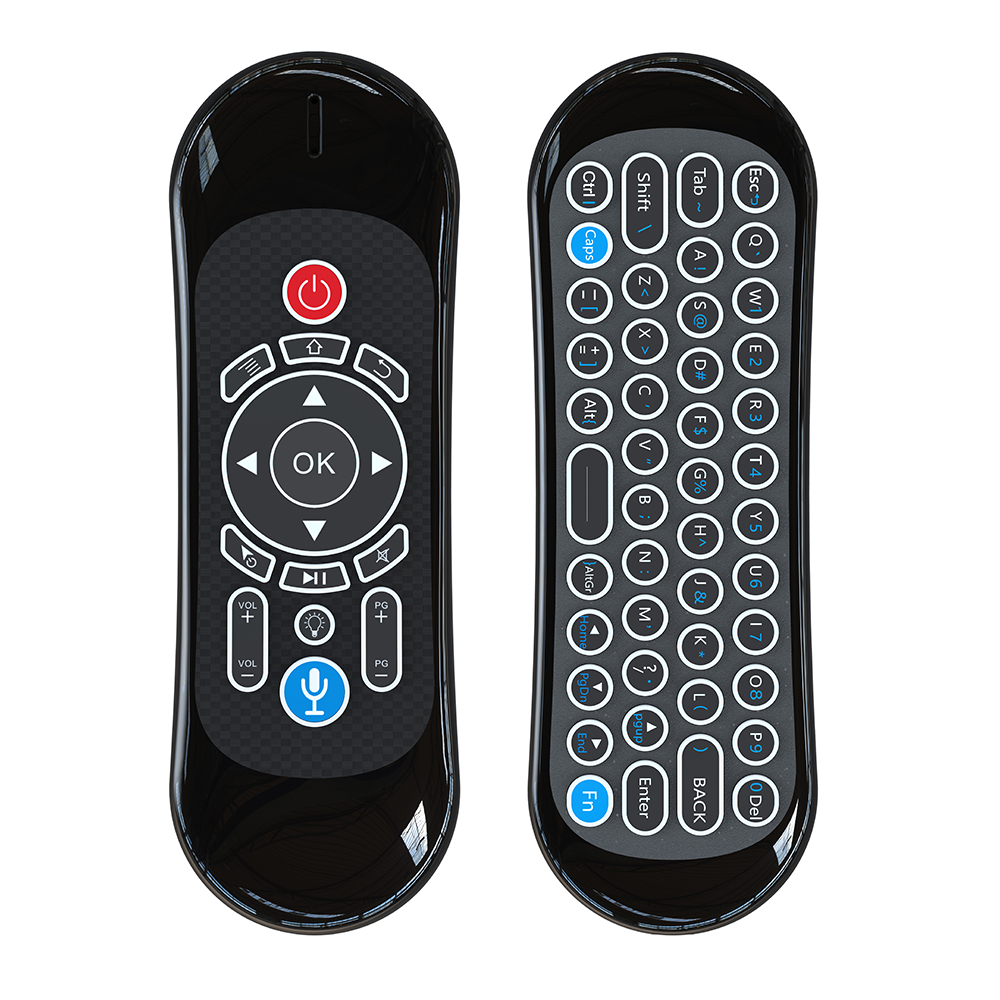
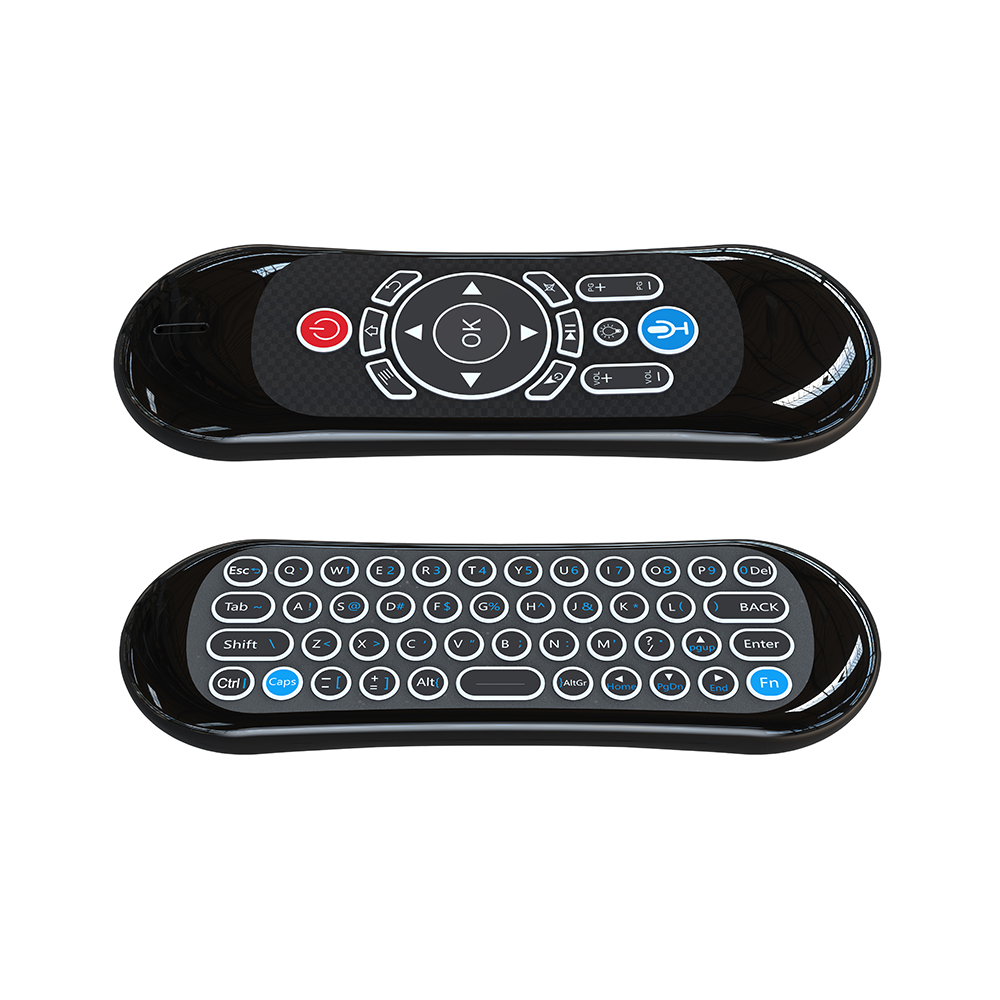
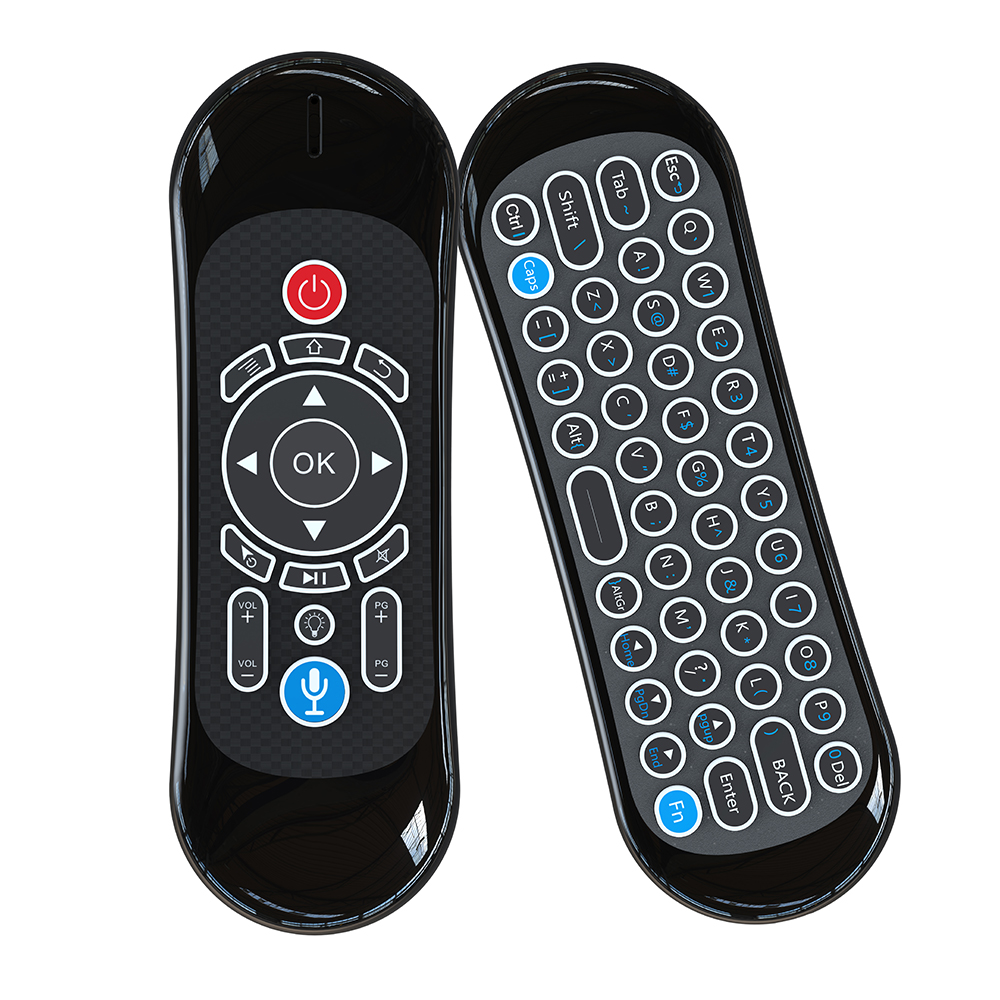
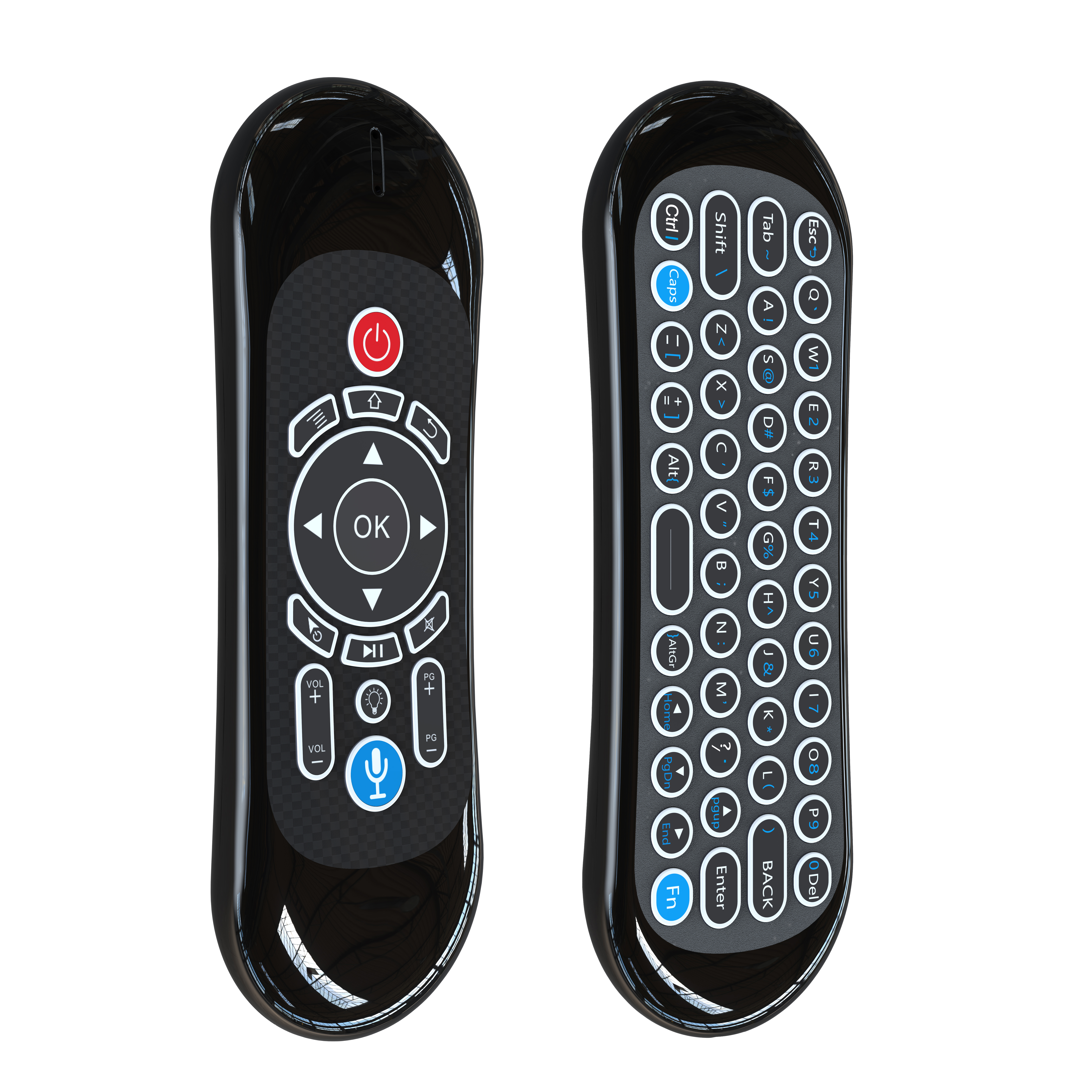
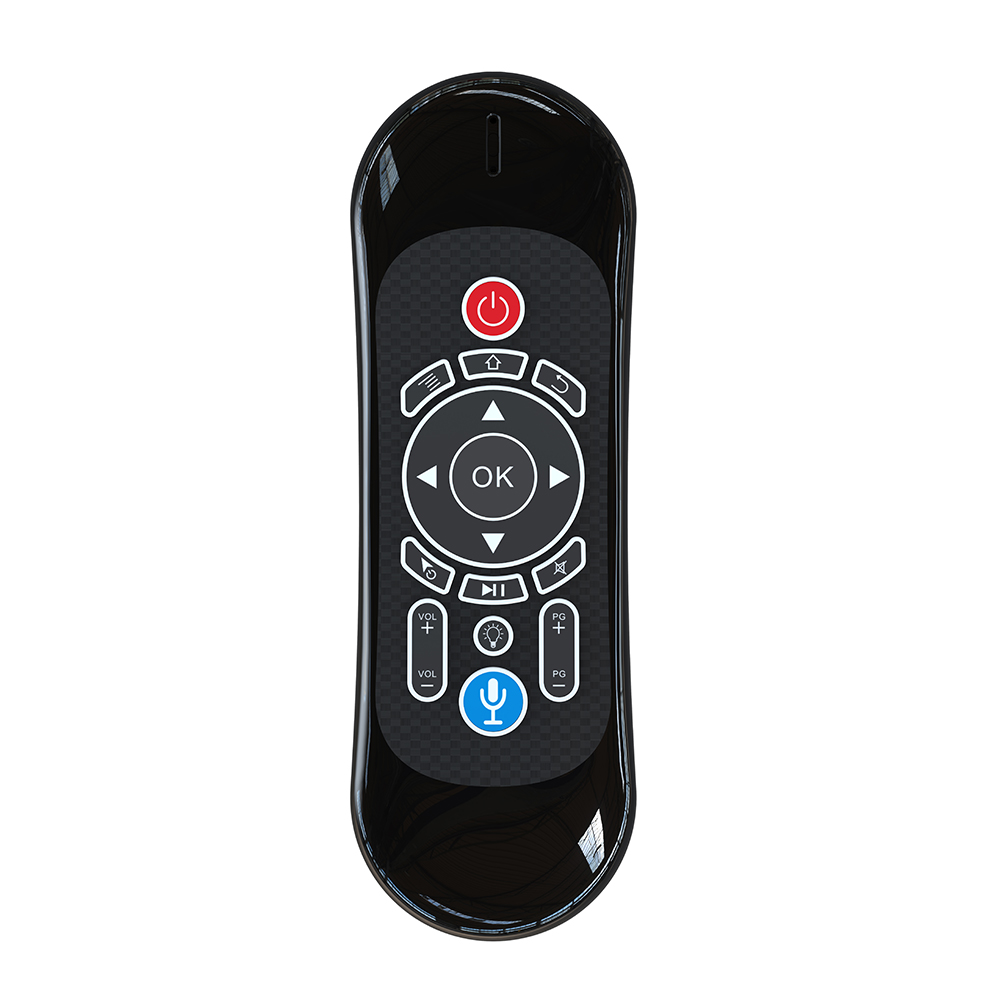
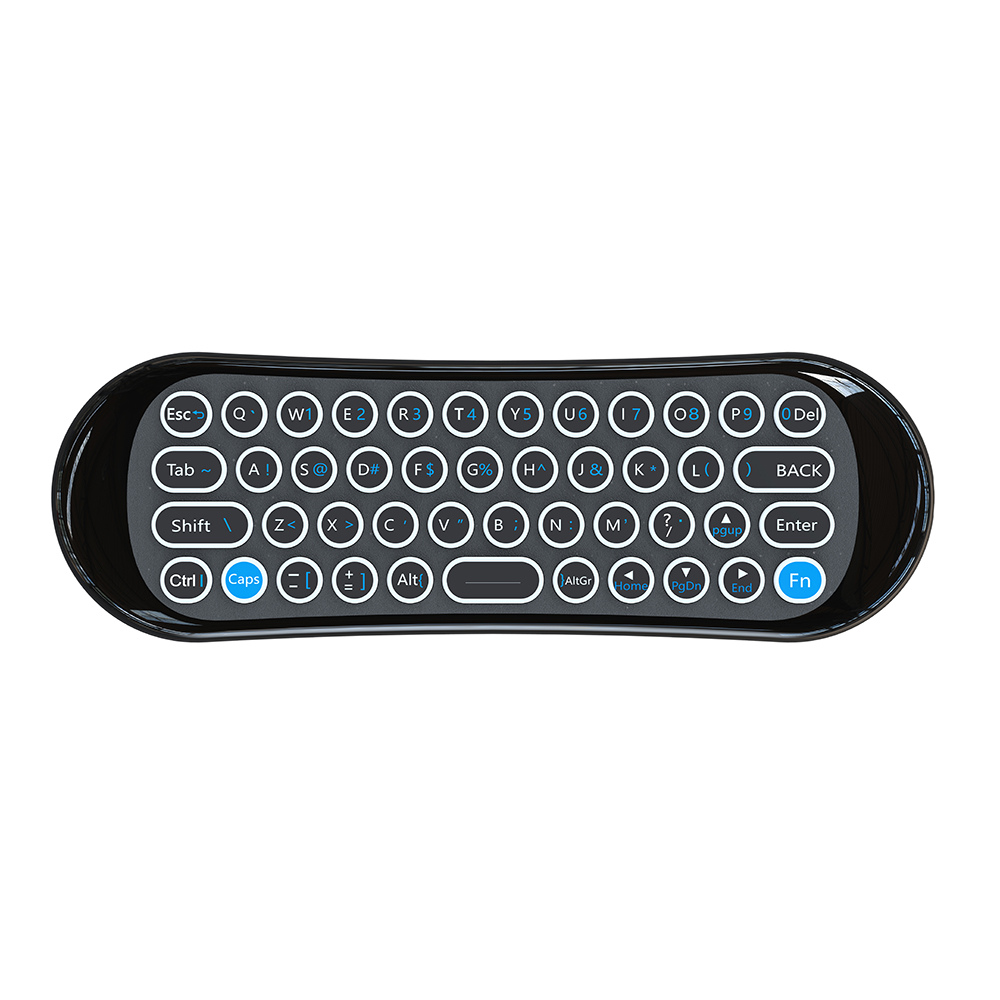
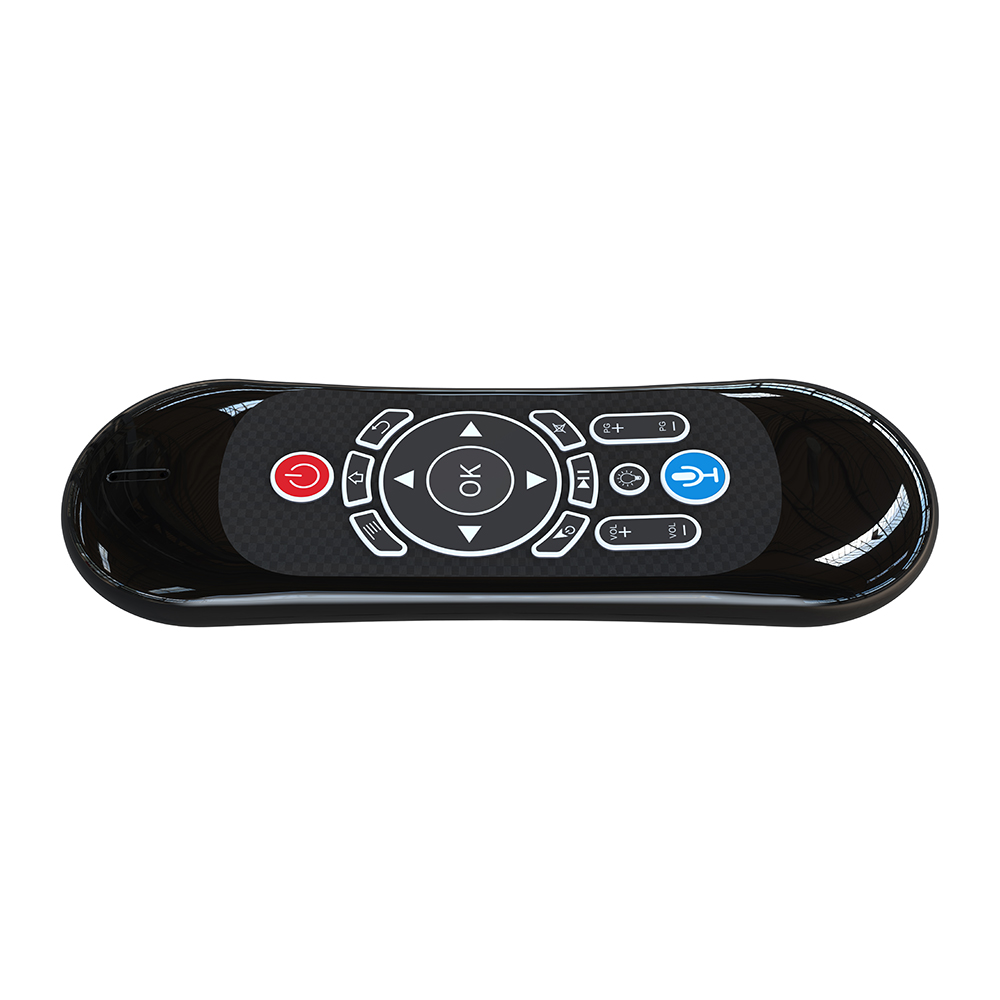
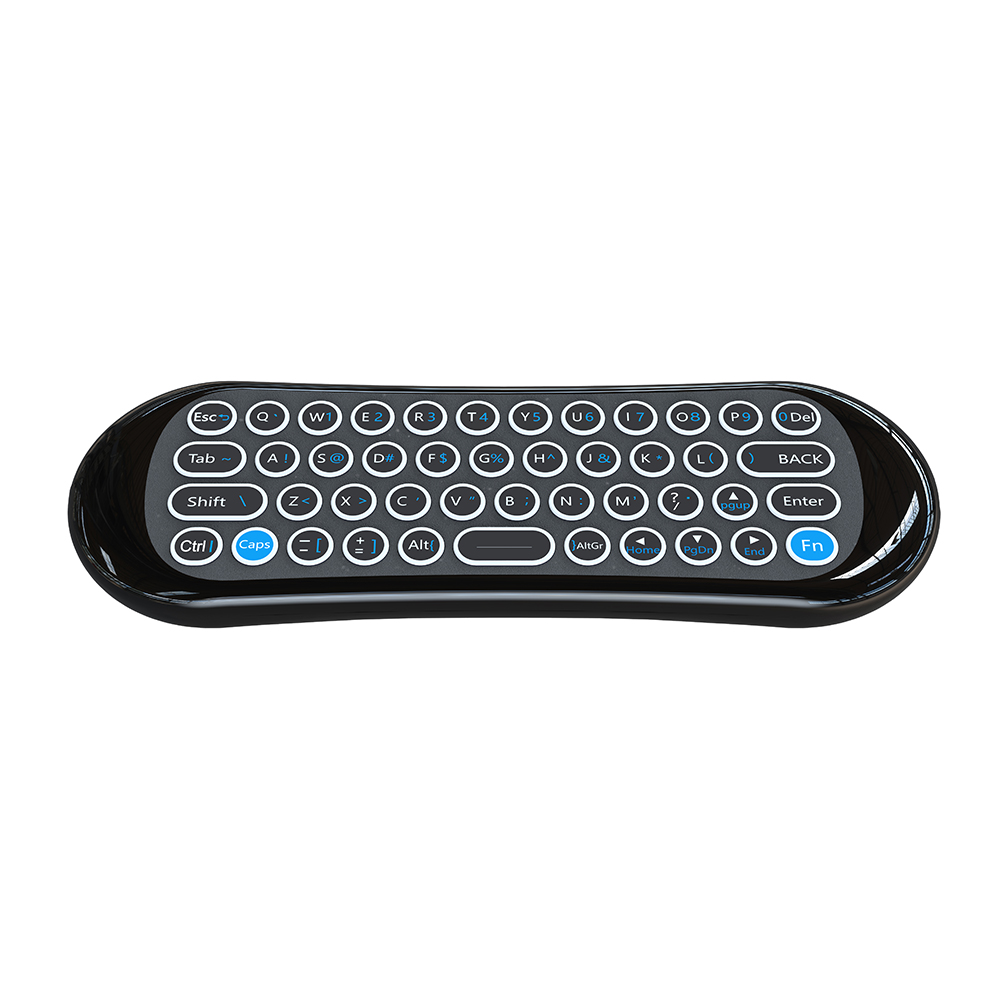
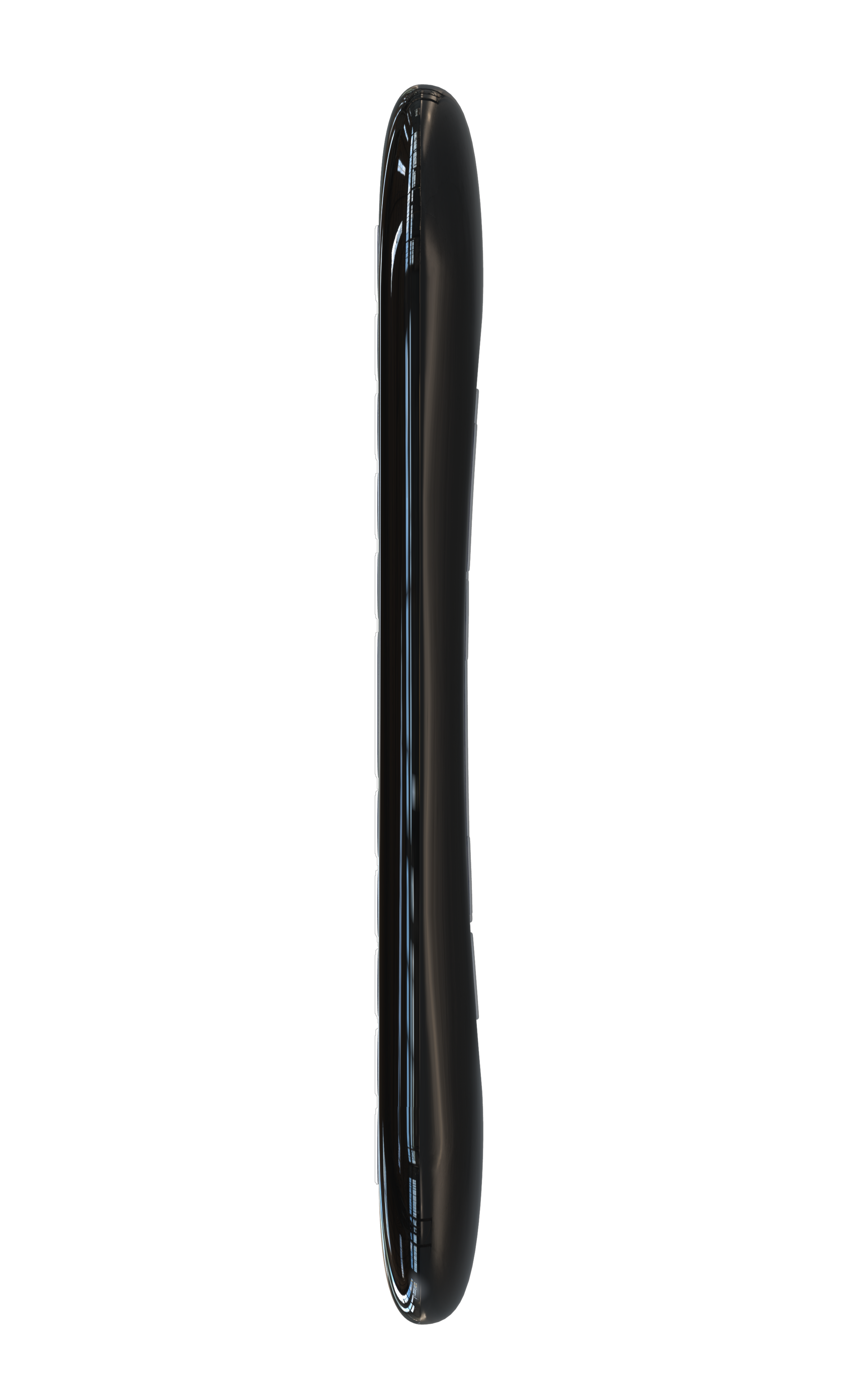
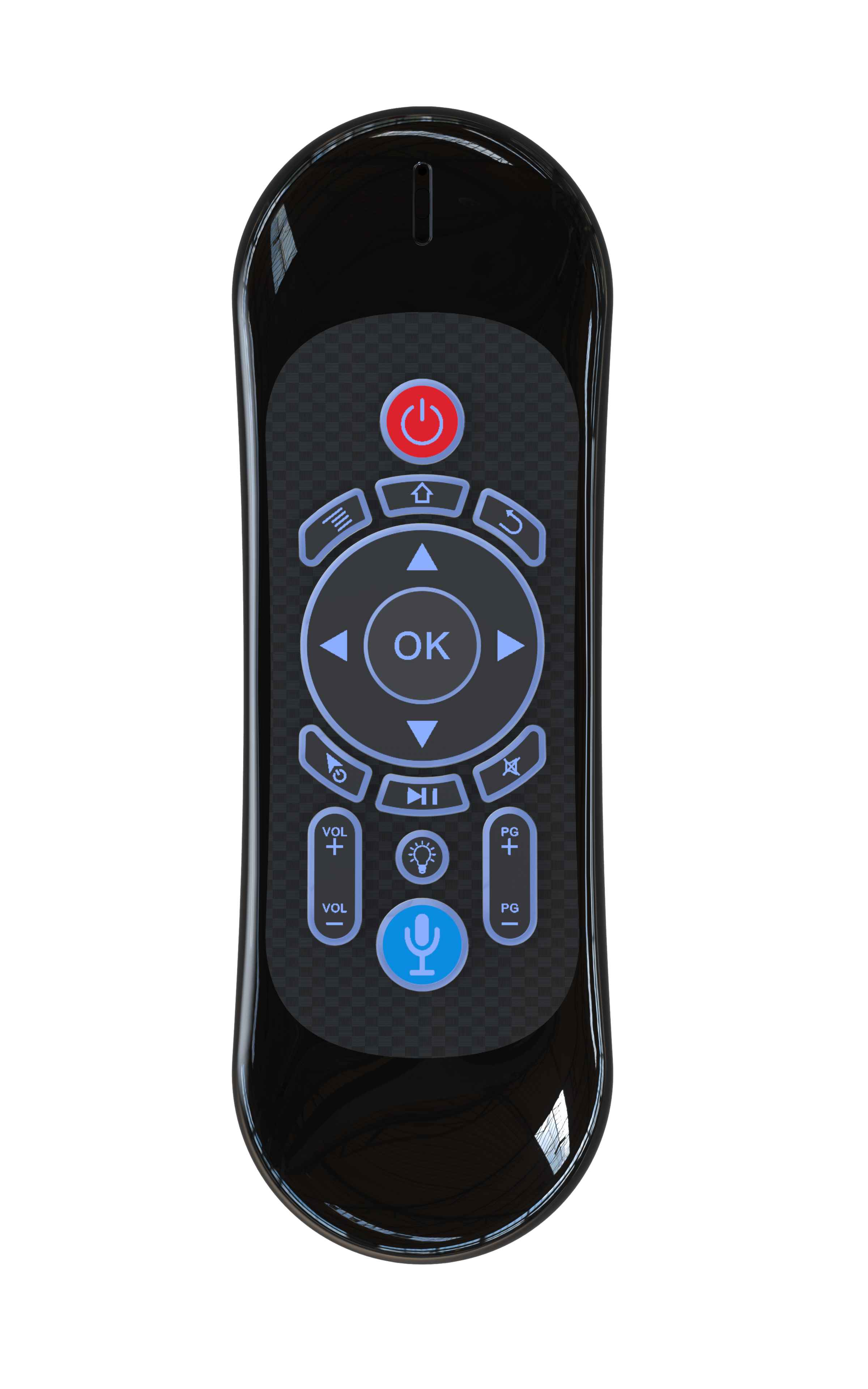
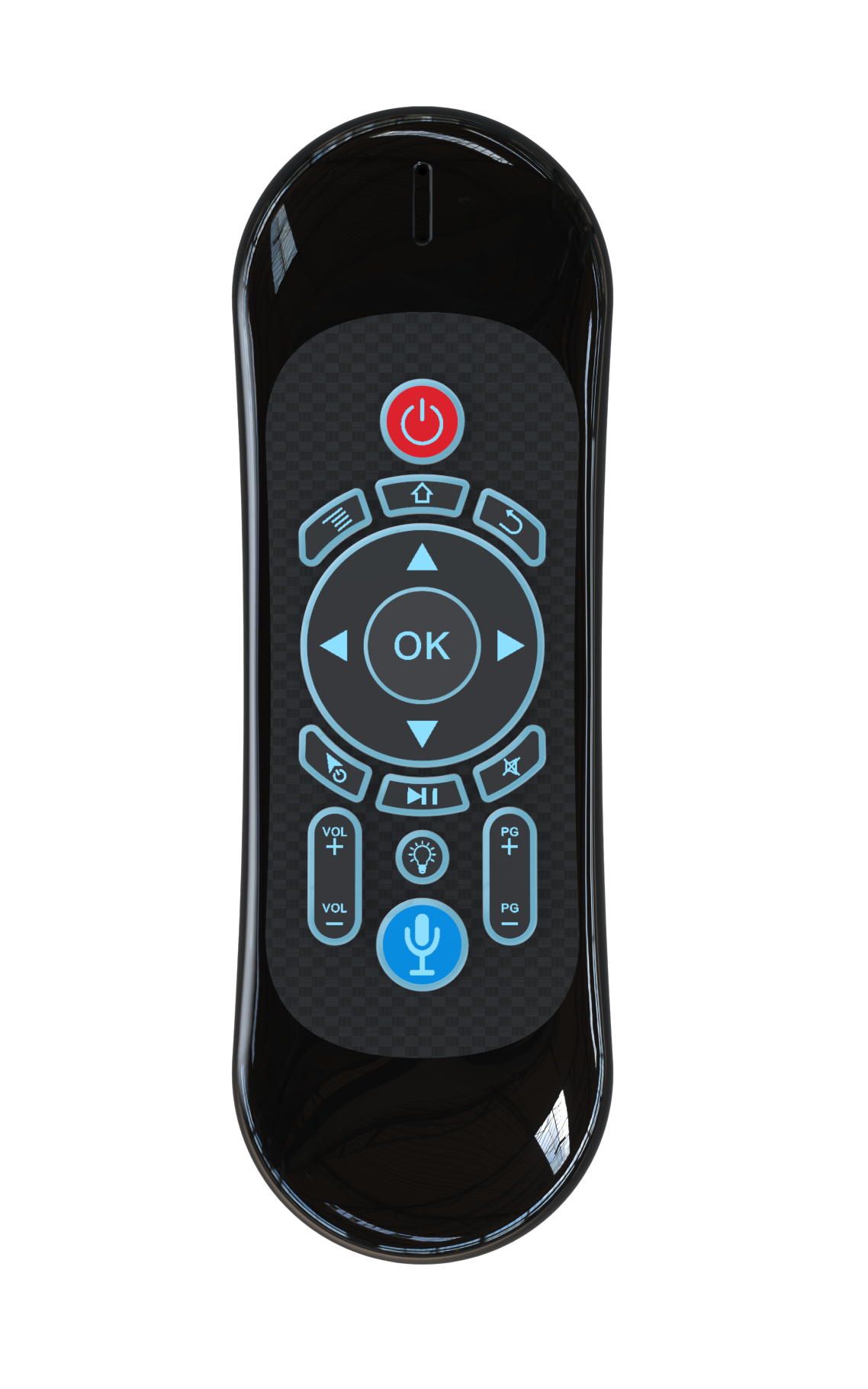
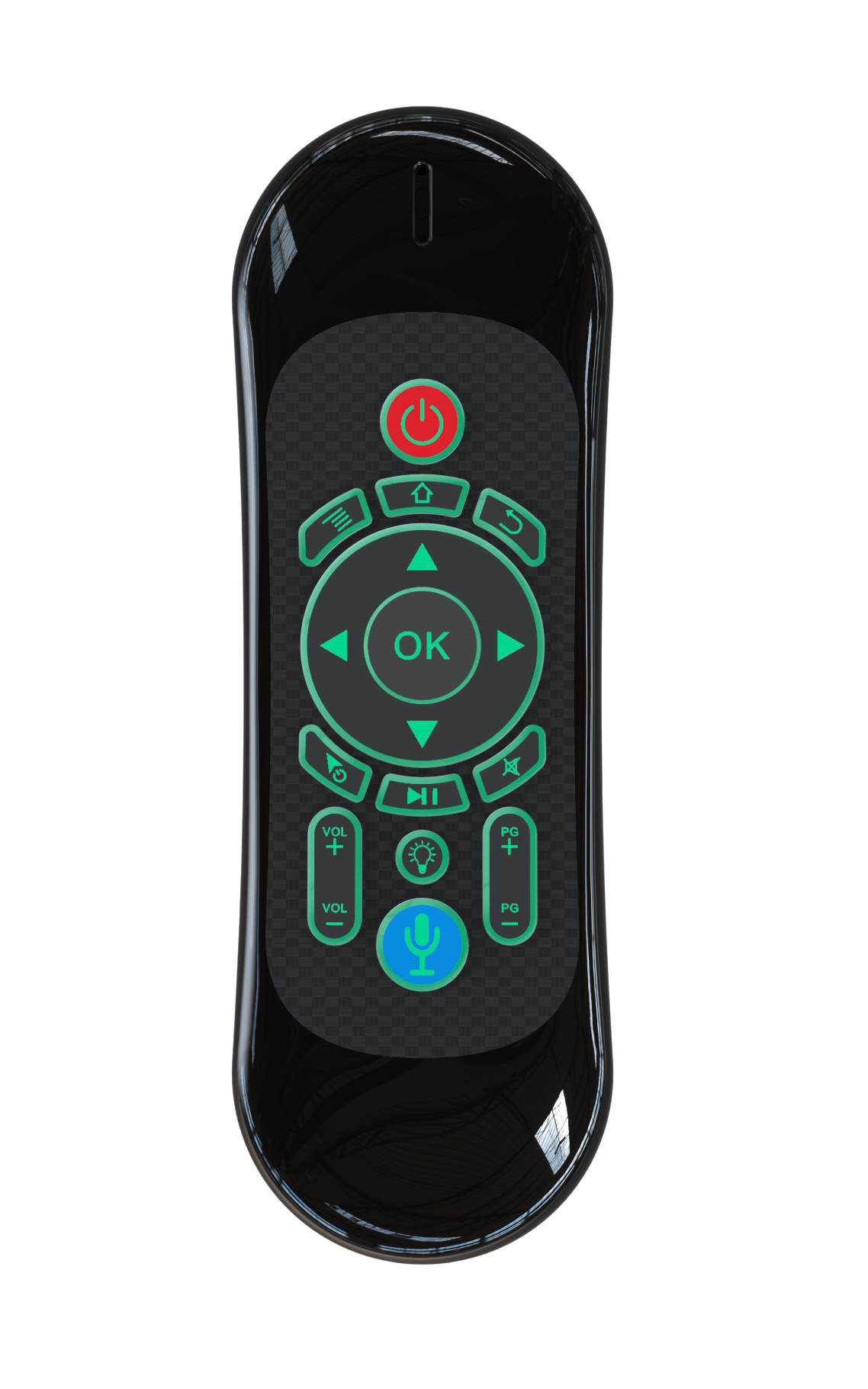
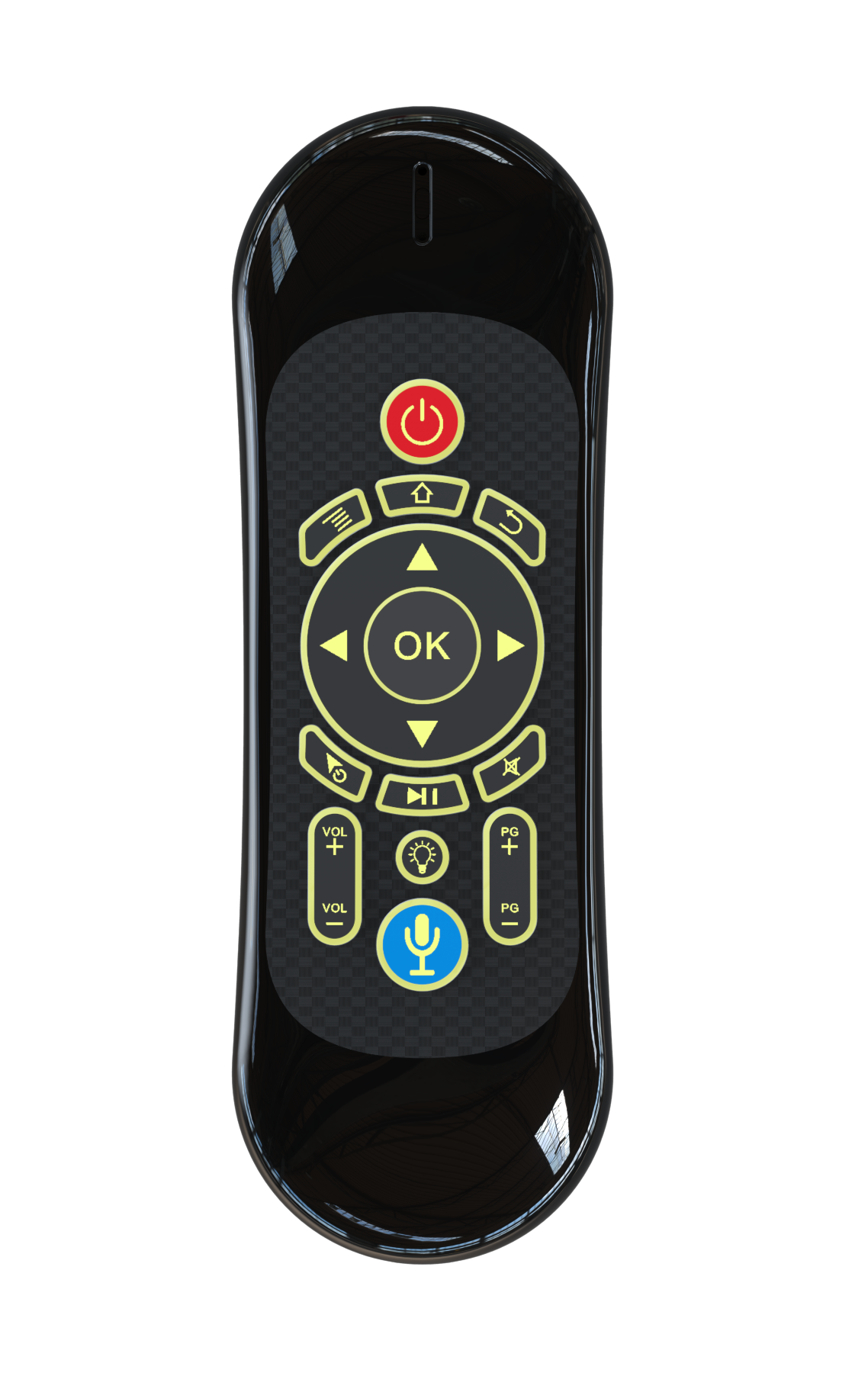
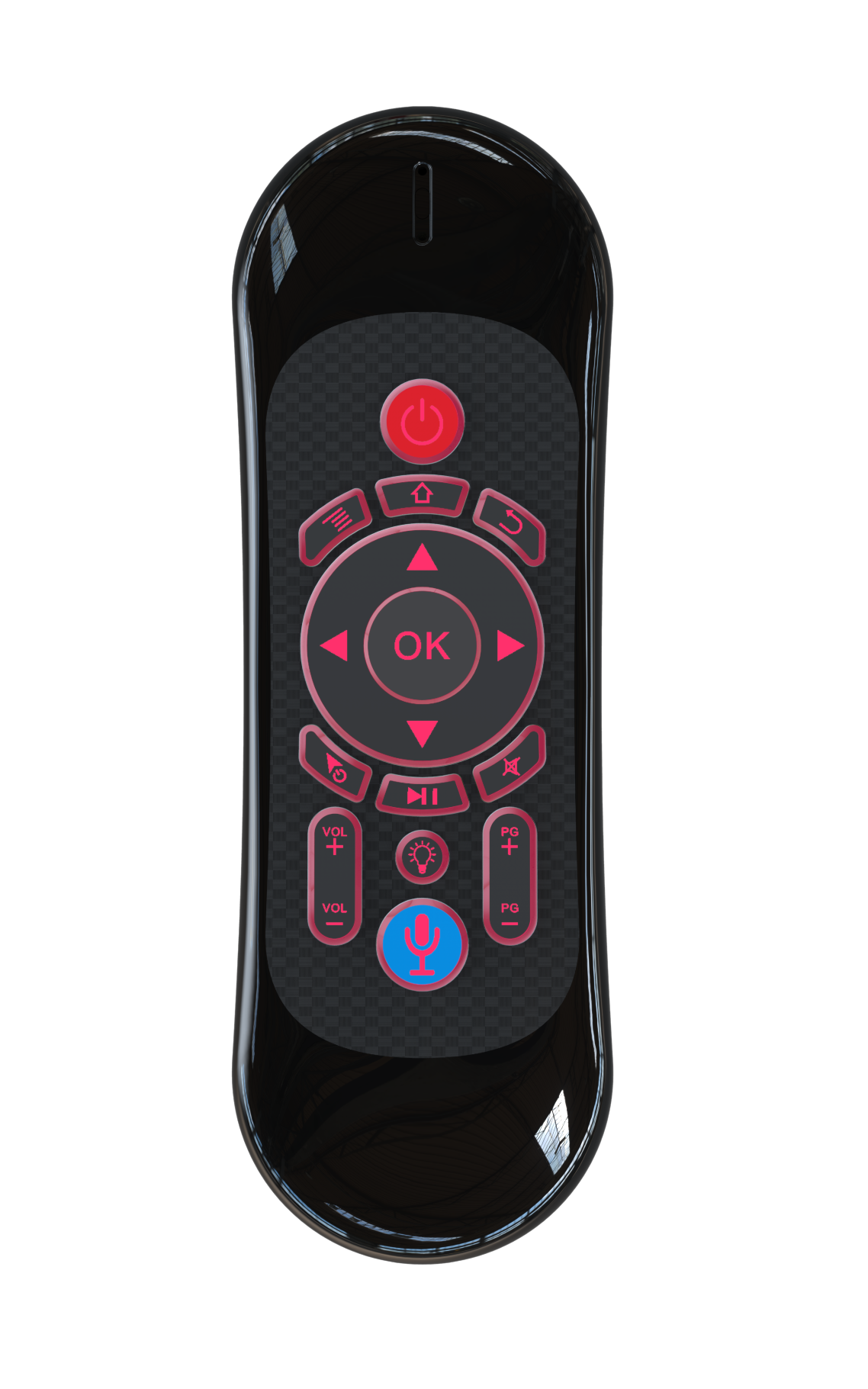
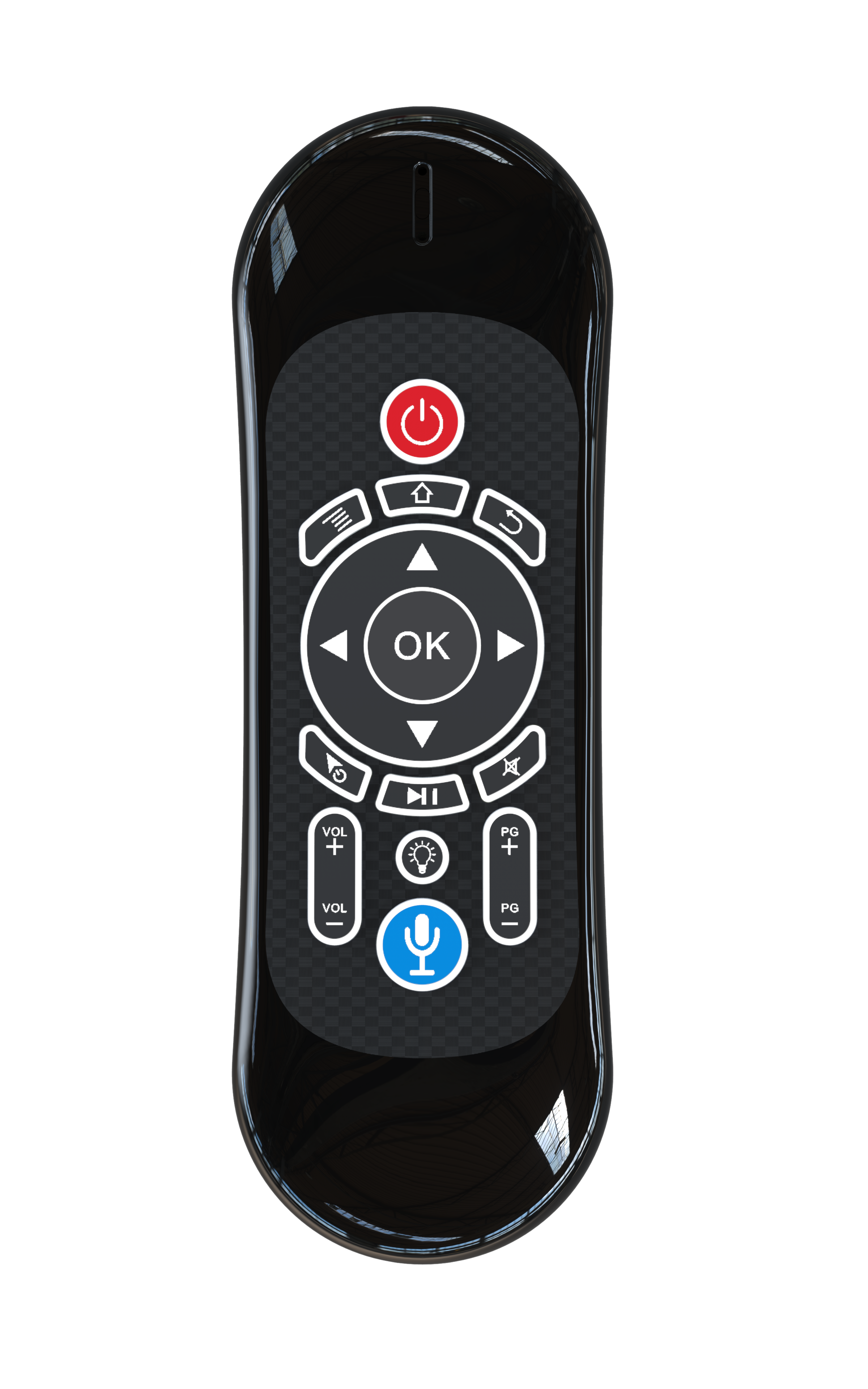
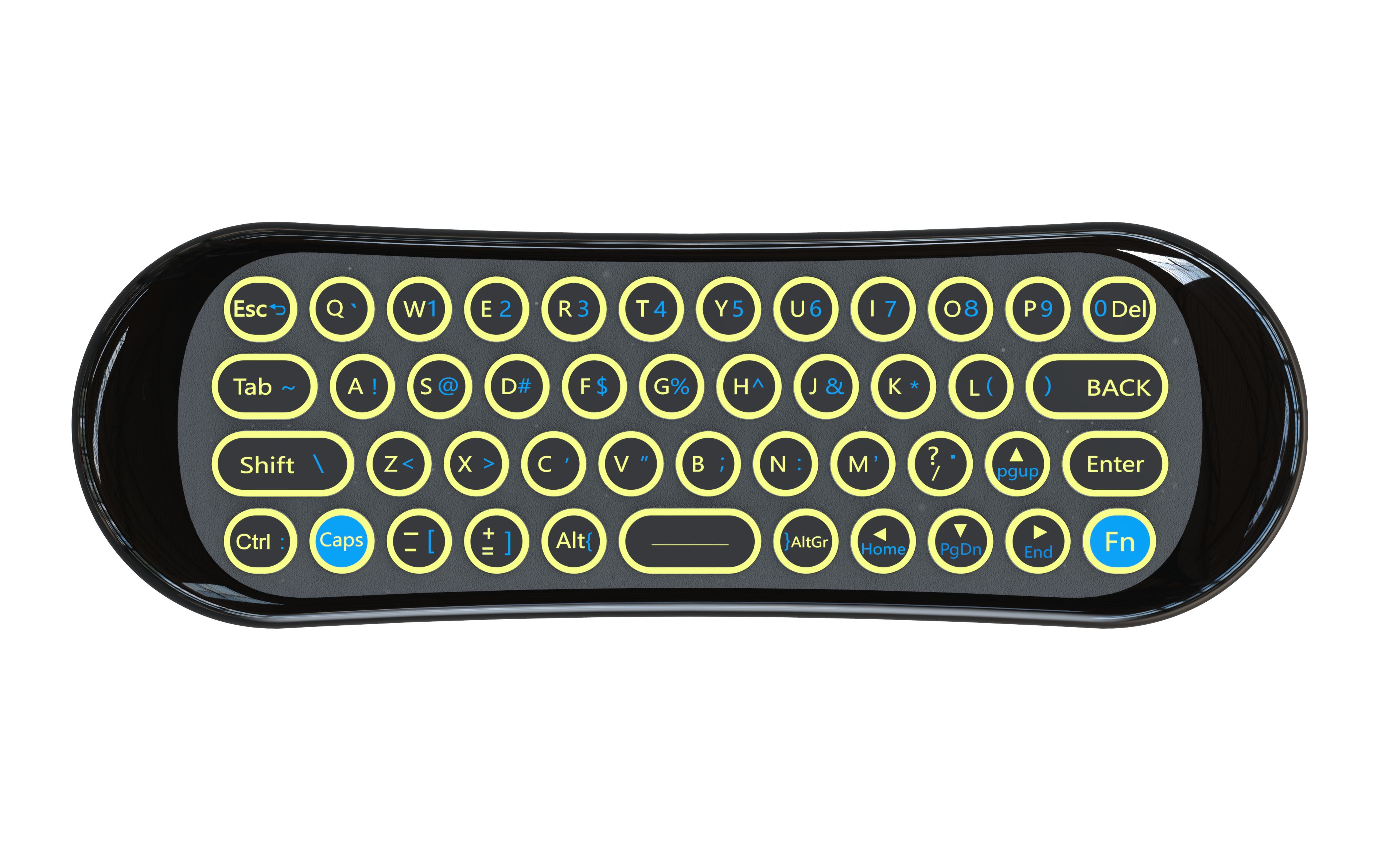
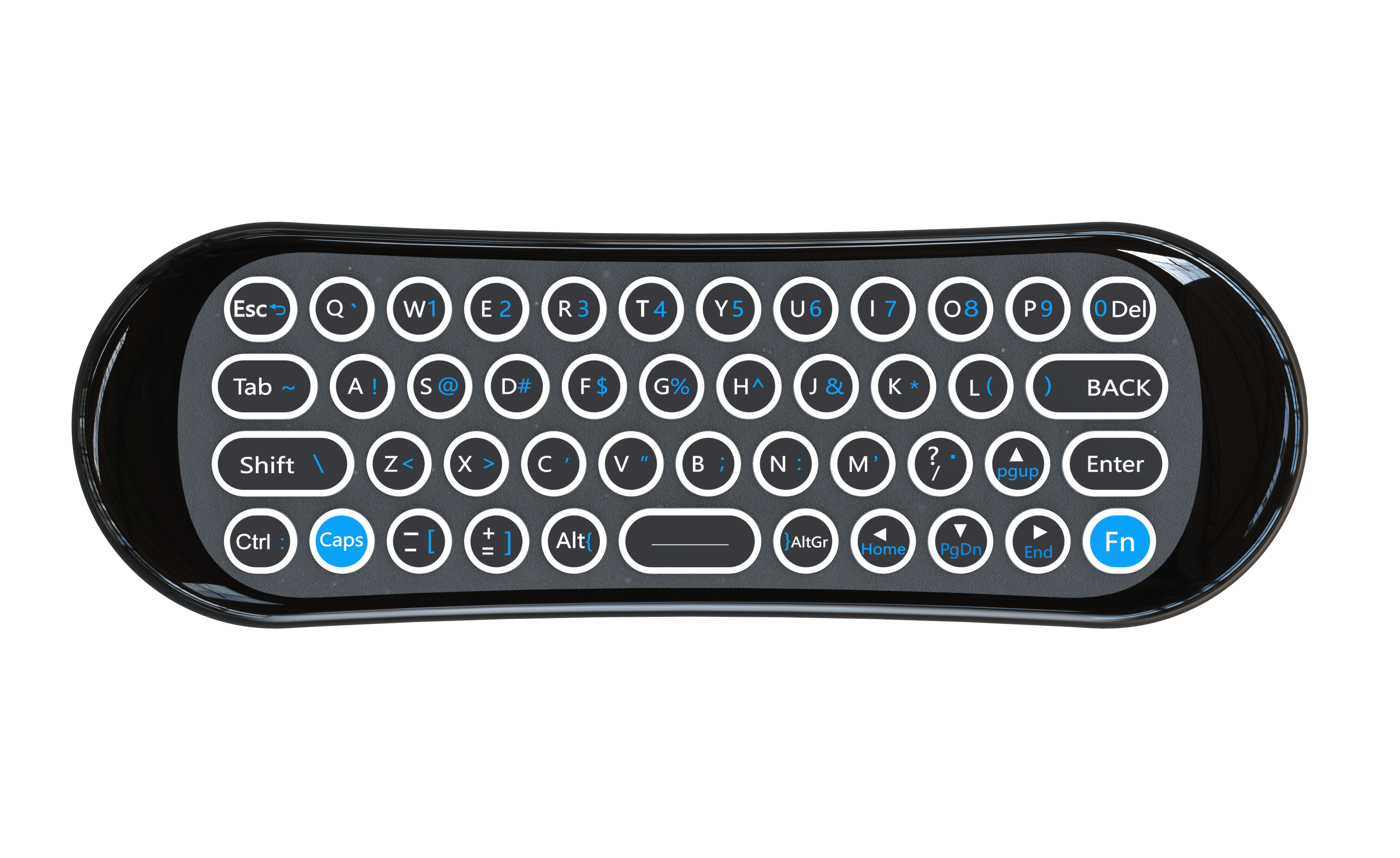
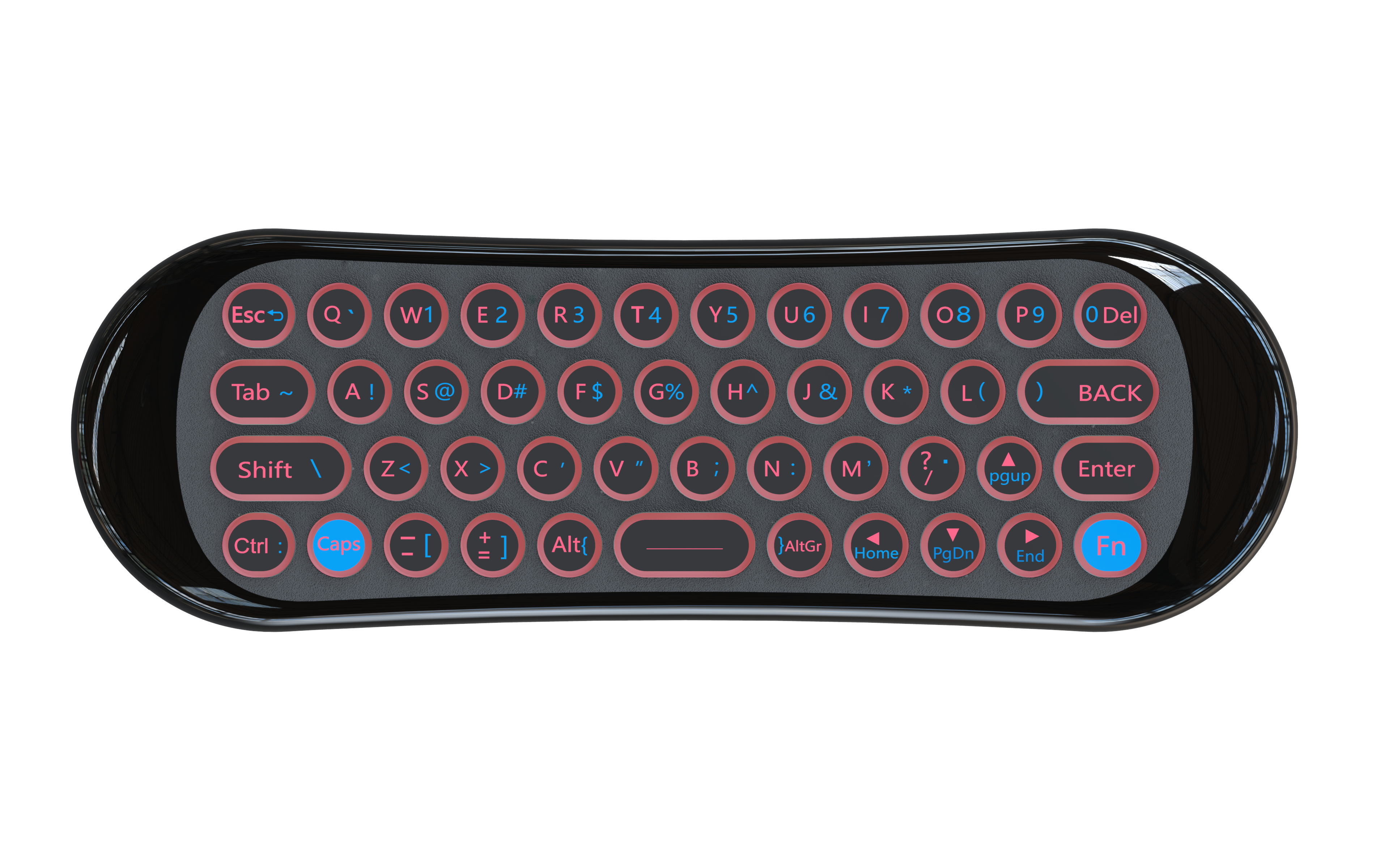
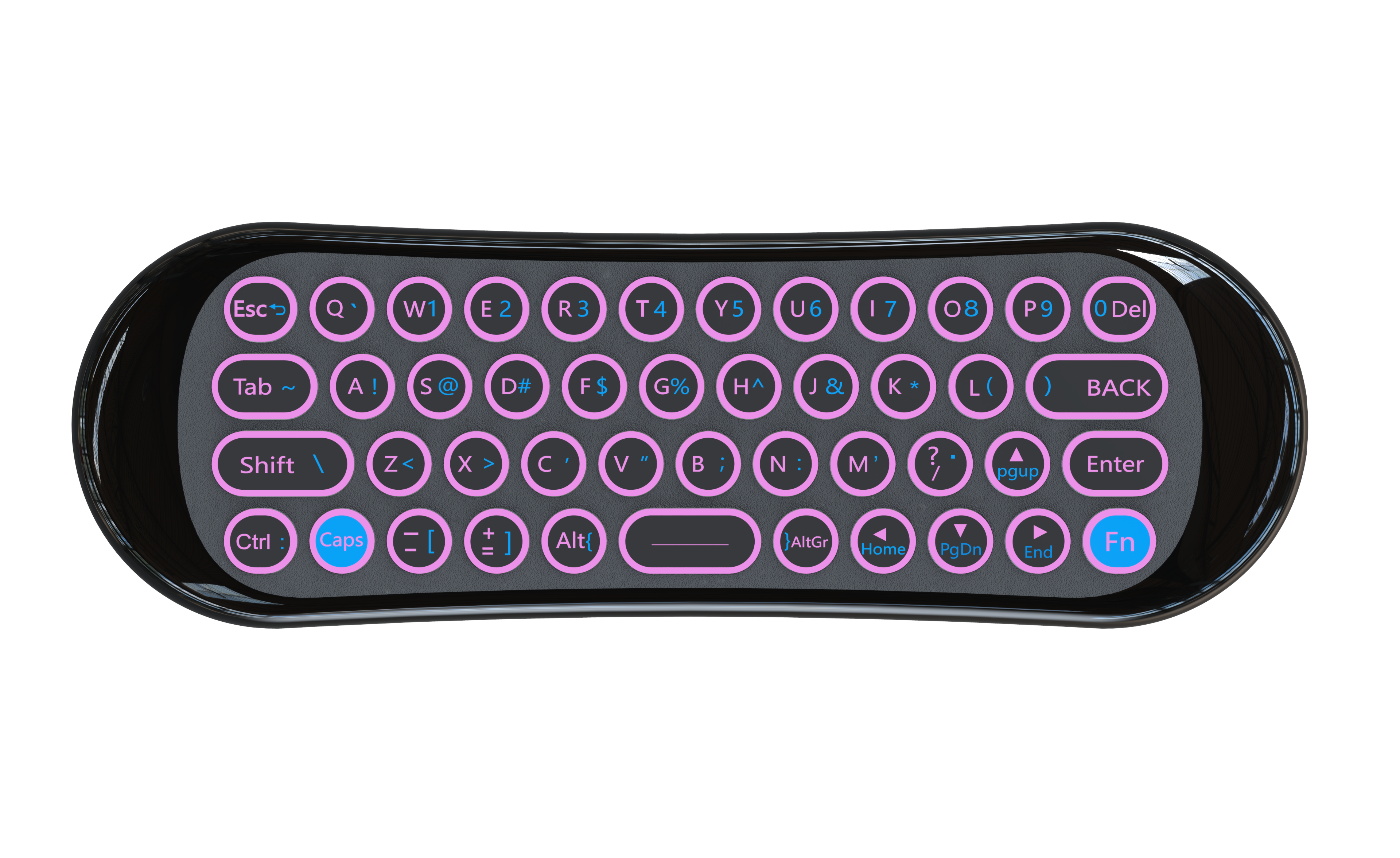
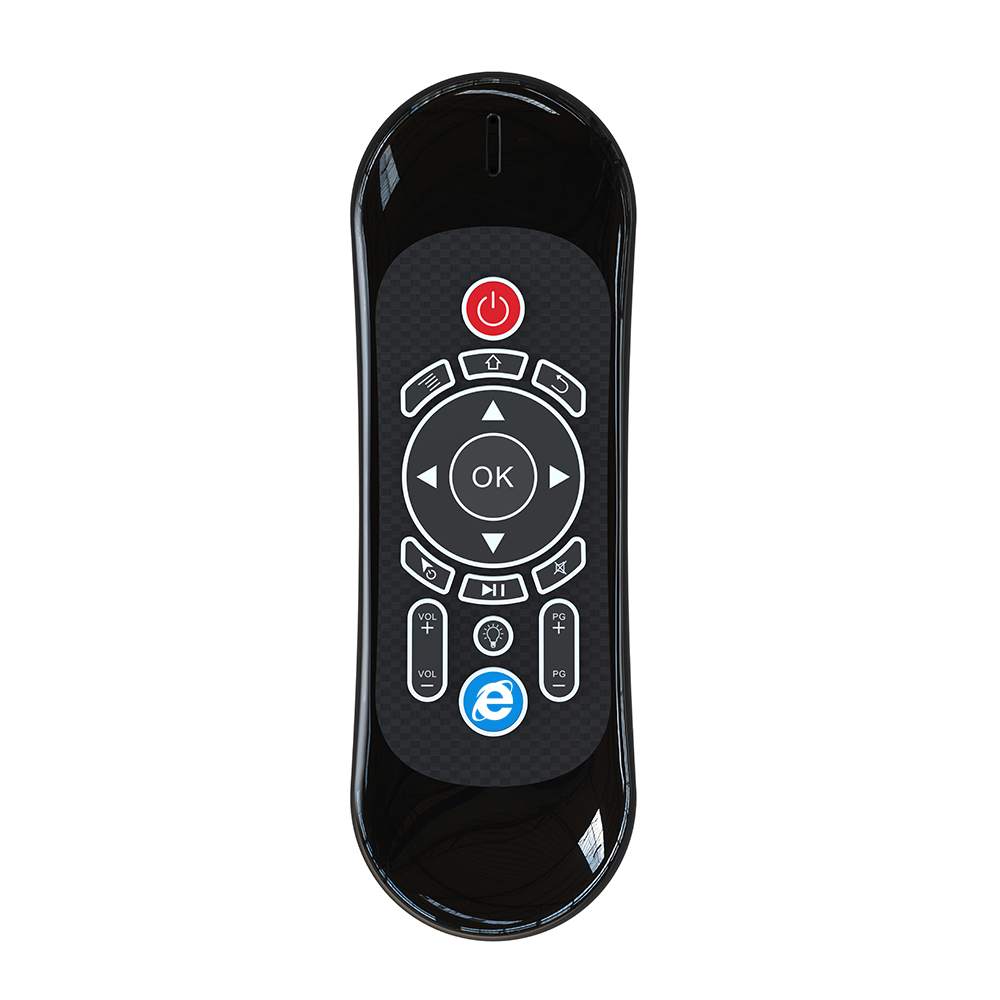
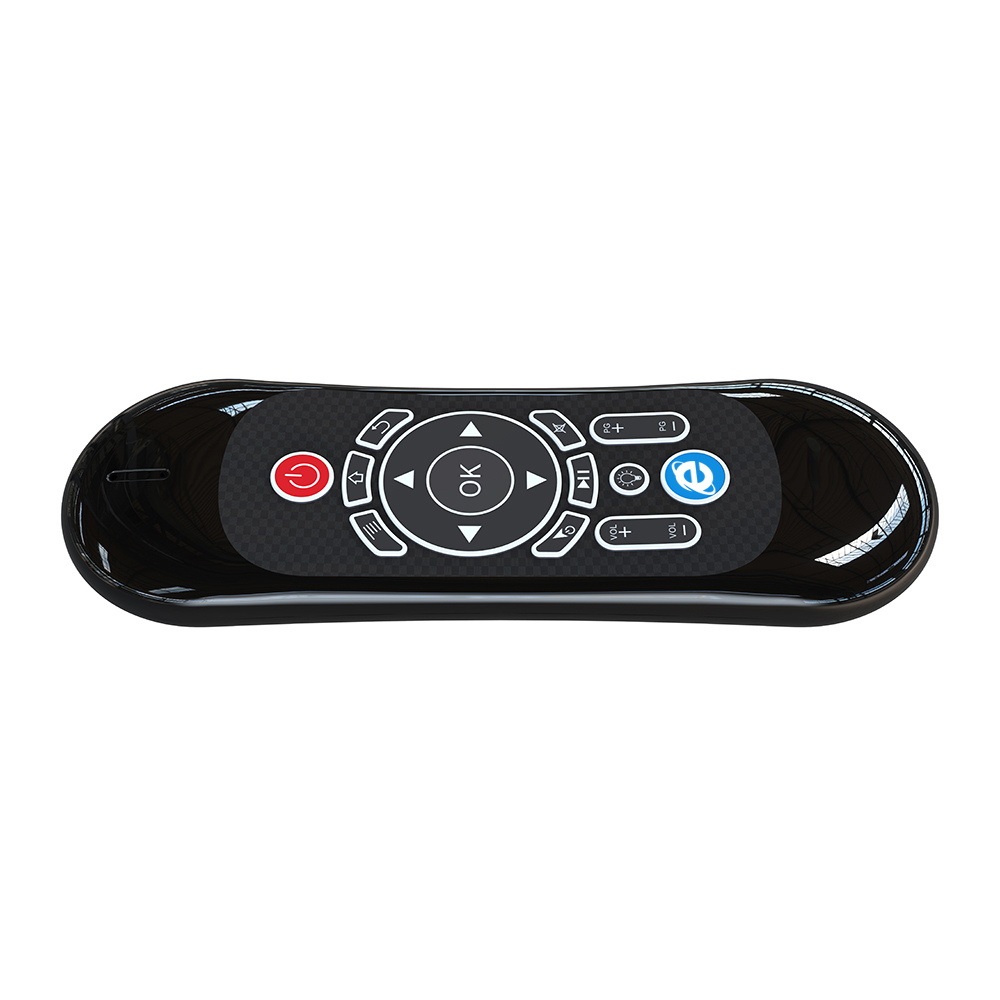
Product detail pictures:
Related Product Guide:
We're going to dedicate ourselves to offering our esteemed shoppers with the most enthusiastically considerate solutions for China Wholesale Smart Ir Remote Control Pricelist - 2.4G Smart Remote User Manual – Doty , The product will supply to all over the world, such as: Frankfurt, Nigeria, Malta, we sincerely hope to establish a good and long-term business relationship with your esteemed company through this opportunity, based on equality, mutual benefit and win-win business from now to the future. "Your satisfaction is our happiness".
 By Nora from Slovak Republic - 2017.05.21 12:31
This supplier stick to the principle of "Quality first, Honesty as base", it is absolutely to be trust.
By Ryan from Kenya - 2017.01.28 19:59
-
China Wholesale Mini Ir Remote Quotes - 7 keys...
-
China Wholesale Custom Ir Remote Controller Man...
-
China Wholesale Ir Signal For Universal Remote ...
-
China Wholesale Smart Universal Ir Remote Suppl...
-
China Wholesale Universal Bluetooth Remote Cont...
-
China Wholesale Bluetooth Phone Remote Factorie...


