


China Wholesale Mini Remote Control Manufacturers - T6C – Doty
China Wholesale Mini Remote Control Manufacturers - T6C – Doty Detail:
Instructions:
1. Pairing
1) Turn on the remote control, press the TV button and the OK button at the same time, the blue LED light will flash very fast, which means the remote control enters the pairing mode.
2) Plug the USB receiver into other devices (smart TV, TV box, MINI PC, etc.) and wait for about 3 seconds. The blue LED light will stop flashing, which means the pairing is successful.
2. Function keys
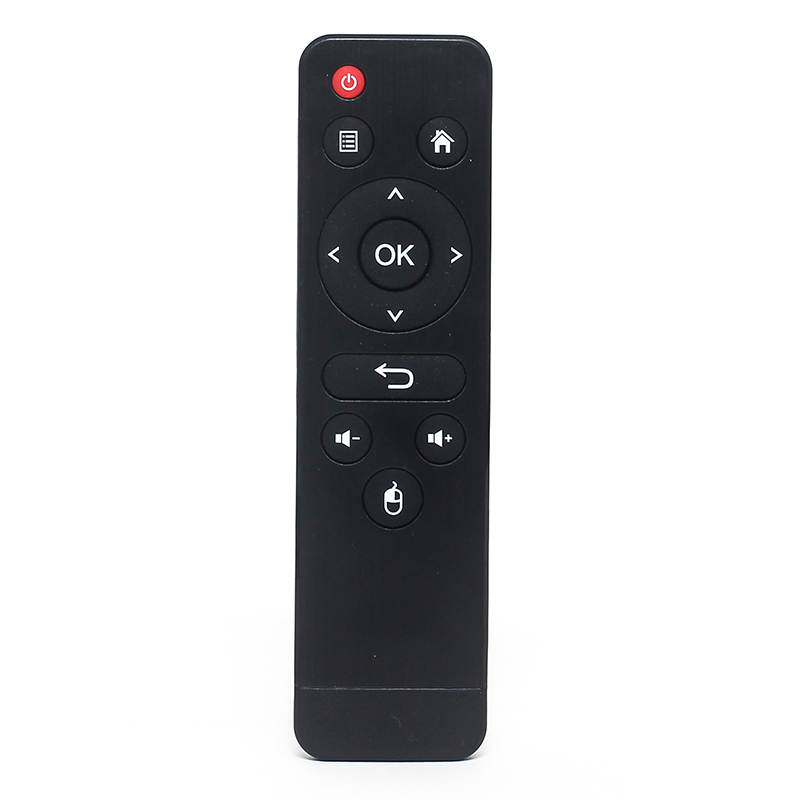
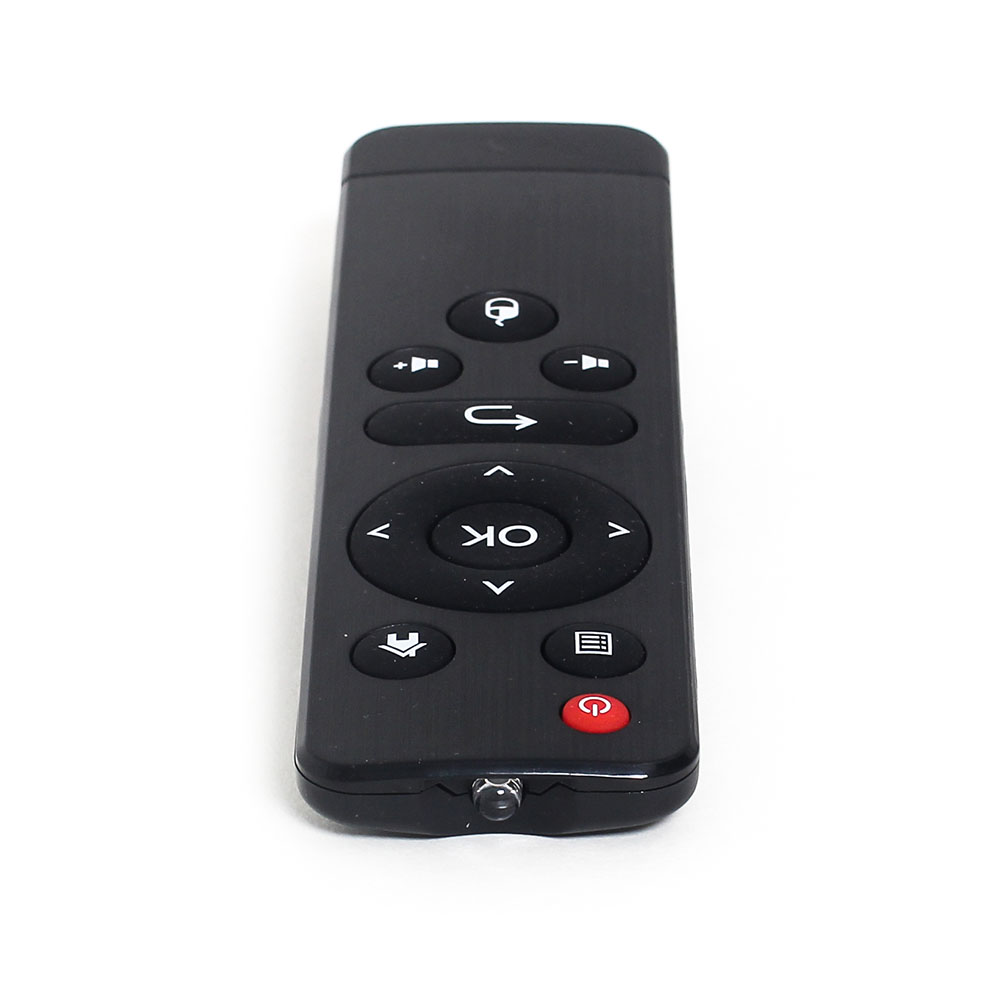
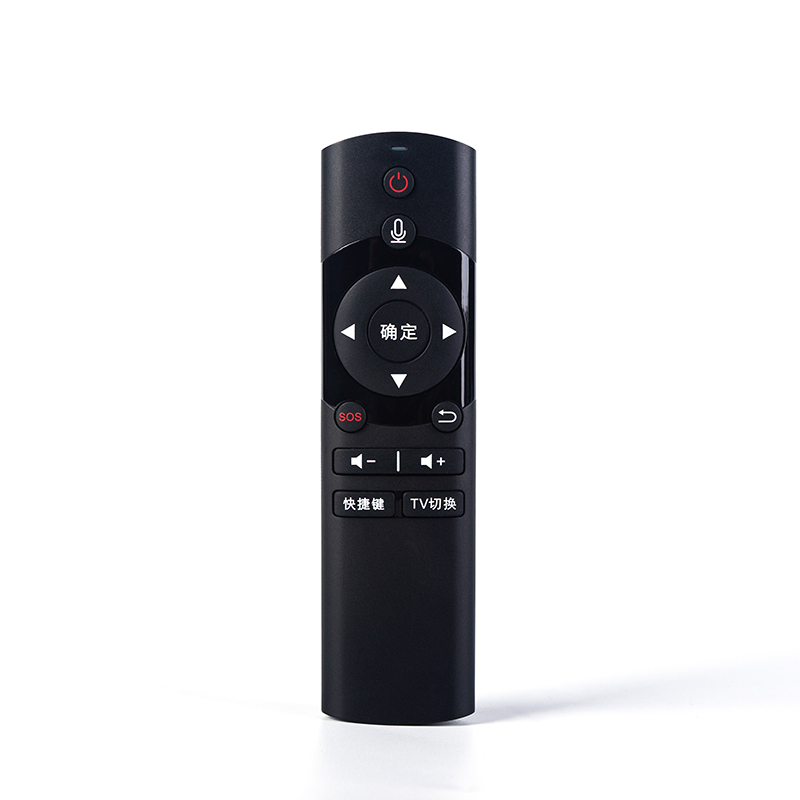
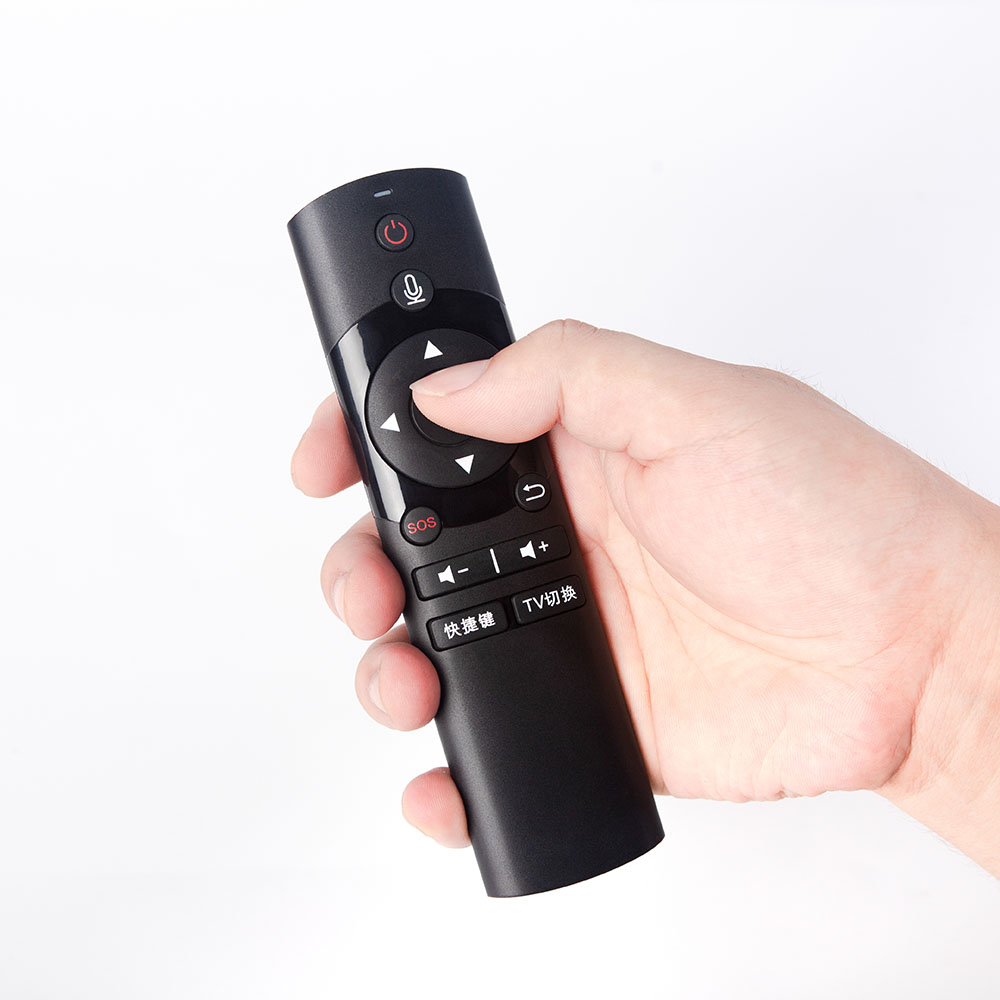
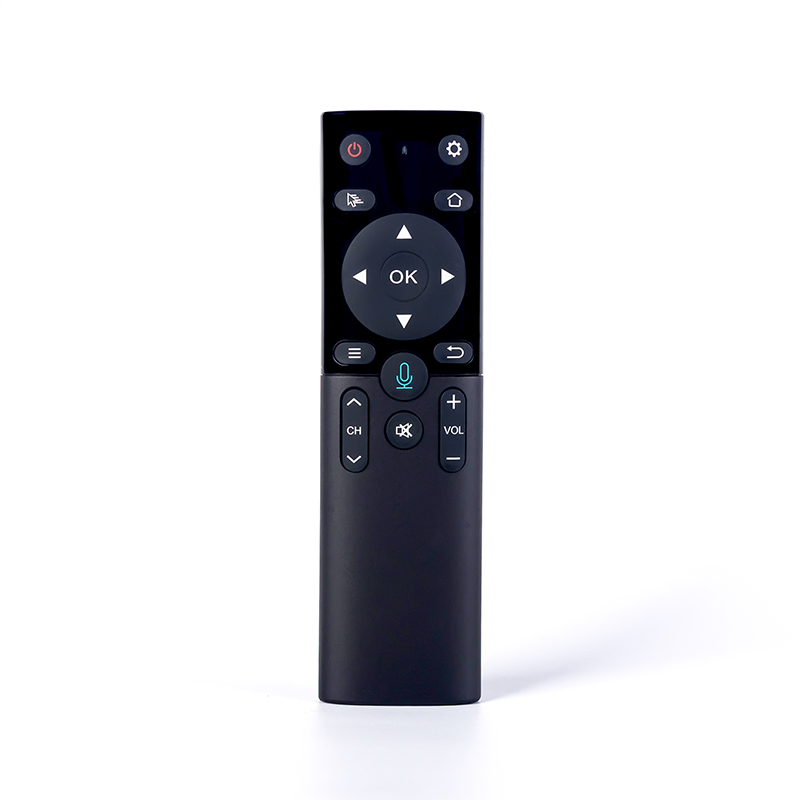
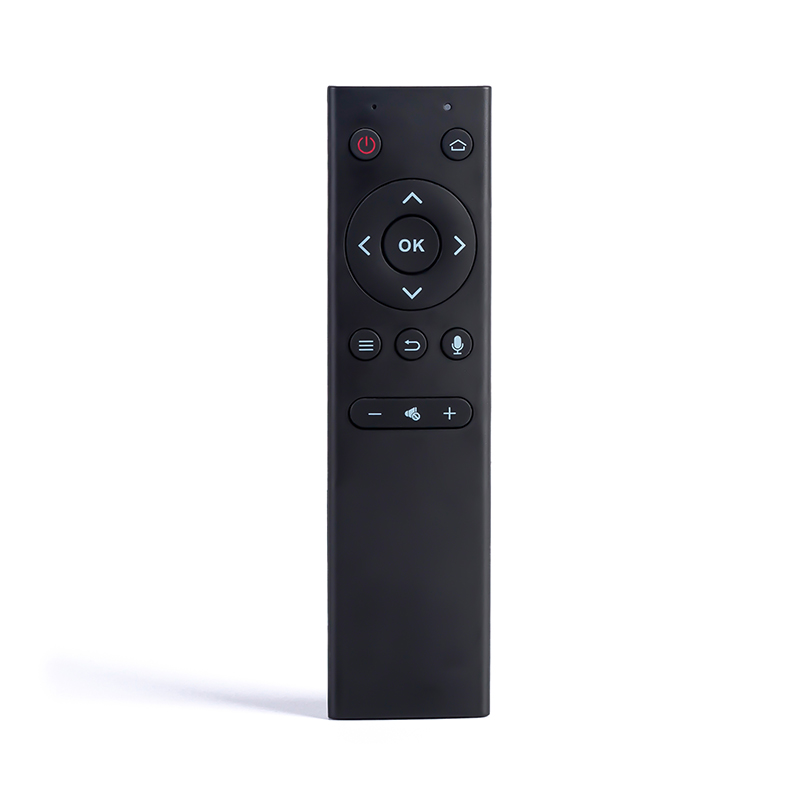
Homepage: return to the main menu;
Back: return to the previous screen;
Cursor lock: short press to lock the wireless mouse, another press to unlock
Browser: Open the browser
Power: Turn off the android TV box (use the learning function)
Working status:
1. After connecting the USB receiver, the LED light will light up when any button is pressed, and go out after release
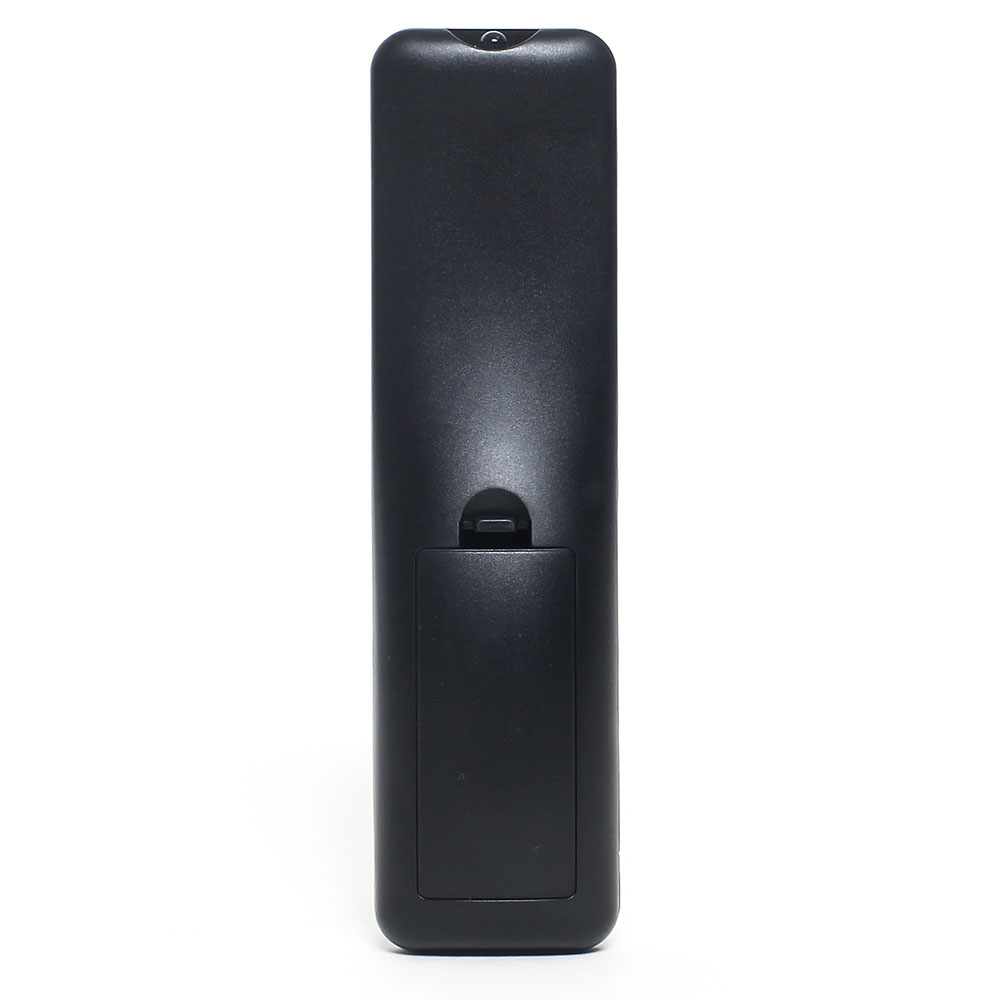
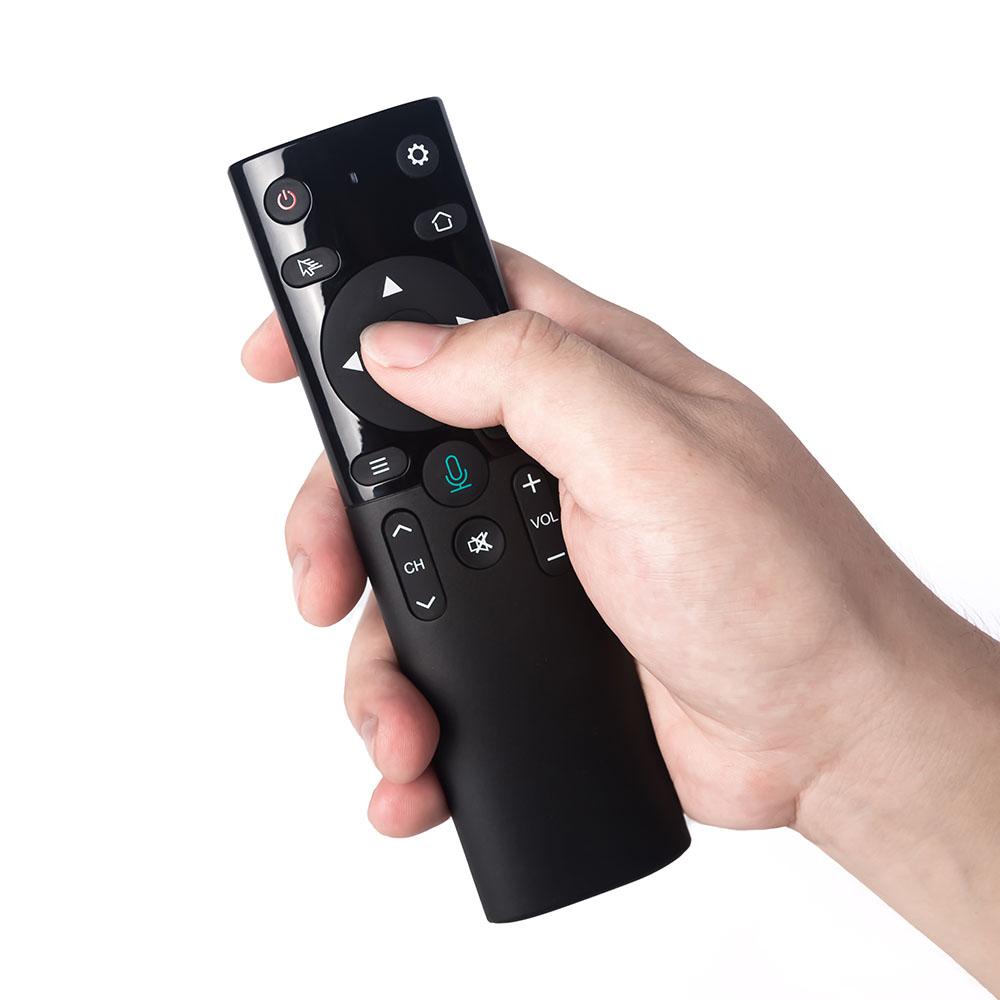
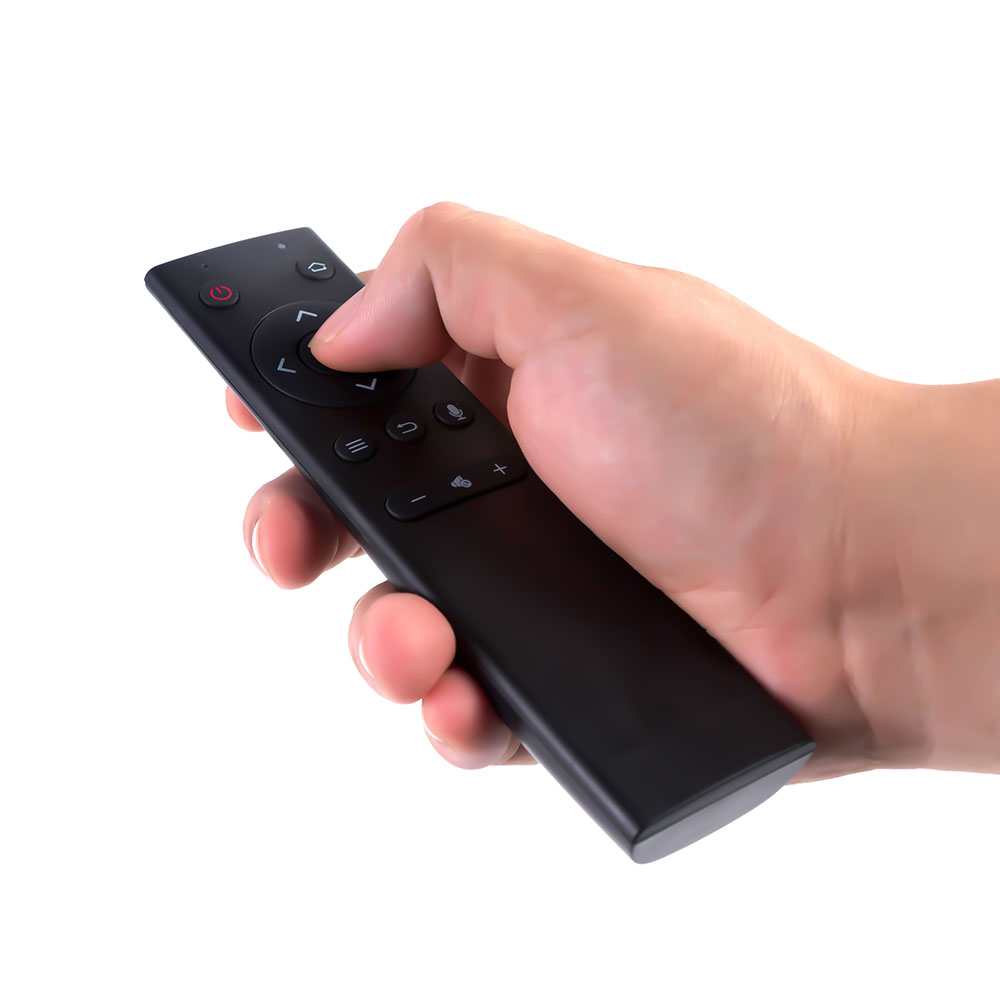
2. The front is Air Mouse mode, and the back is keyboard and touch panel.
3. Infrared learning (only the power button has the learning function)
1) Press and hold TV and keep the unit’s red LED light flashing quickly. The red light is on for 1 second and then flashes slowly.
2) Point the infrared remote control at the smart remote control, and then press the power button (or any other button). The red light is on.
3) Press the power button on the smart remote control, the red LED light flashes slowly. Learning is successful.
4) Press TV to exit the infrared learning mode.
The keyboard has 43 buttons and a touch panel.
1) Backspsce: delete the previous character
2) Uppercase: uppercase lock
3) ENTER: Confirm operation
4) Space: Space bar
5) ALT: Switch between numbers and special characters
Product specifications
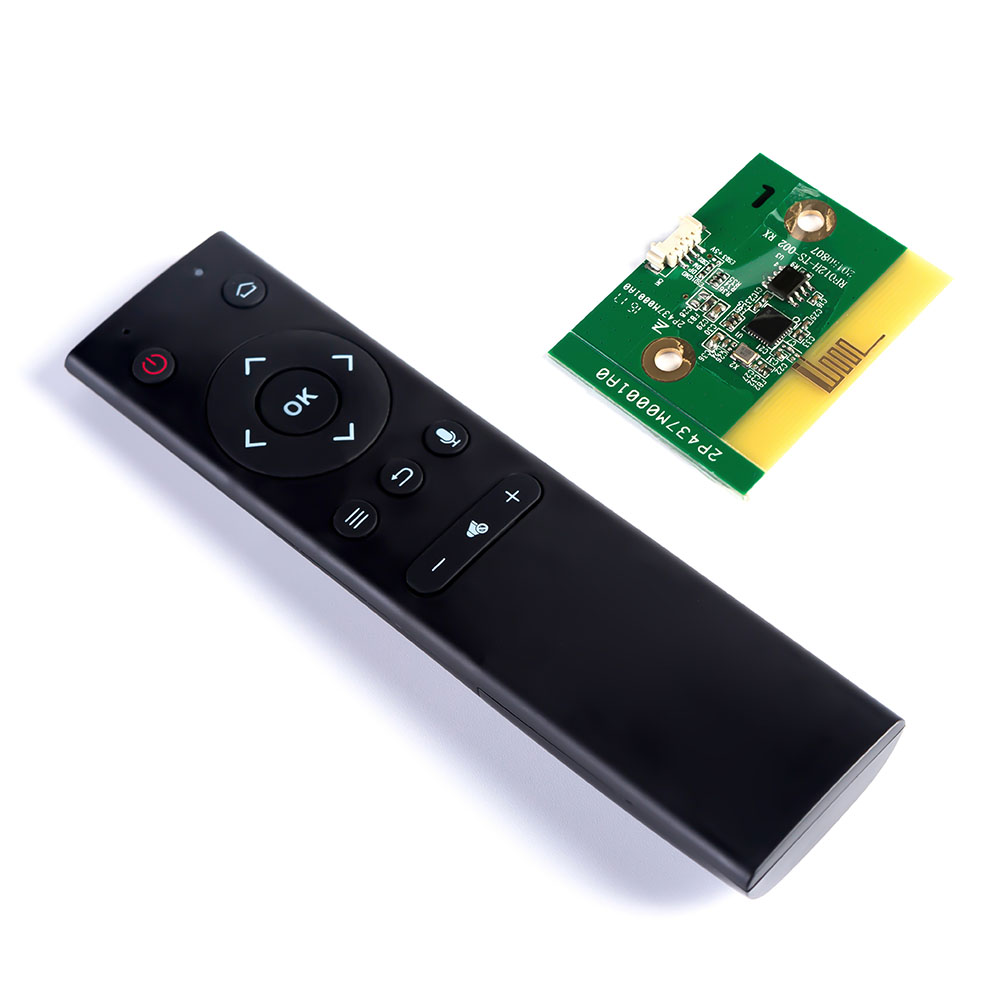
1) Transmission and control: 2.4G radio frequency wireless radio frequency technology
2) Sensor: 3-Gyro + 3-Gsensor
3) Number of keyboards: 63
4) Touch screen: multi-touch
5) Remote control distance: ≥10m
6) Battery type: rechargeable lithium battery
7) Working power consumption: about 20mA under working condition
8) Weight: 130g
FAQ
1. Why does the product not work normally?
First, check whether the power switch is turned on. Secondly, check whether the USB receiver is properly plugged into the PC or other Android devices. Third, check whether the battery has enough power.
2. Can the cursor speed be changed?
Press “home” and “Vol +” or “home” and “Vol-” to adjust the cursor speed
3. Can the touch panal speed be changed?
Press “home” and “page +” or “home” and “page-” to adjust the speed of the touch screen
4. How to switch between Air Mouse and Touch Panel?
The front is Air Mouse mode, and the back is the keyboard and touch panel. No need to press any buttons.
Remark:
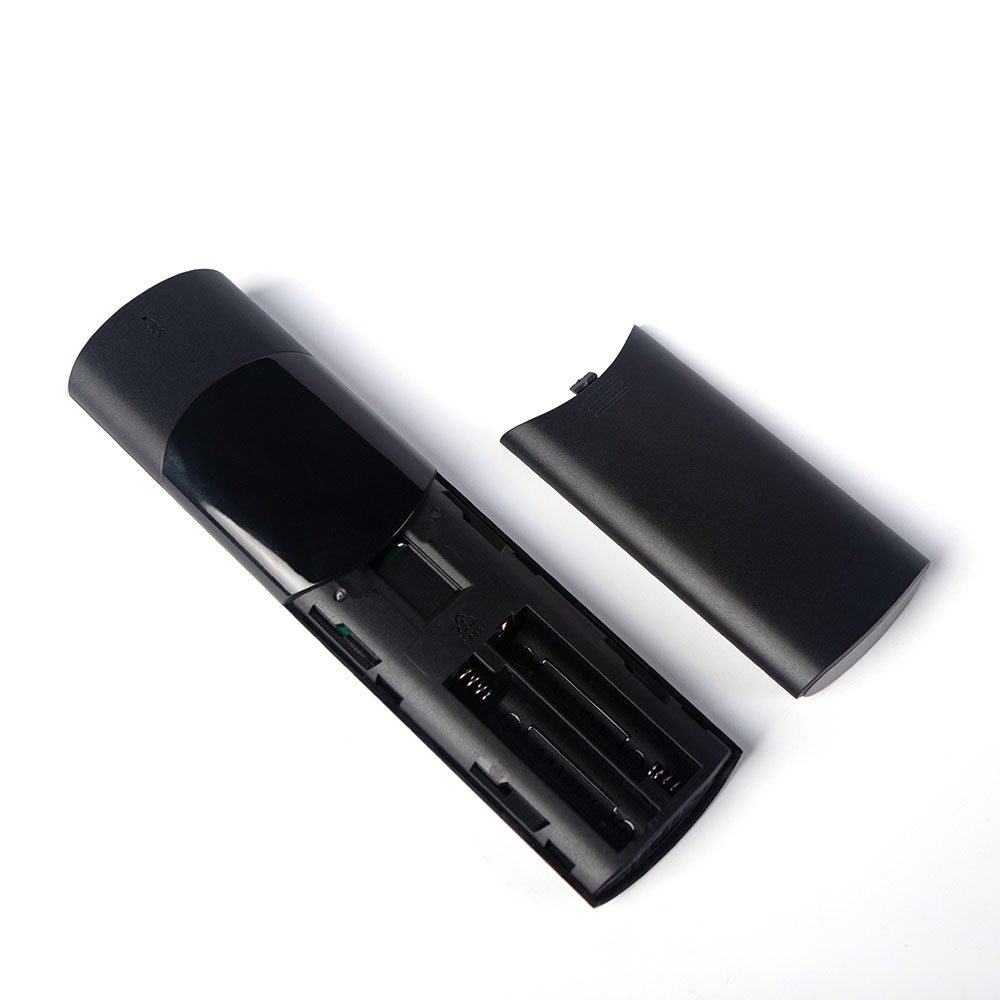
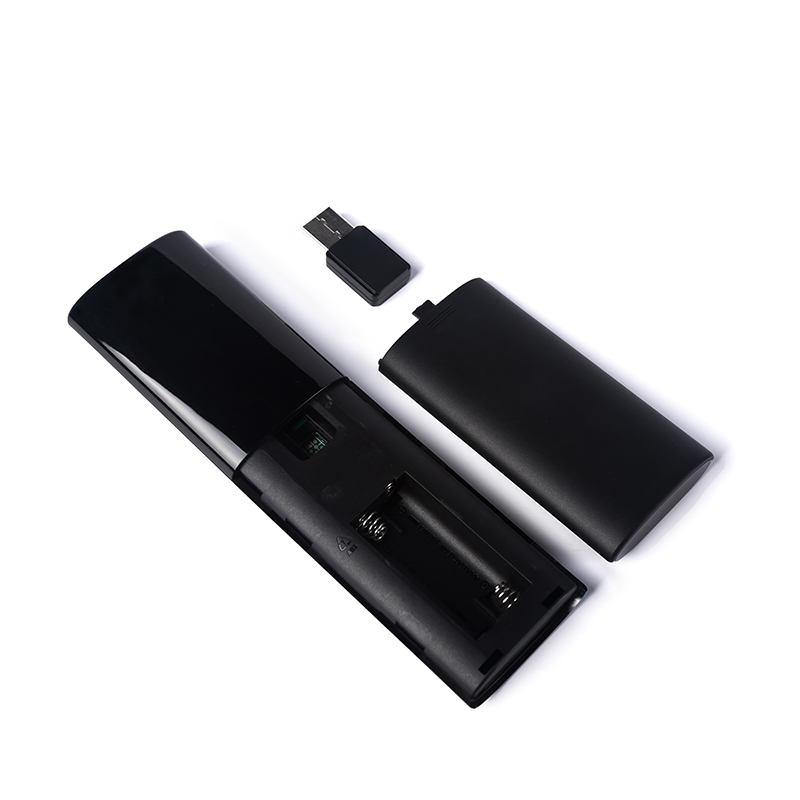
1) Turn off the remote control before inserting the batteries.
2) When the touch screen enters the standby mode, the user needs to press other keys to wake up.
3) To display the indicator light, the user needs to turn on the remote control while charging. If not, no indicator light will light up, but charging will not be affected.
4) Restore factory settings: press OK + Back for 3 seconds
009b
9931
DT013B
DT017A
DT-2092
Product detail pictures:


Related Product Guide:
We pursue the administration tenet of "Quality is exceptional, Provider is supreme, Name is first", and will sincerely create and share success with all clientele for China Wholesale Mini Remote Control Manufacturers - T6C – Doty , The product will supply to all over the world, such as: Milan, Czech Republic, Mexico, Our company warmly invites domestic and overseas customers to come and negotiate business with us. Allow us to join hands to create a brilliant tomorrow! We've been looking forward to cooperating with you sincerely to achieve a win-win situation. We promise to try our best to deliver you with high quality and efficient services.
 By John from Sydney - 2017.09.22 11:32
We are long-term partners, there is no disappointment every time, we hope to maintain this friendship later!
By Eleanore from Kuwait - 2017.10.13 10:47
-

China Wholesale Ir Mobile Remote Control Manufa...
-

China Wholesale Bluetooth Remote Pricelist - M...
-

China Wholesale Custom Rf Remote Control Suppli...
-
China Wholesale Programmable Infrared Remote Ma...
-

China Wholesale Rf Smart Remote Factories - IR...
-

China Wholesale Long Range Rf Remote Control Qu...


